
Professional Headshot
A clean, corporate headshot for LinkedIn, team pages and speaker bios.
New to image prompts? The Prompt Wizard asks one thing at a time - subject, style, setting, mood, lighting, camera and more - and you can skip any step. Your prompt builds live as you go, ready to copy into ChatGPT, Grok, Gemini, Midjourney, DALL-E, or any AI image model.
Pick a template to see what it is for and the prompt it builds. Use it to fill in every setting, then tweak anything you like before you copy or run it.
No templates match that search.
A clean, corporate headshot for LinkedIn, team pages and speaker bios.

A soft, natural portrait lit by a nearby window - warm and intimate.
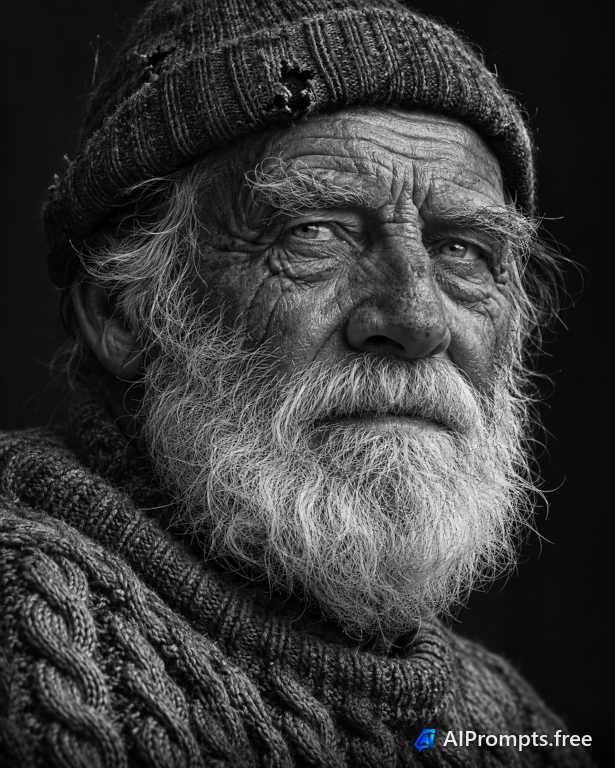
A moody, high-detail monochrome portrait that shows texture and character.
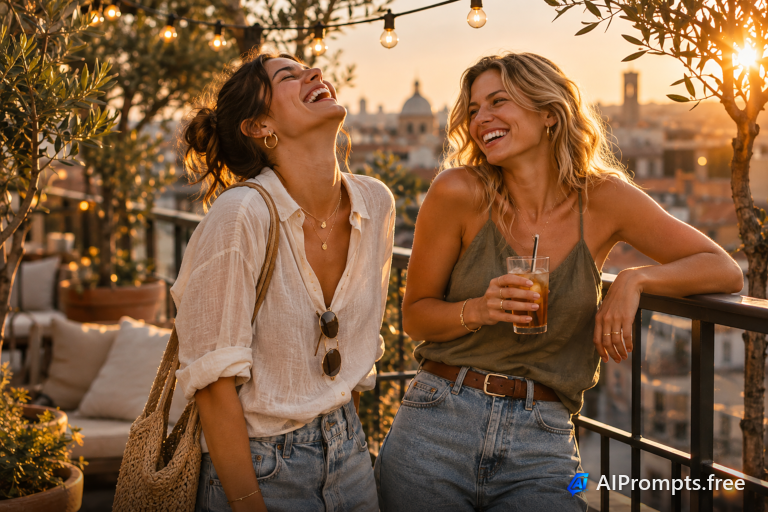
Friends in warm sunset light - great for lifestyle brands and blog posts.
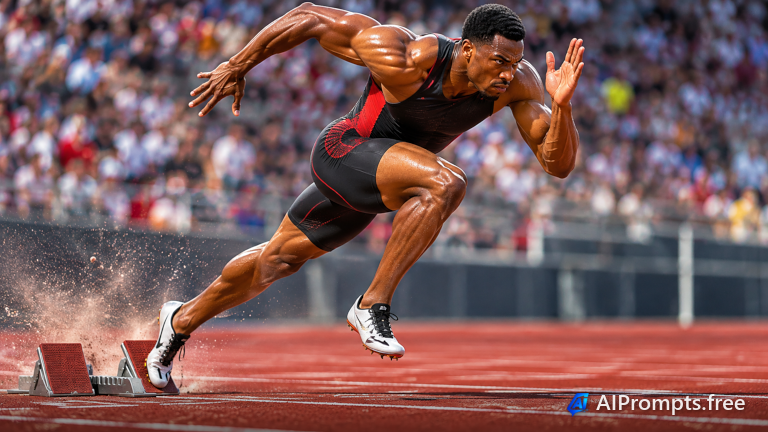
A frozen moment of peak effort, shot like professional sports photography.
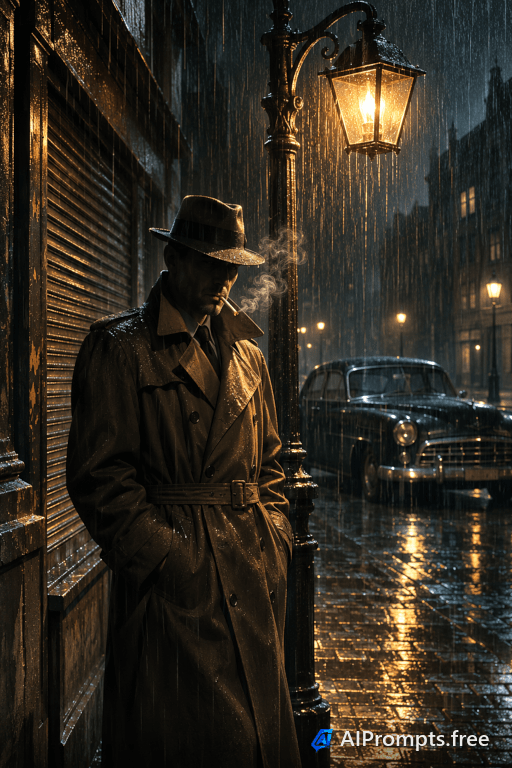
A cinematic night portrait with rain, streetlights and film noir tension.
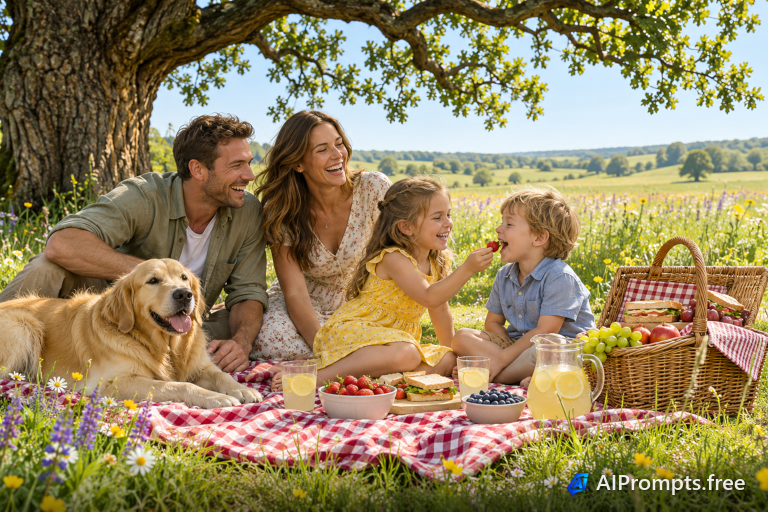
A bright, happy family scene for greeting cards, ads and community pages.
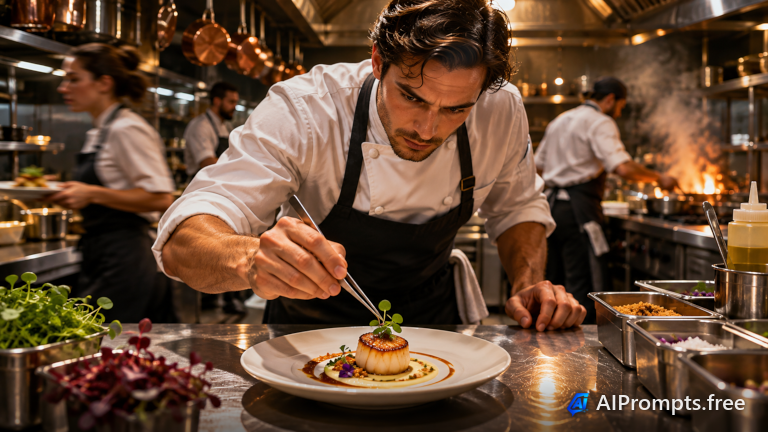
A behind-the-scenes kitchen moment for restaurant menus and websites.
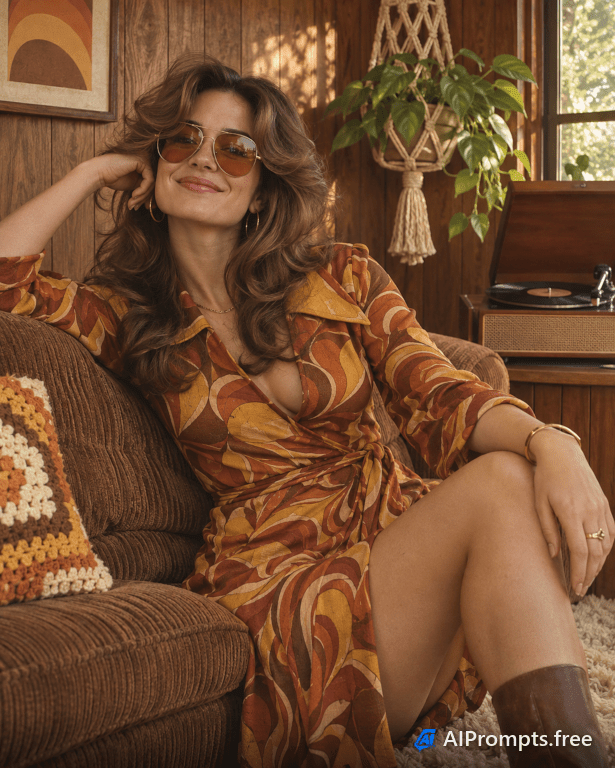
A nostalgic portrait with the faded warmth of a 1970s photo.
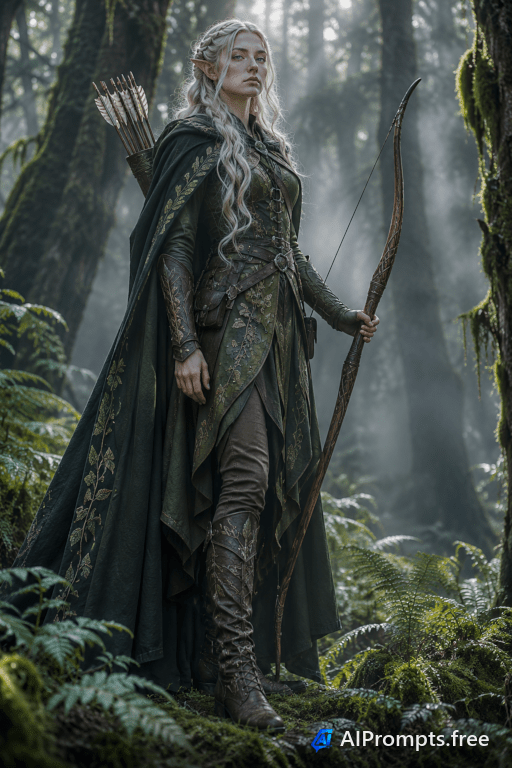
A cosplayer in a misty forest, backlit like a movie poster.

A confident leader portrait for About pages, press kits and annual reports.
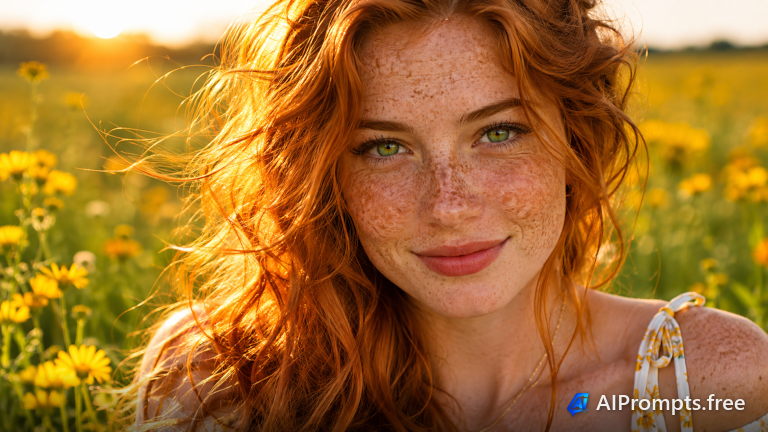
A vivid beauty close-up full of skin texture and color.
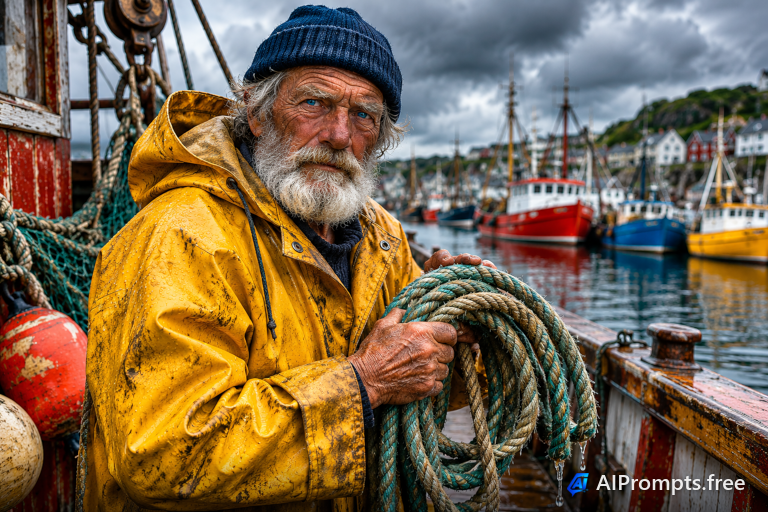
A character-rich portrait of an old sailor with deep lines and stories.
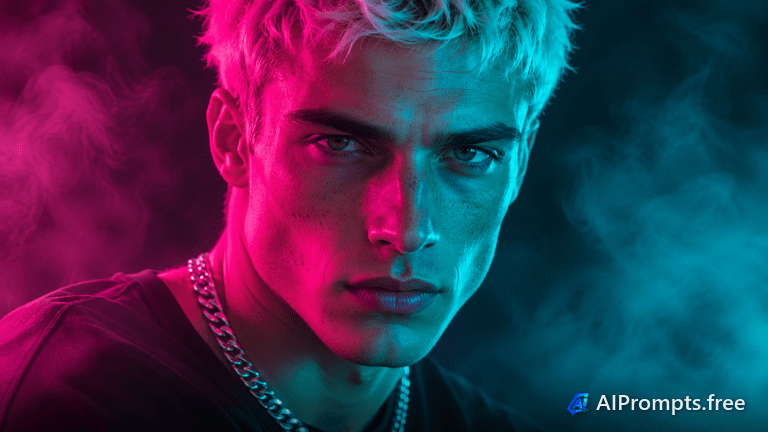
Bold magenta and cyan gel lighting for album art and social posts.
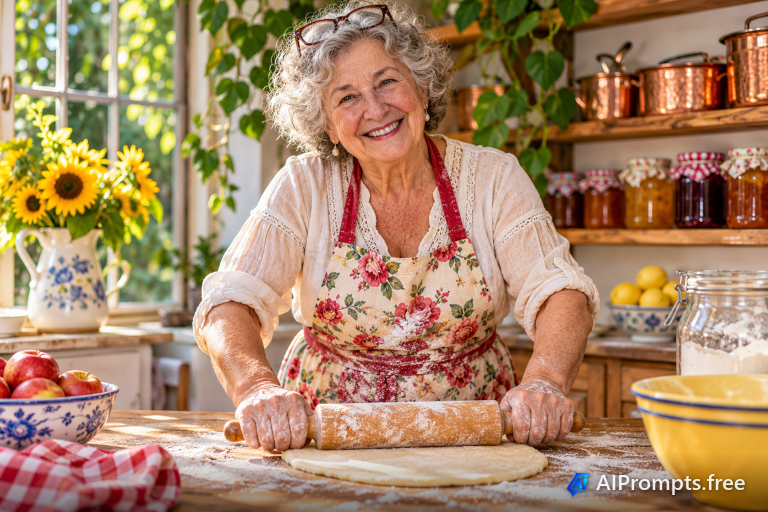
Warm, candid family portrait with a homemade feel.
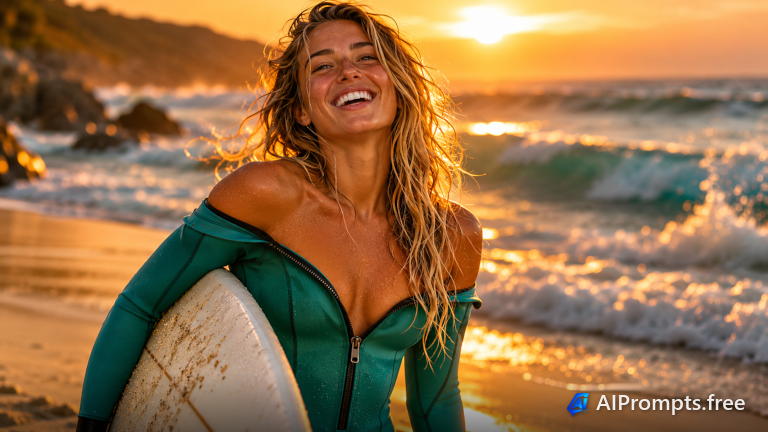
Sun-soaked lifestyle portrait for travel and outdoor brands.

A friendly medical professional for clinic websites and health content.
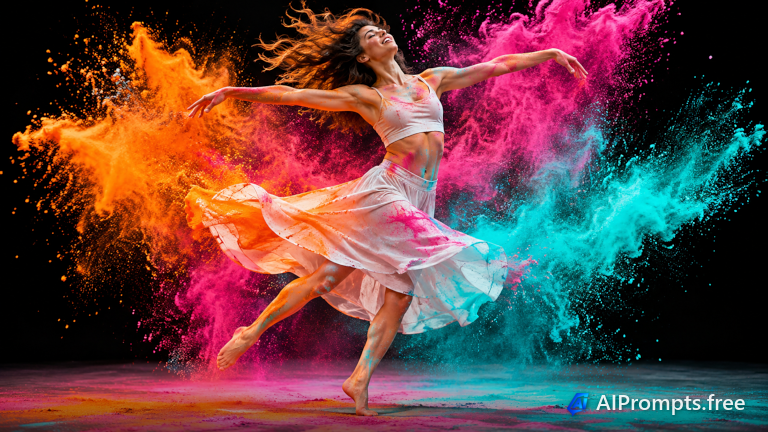
An explosive action portrait with clouds of bright pigment.
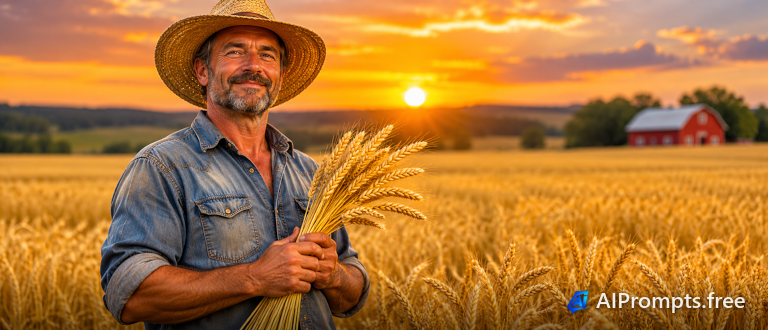
An honest, earthy portrait for agriculture and food stories.
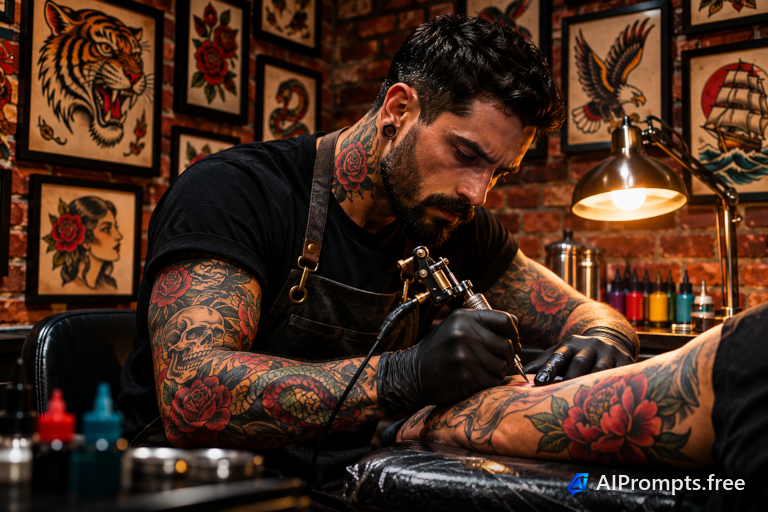
A gritty, creative portrait inside a working studio.
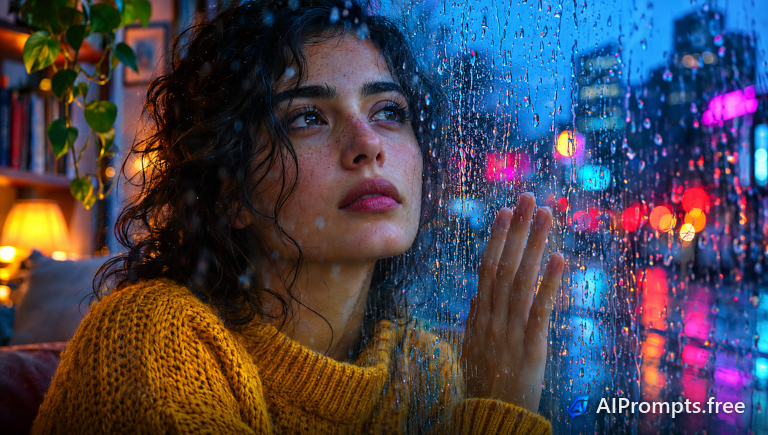
A moody, reflective portrait through a rain-streaked window.
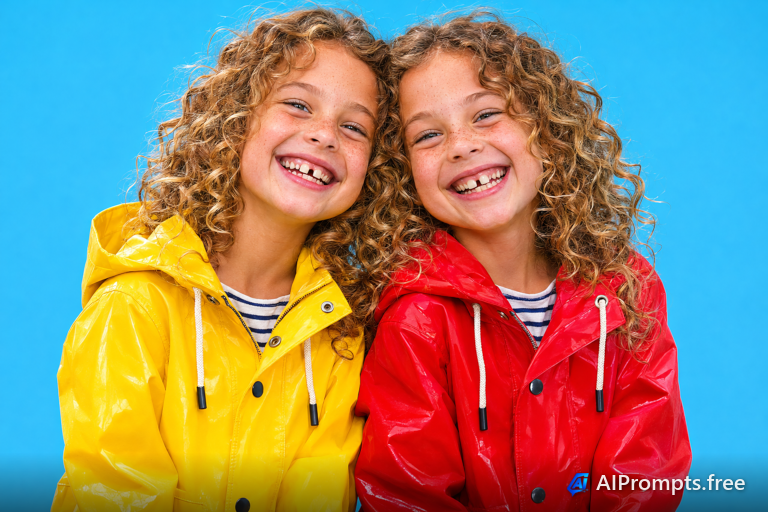
A playful studio portrait of two identical twins.
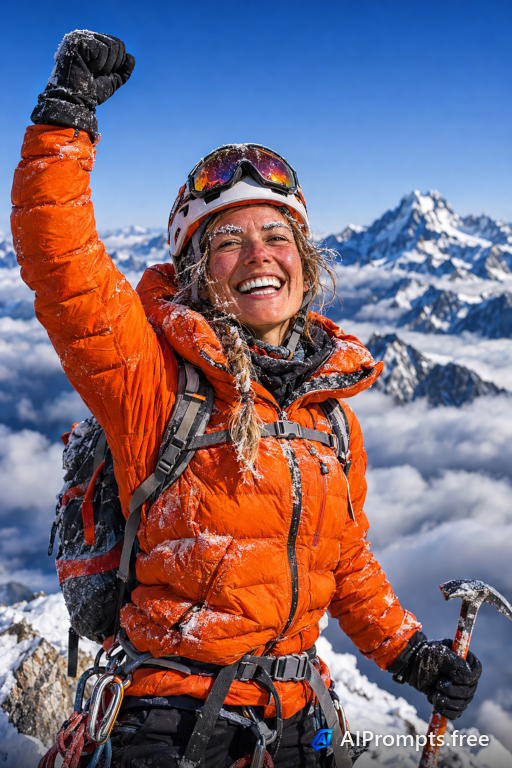
An adventure portrait with a frosty, triumphant face.
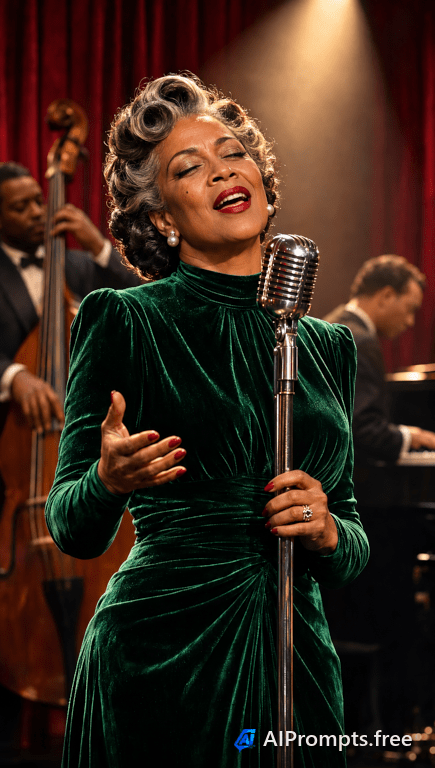
A glamorous 1940s-style portrait at a microphone.
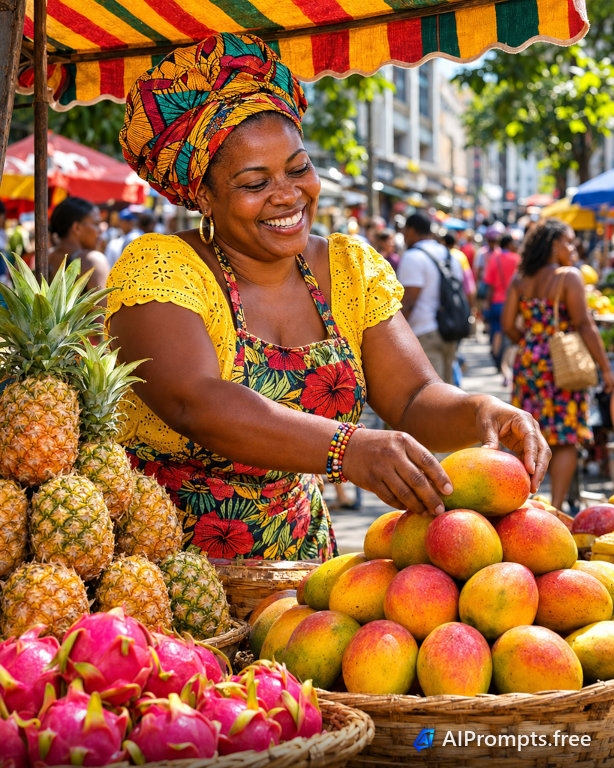
A vibrant documentary portrait from a busy market.
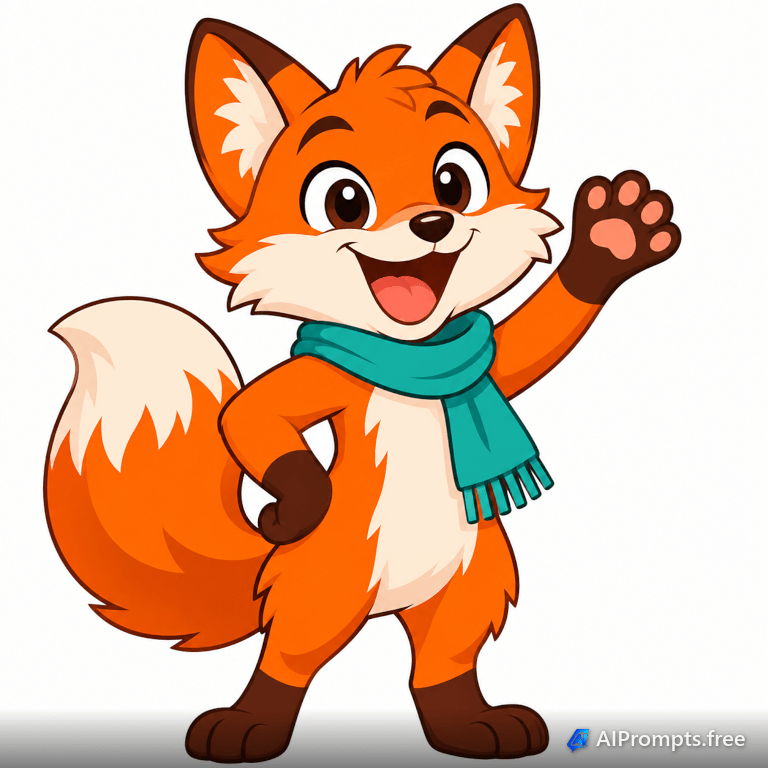
A friendly brand mascot on a plain background, easy to cut out.
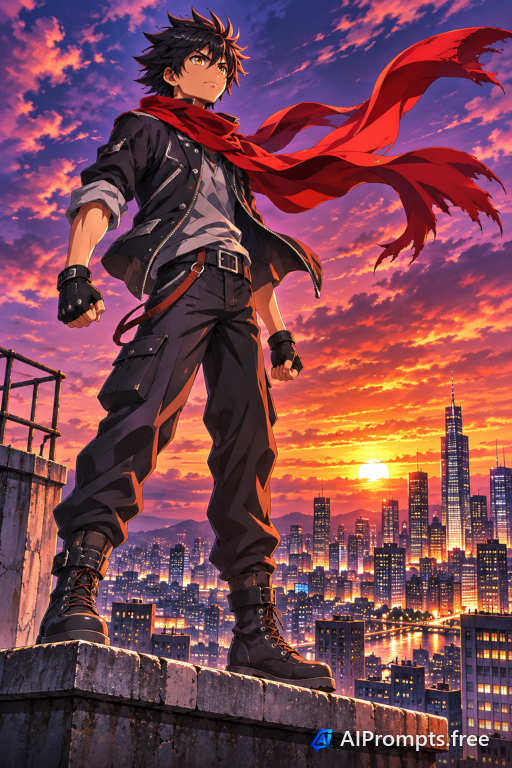
A dynamic anime character with wind-swept motion at dusk.
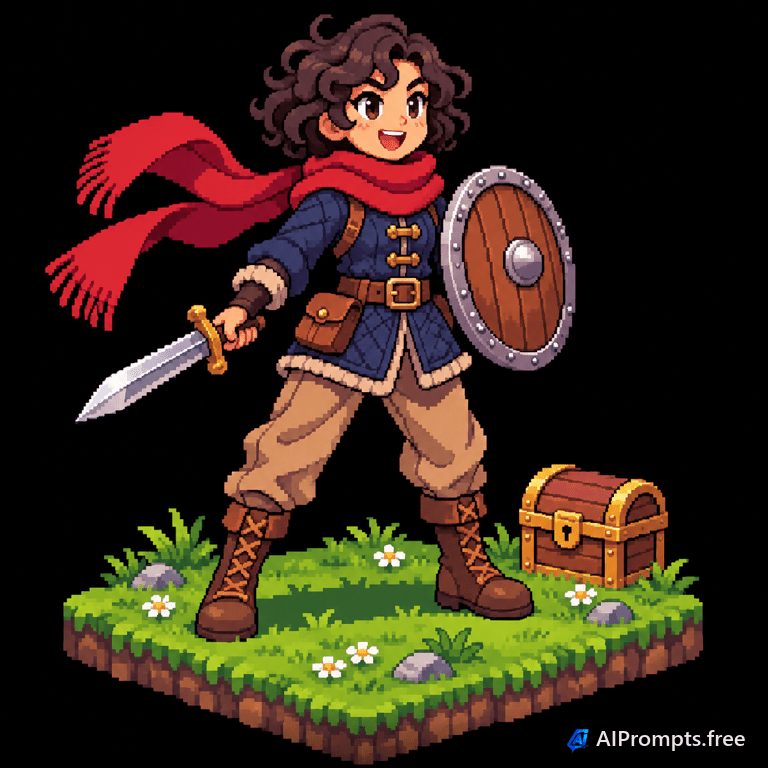
A retro game sprite-style character for indie games.
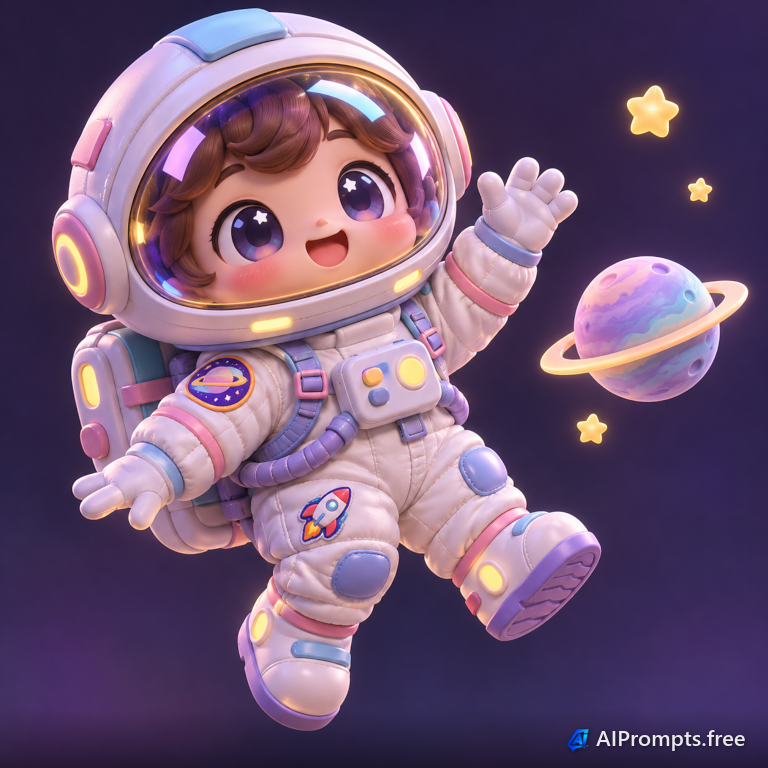
A cute, glossy 3D character for apps, stickers and avatars.
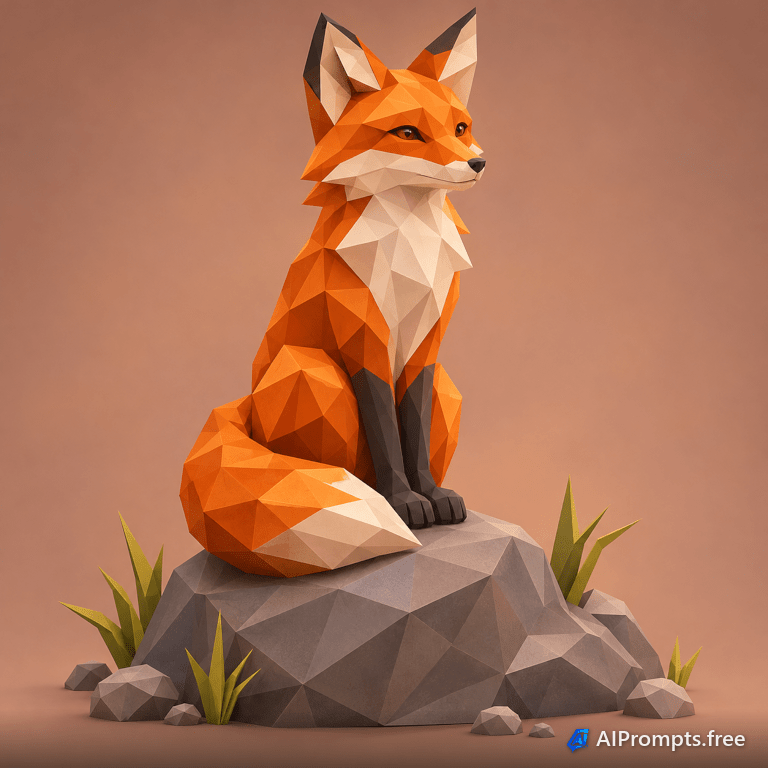
A faceted geometric animal for logos and game assets.
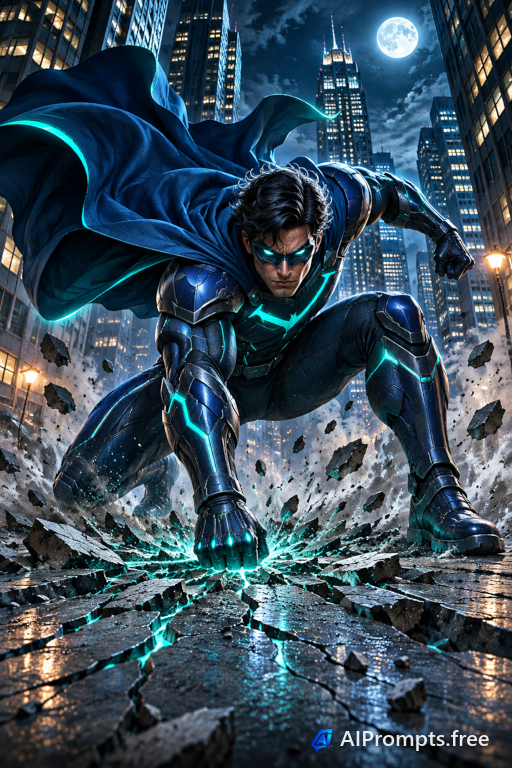
An original hero in a classic three-point landing pose.
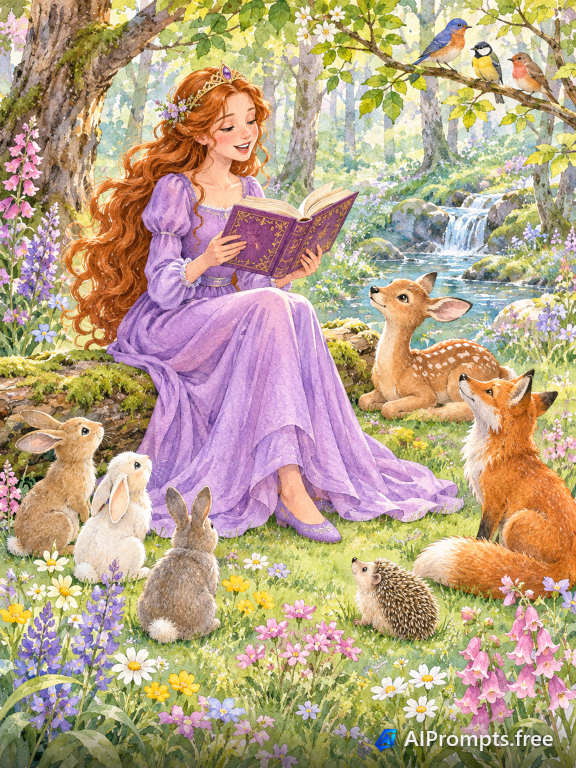
A gentle watercolor scene for children's books.
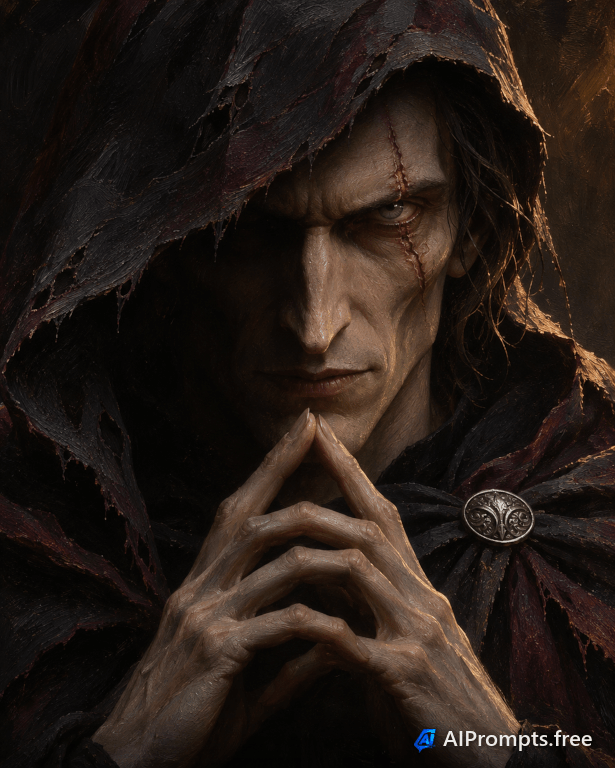
A menacing oil-painted antagonist with deep shadows.
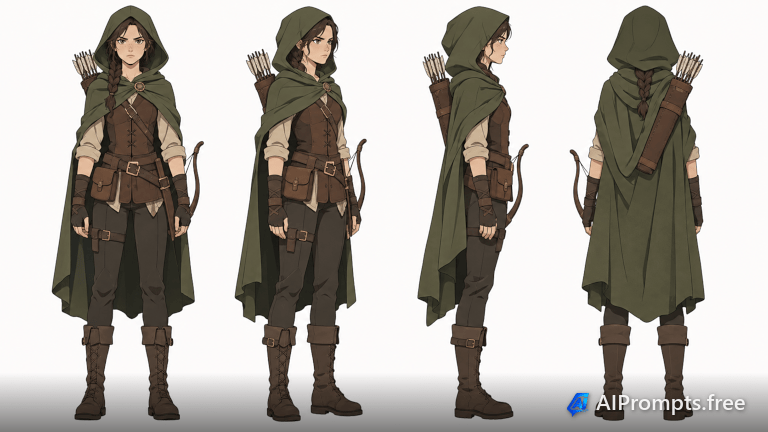
Front, side and back views for game and animation design.
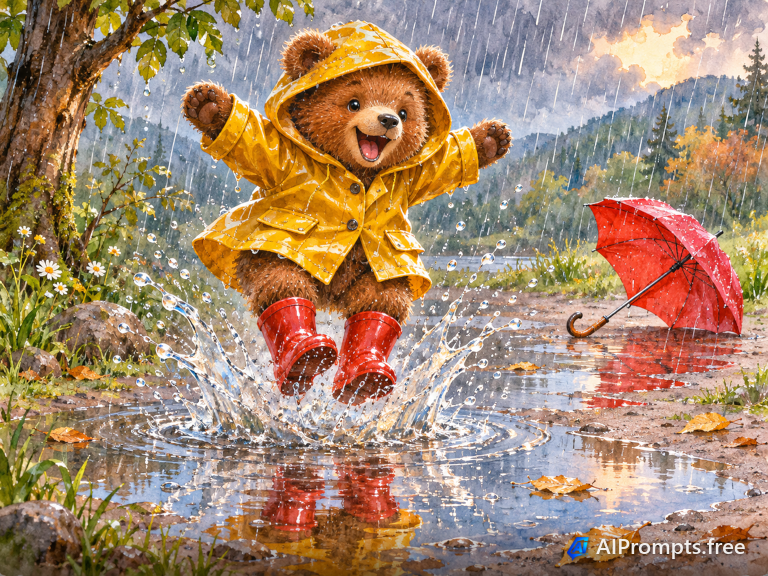
A playful picture-book character splashing in puddles.

A die-cut sticker style robot with a thick white border.

A tiny 3D chibi cat in a wizard hat casting a sparkly spell.

A happy coffee cup character for cafes and menus.
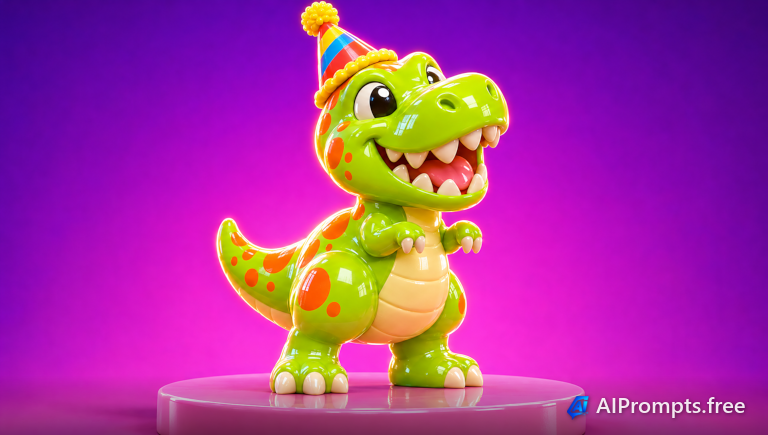
A collectible vinyl-toy style baby dinosaur.
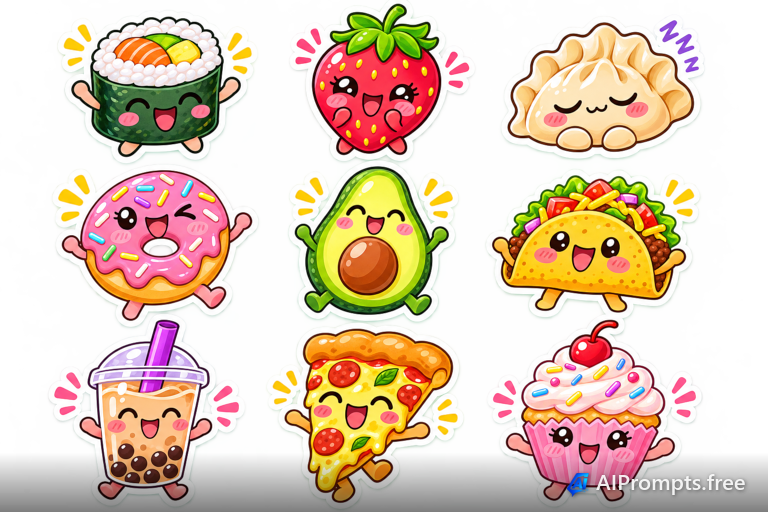
A sheet of cute smiling food stickers.
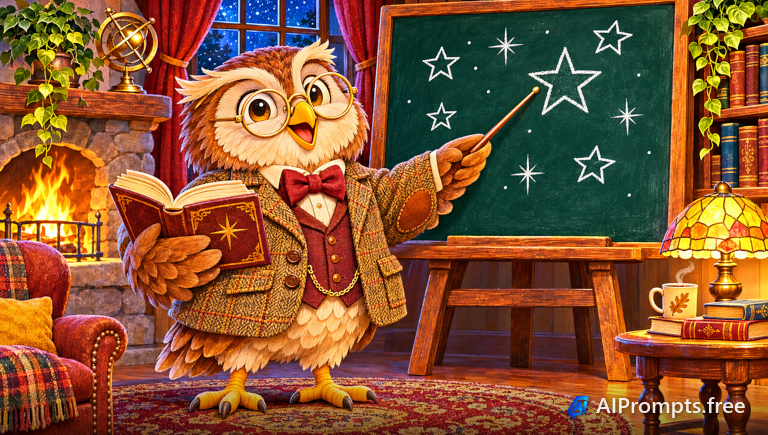
A wise cartoon owl teacher for education content.
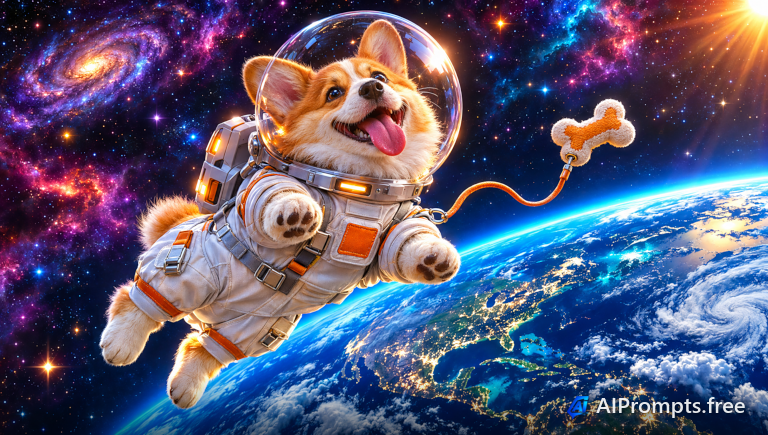
A 3D corgi floating in space in a tiny spacesuit.
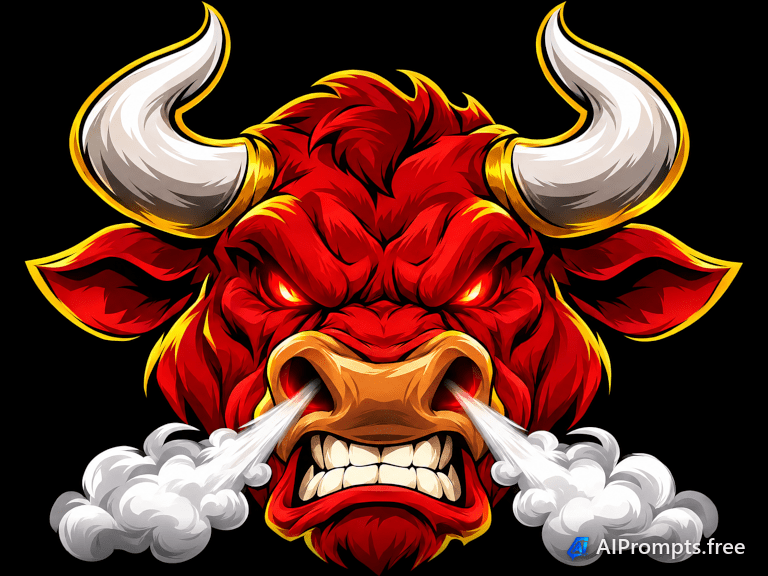
A fierce, bold mascot logo character for teams and esports.
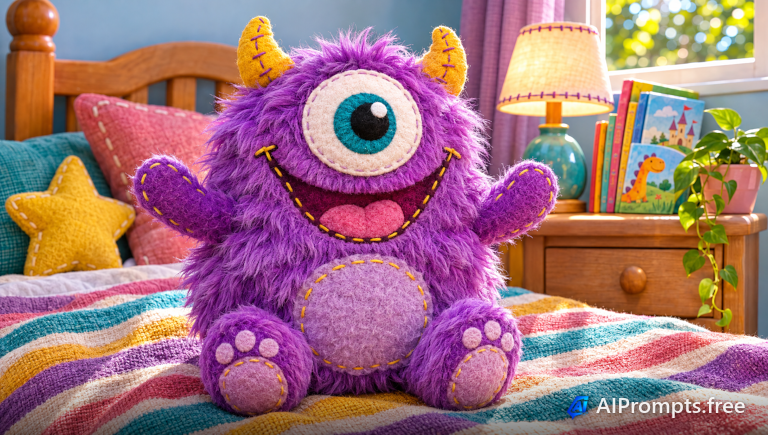
A soft, fuzzy little monster plush for kids brands.

A swashbuckling cartoon parrot for games and kids books.
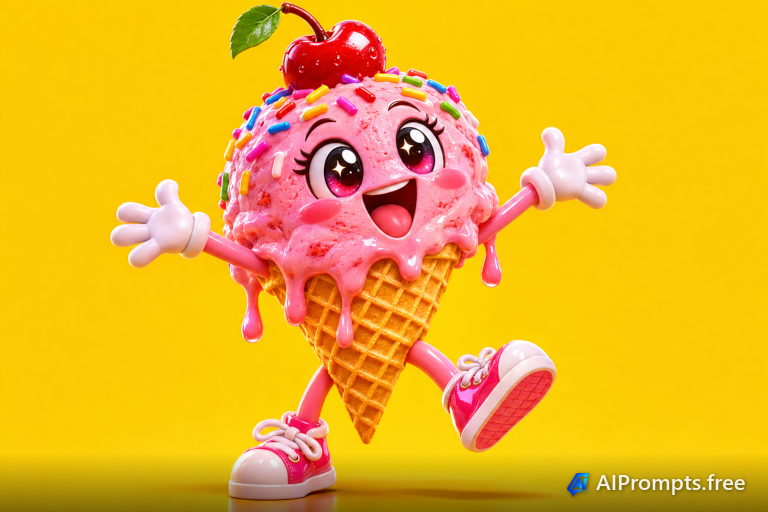
A cheerful ice cream cone character for summer promos.
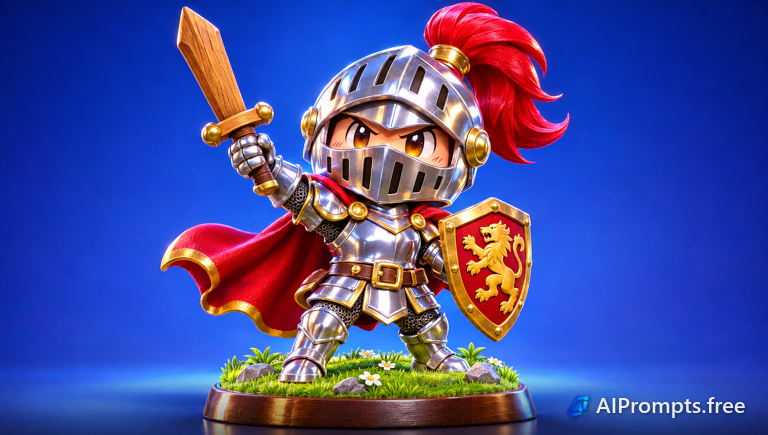
A collectible chibi knight figurine.
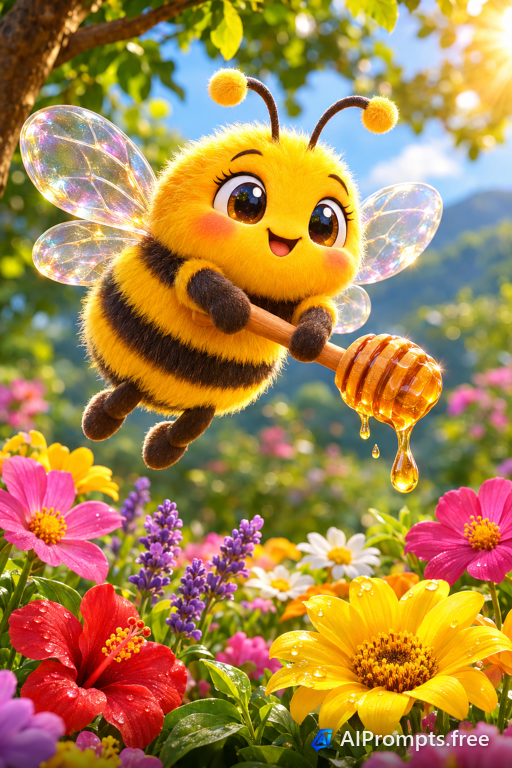
A sweet bee character for honey, garden and eco brands.
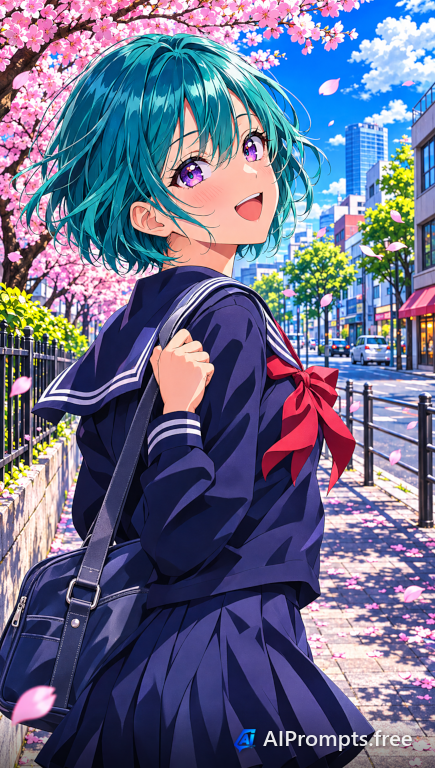
A bright anime character portrait for avatars and covers.
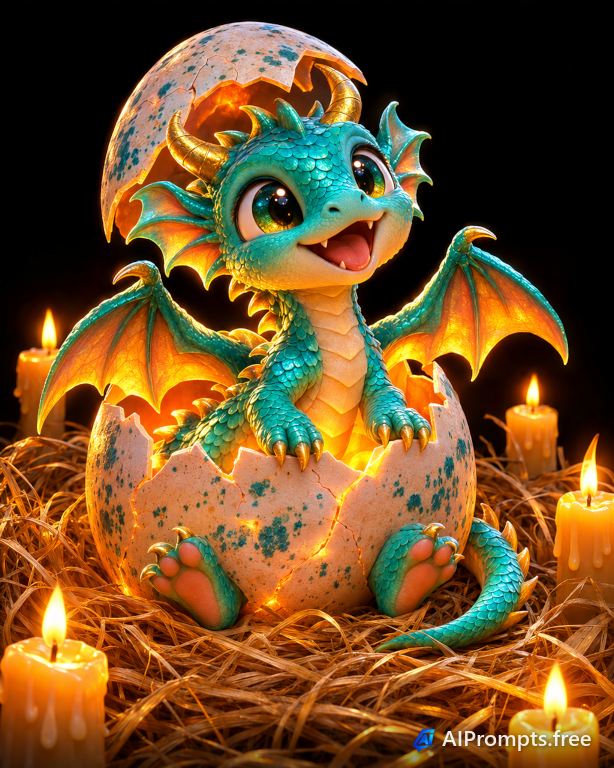
An adorable dragon hatching from a glowing egg.
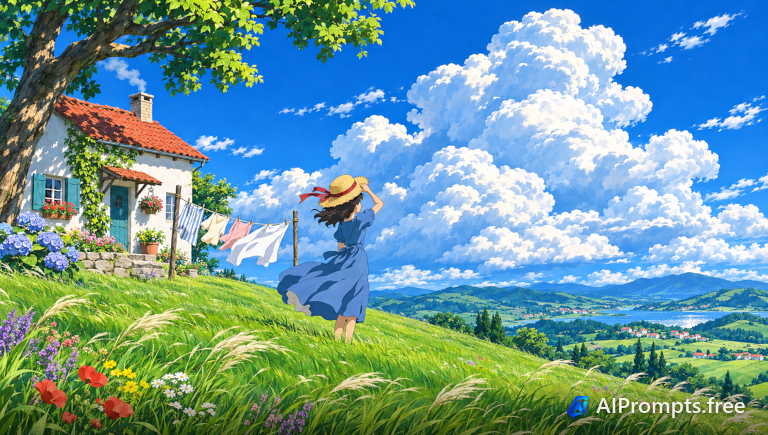
A hand-painted anime cottage on a breezy green hill.
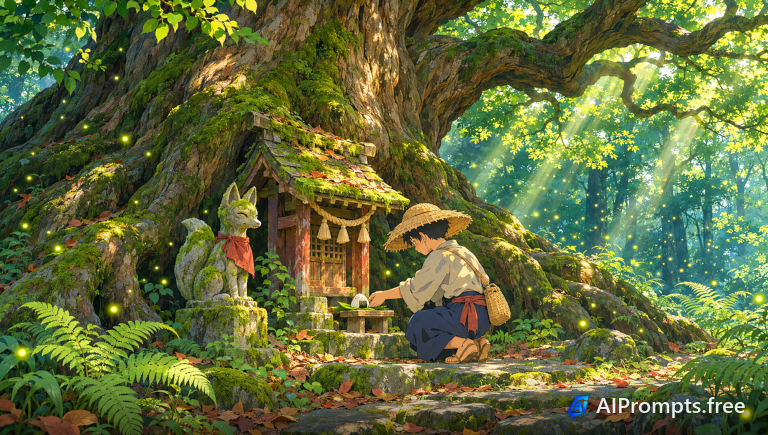
A mossy fox shrine glowing with fireflies in an old forest.
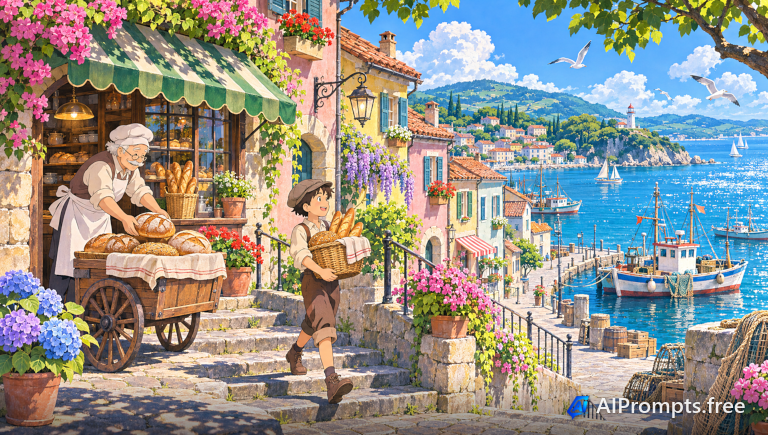
A cozy harbor town waking up around a little bakery.
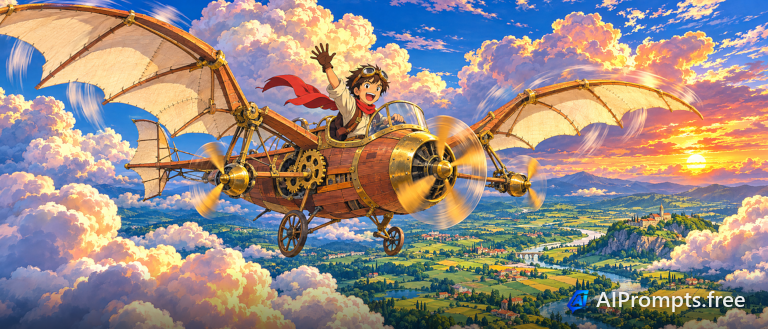
A whimsical propeller airship drifting through a huge sky.
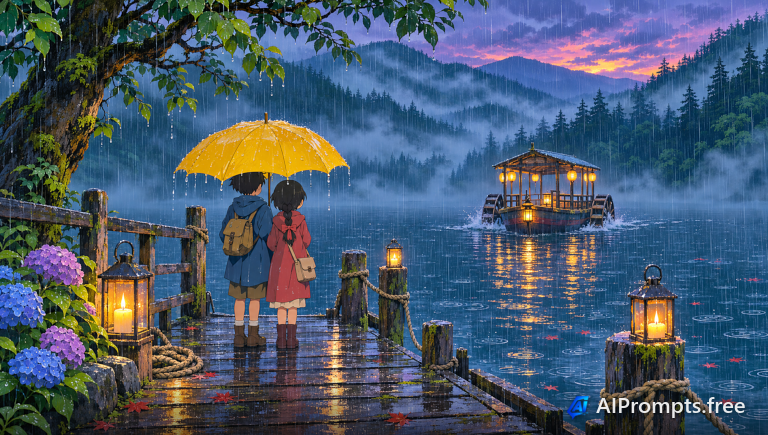
Two kids waiting for a lantern-lit ferry in the rain.
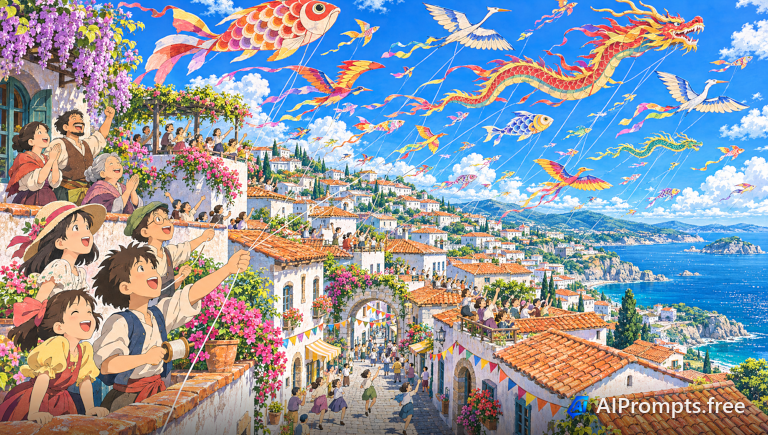
Hundreds of paper kites over a seaside hill town.
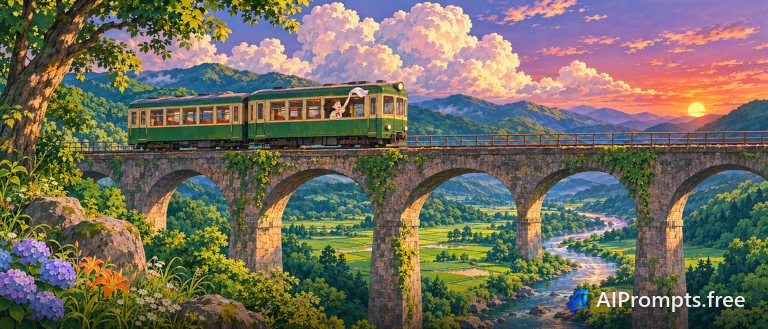
A little green train crossing a stone viaduct in summer.
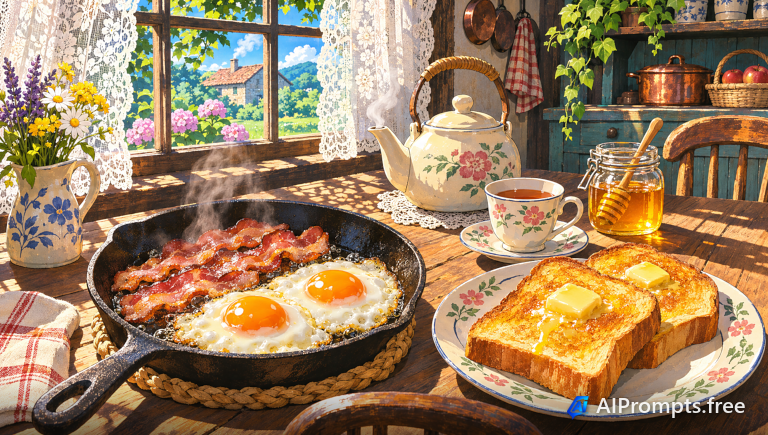
A mouthwatering hand-painted breakfast in a sunny kitchen.
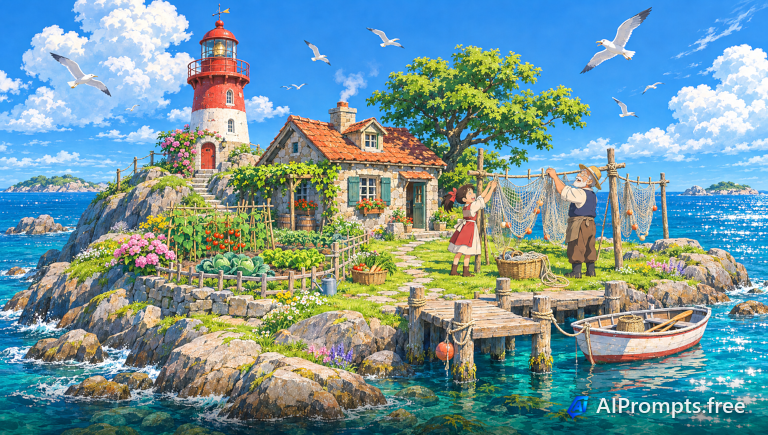
A tiny island home with a red and white lighthouse.
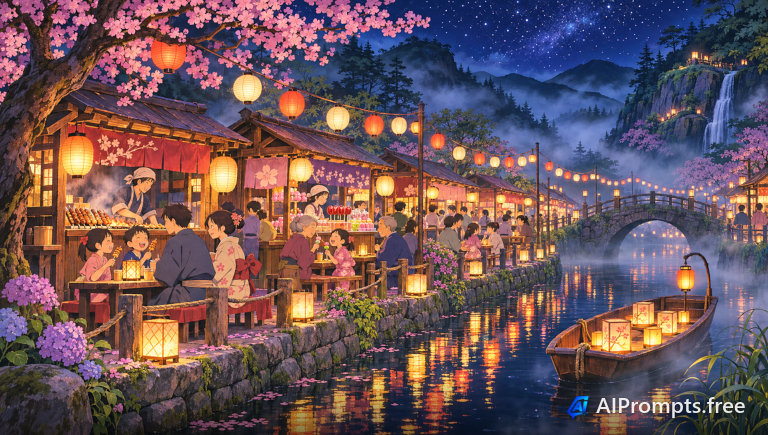
A lantern-lit night market along a quiet canal.
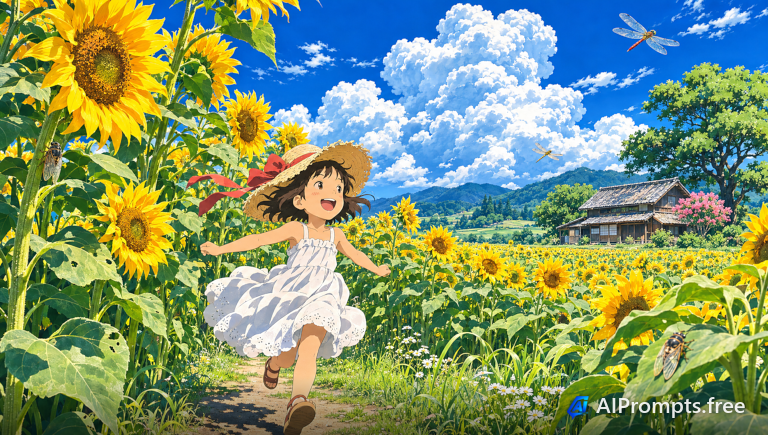
A summer anime scene with sunflowers taller than a child.
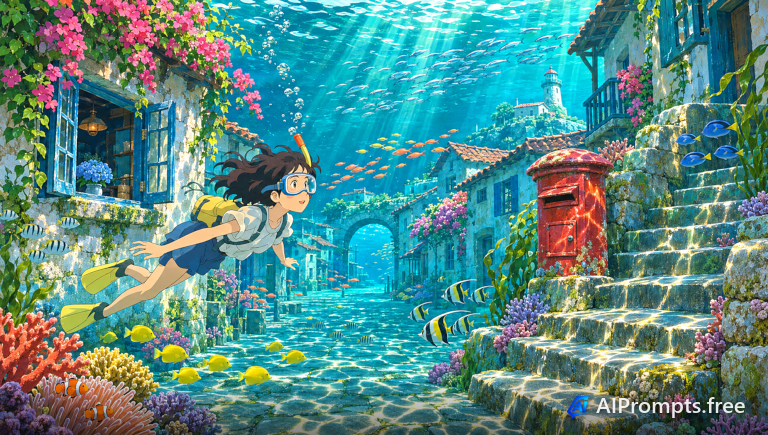
A sunken village with fish swimming through sunlit streets.
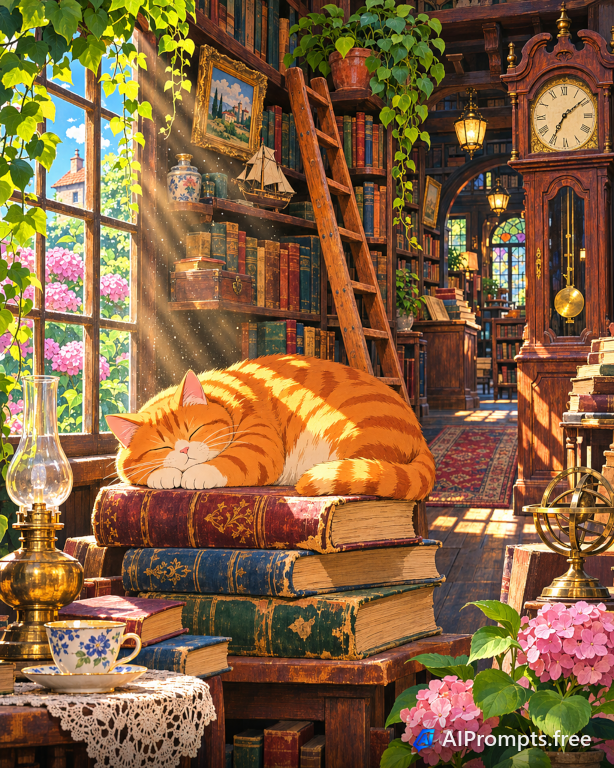
A cozy bookshop with a sleepy cat in a sunbeam.
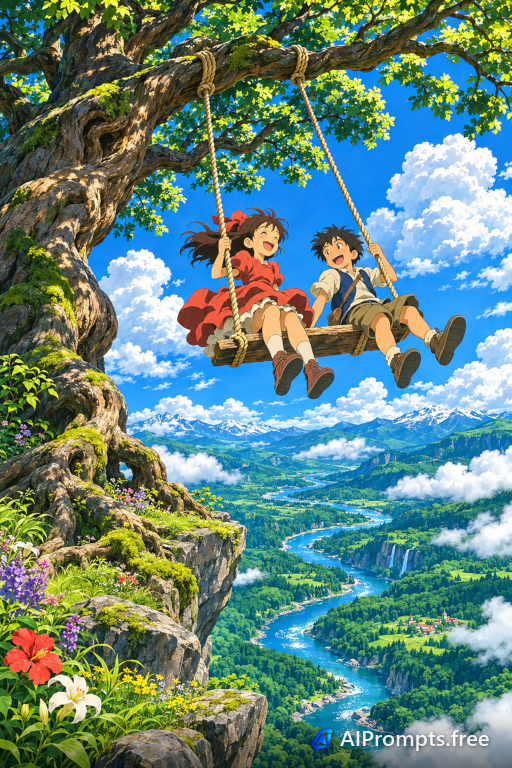
Two kids on a rope swing from a gigantic tree.
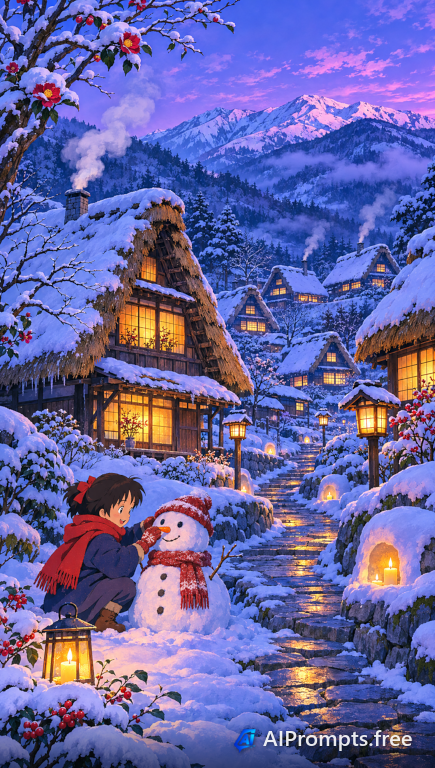
A snowy mountain village glowing at twilight.
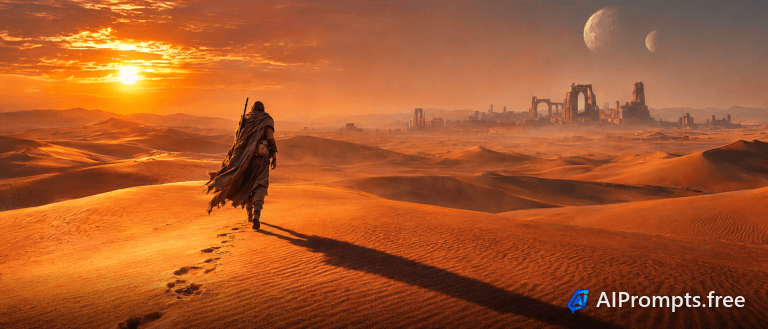
An epic widescreen film still of a lone traveler.
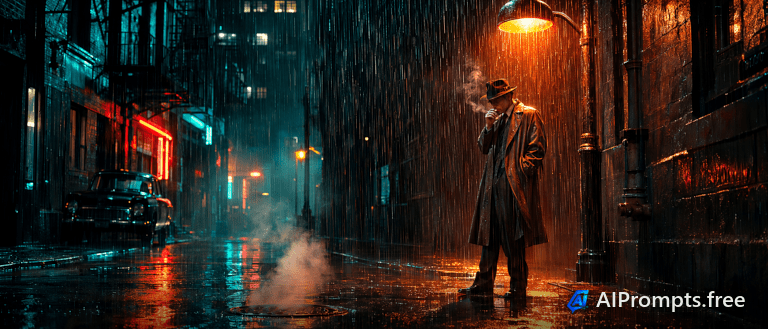
A rain-soaked detective film frame in teal and orange.
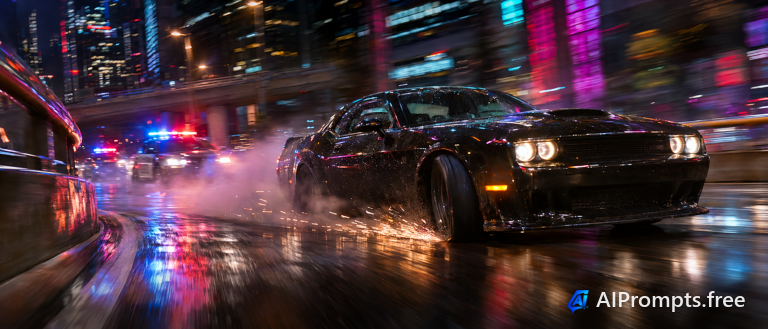
A high-speed action movie frame on a neon highway.
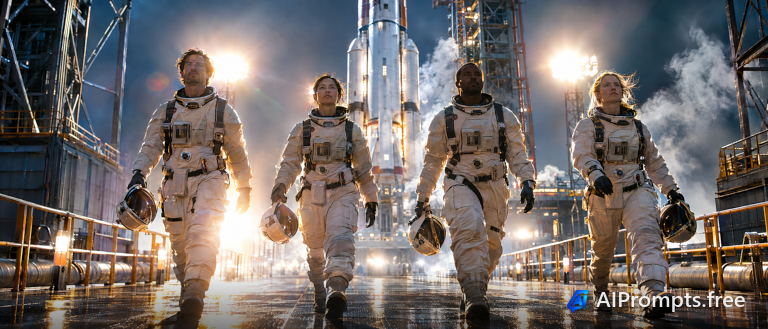
A heroic slow-motion walk toward the rocket.
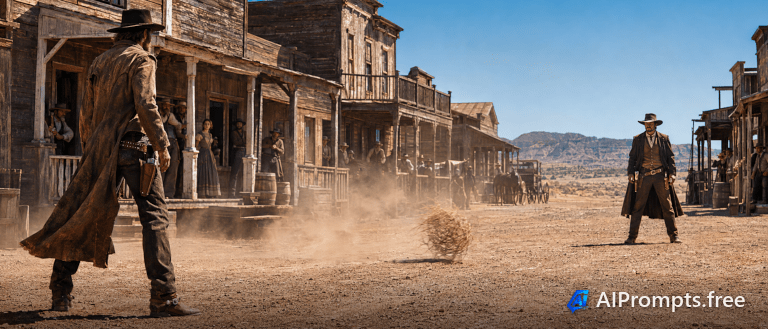
A dusty showdown framed like a classic western.
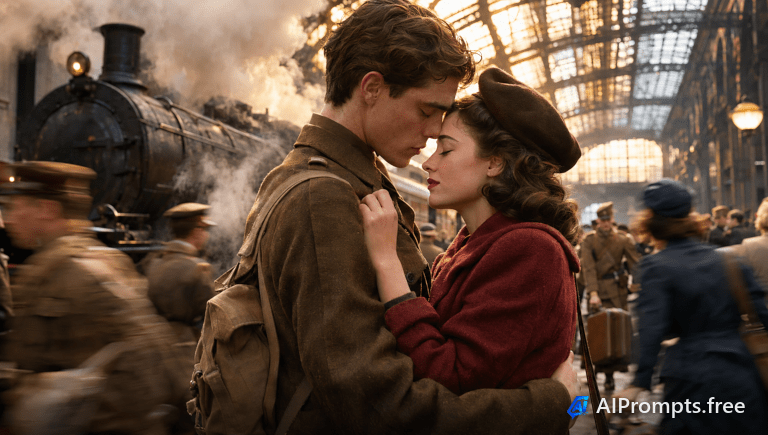
An emotional period-drama goodbye in clouds of steam.
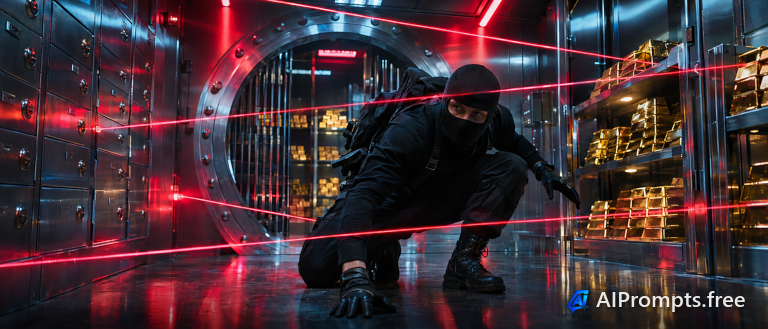
A tense thriller frame inside a laser-guarded vault.
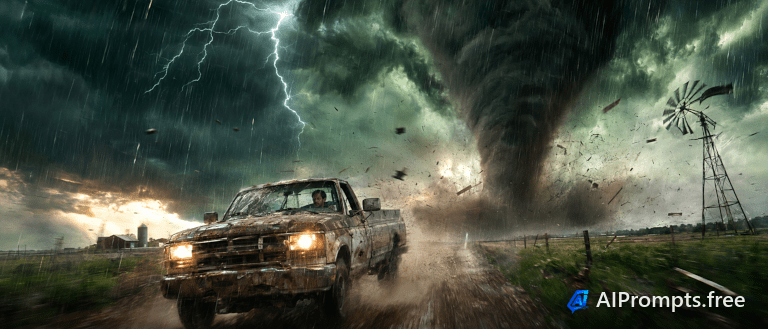
A disaster-movie frame with a tornado on the plains.
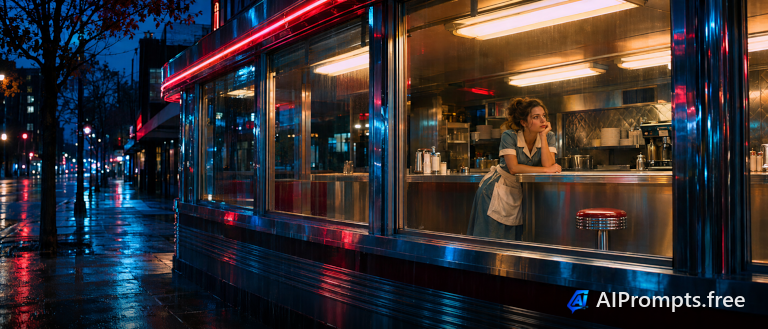
A lonely late-night diner frame through big windows.
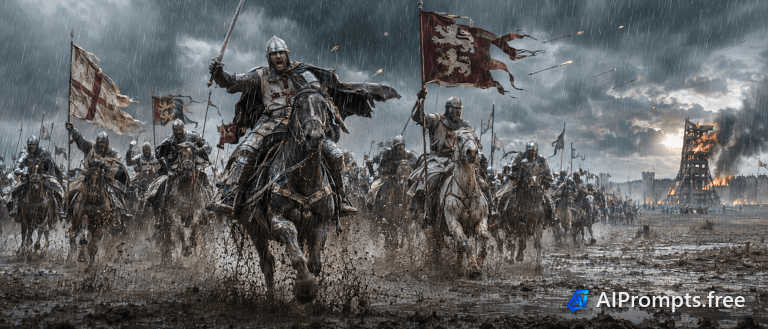
An epic battle frame of knights charging through mud.
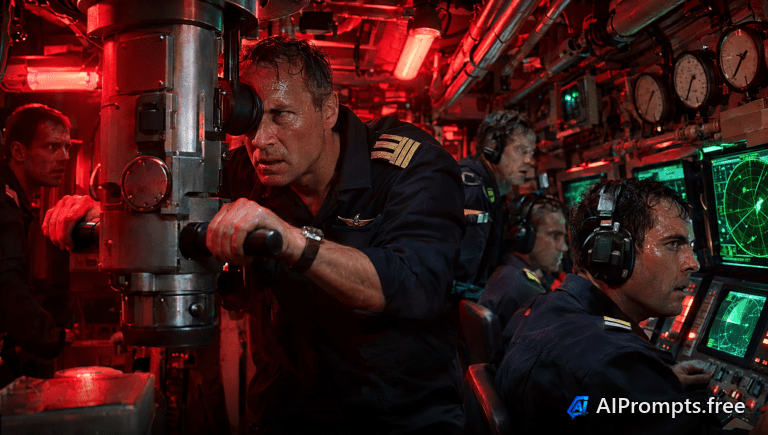
A claustrophobic red-lit frame from a submarine thriller.
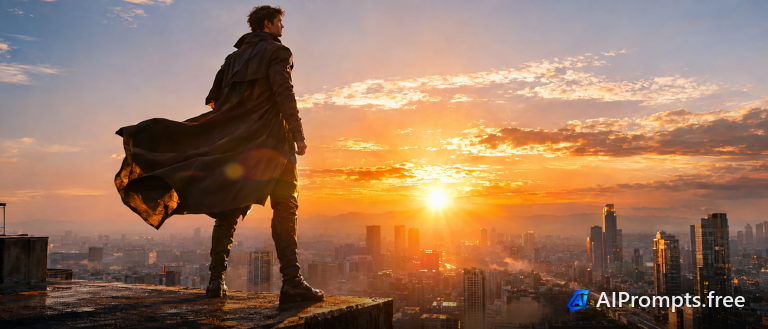
A hero silhouette above a city at sunrise.
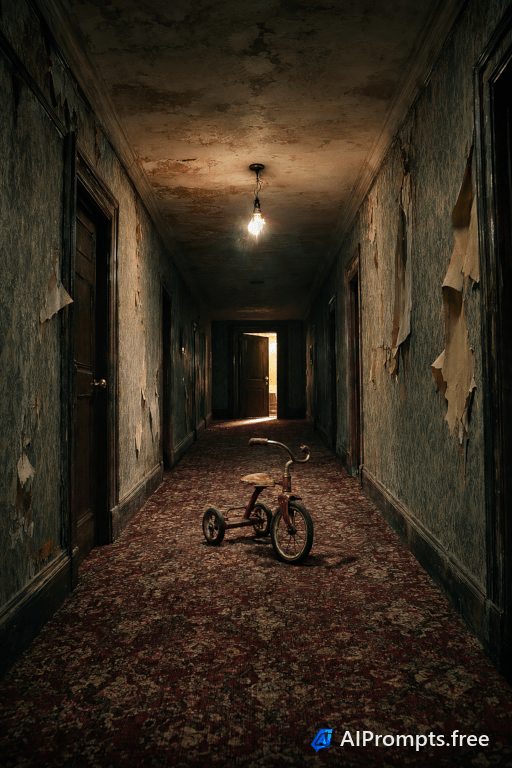
A creepy horror-movie corridor with one flickering light.
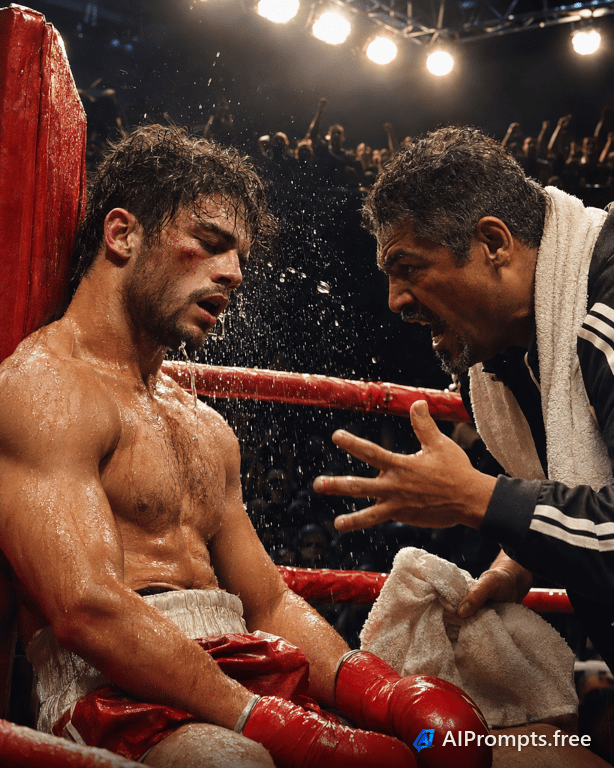
A gritty sports-drama close-up in the boxing ring.
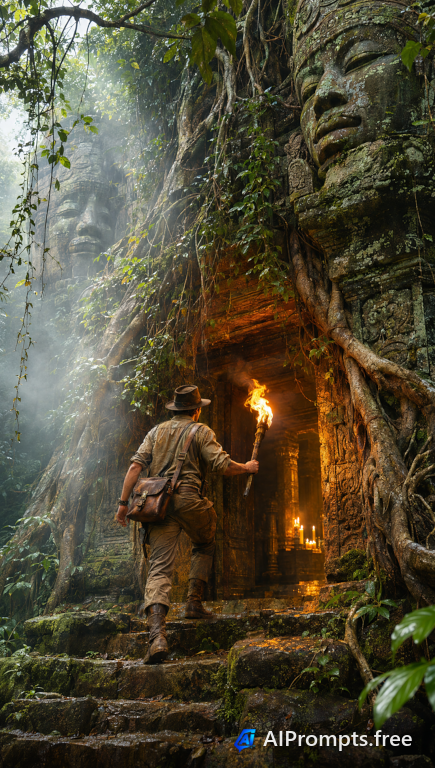
An adventure-film frame at a hidden temple entrance.
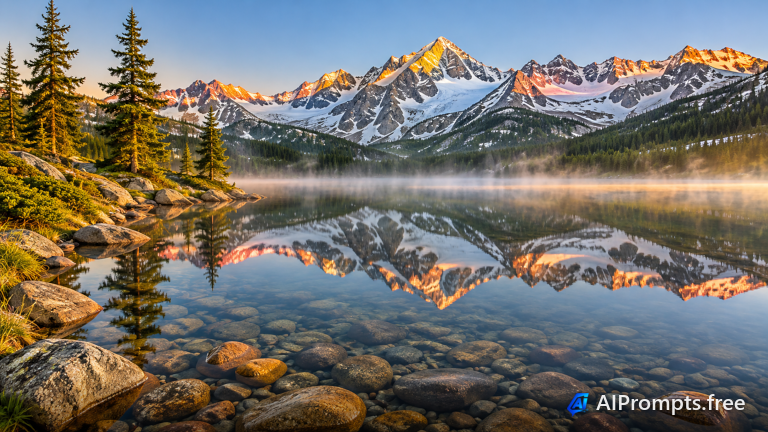
A postcard mountain reflection for wallpapers and travel pages.
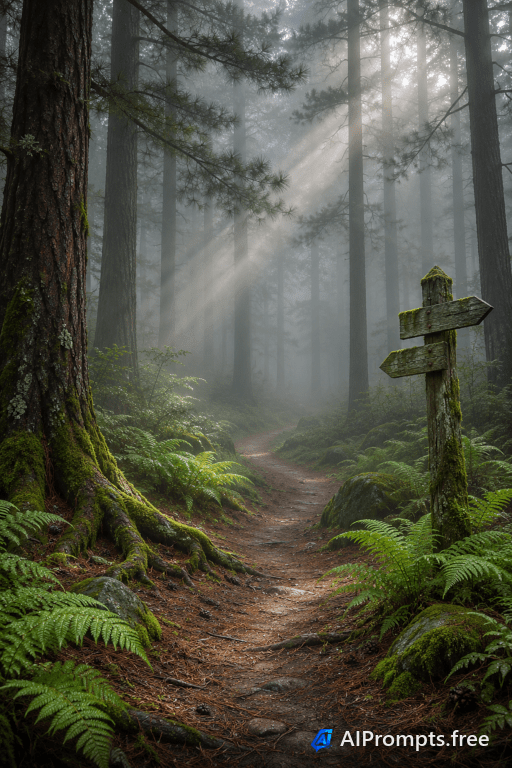
A quiet, atmospheric forest path wrapped in fog.
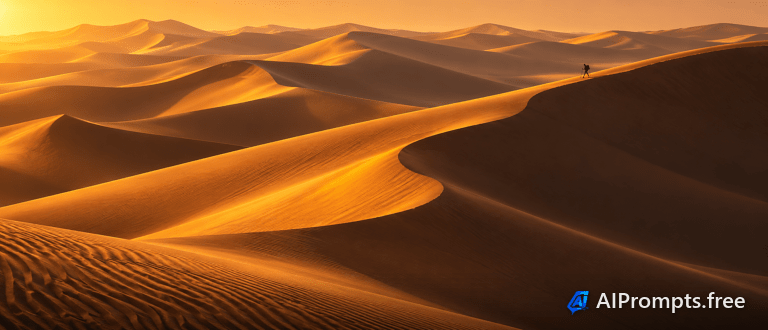
Sweeping sand ridges in low sun - a striking ultrawide banner.
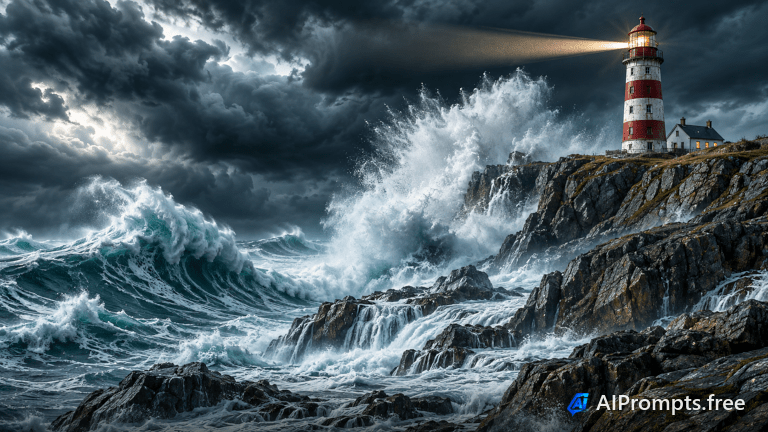
Crashing waves and a dark sky for dramatic headers and art prints.
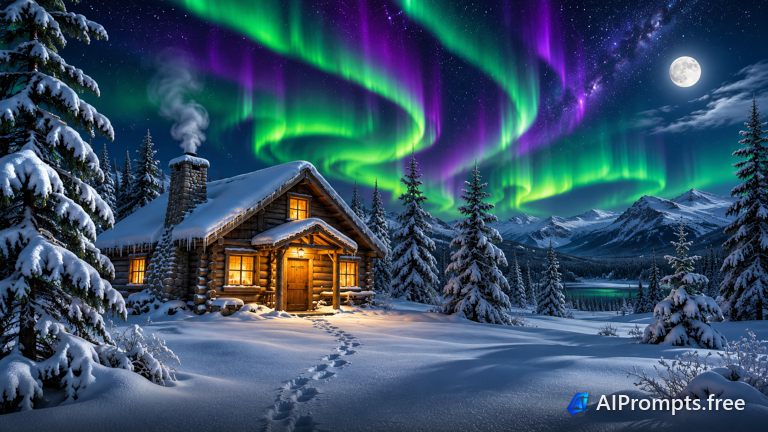
Aurora over a snowy cabin - a magical winter scene.
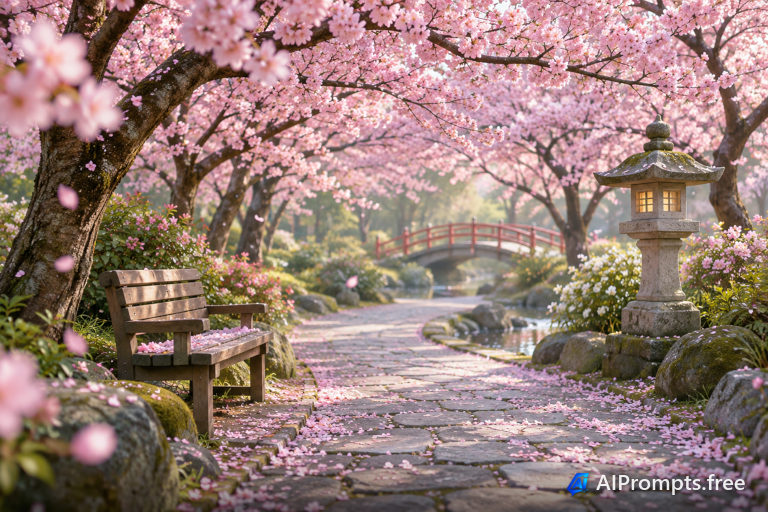
Soft pastel spring scenery for seasonal posts and wallpapers.
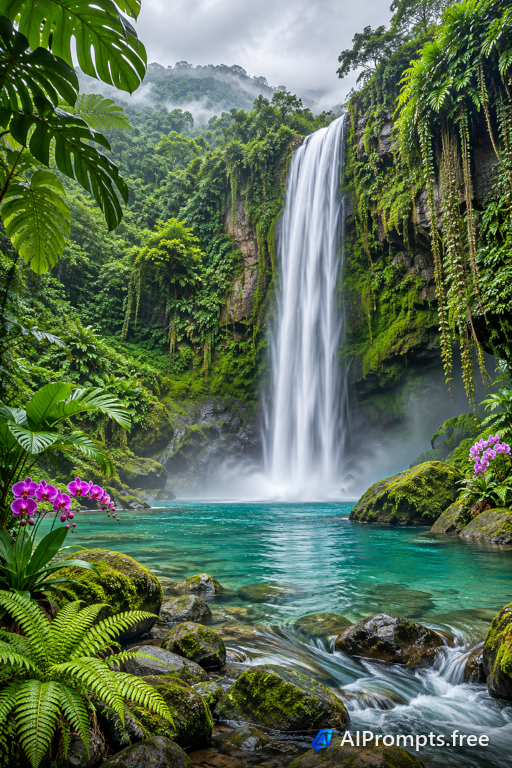
Silky flowing water in a lush jungle, like a long-exposure photo.
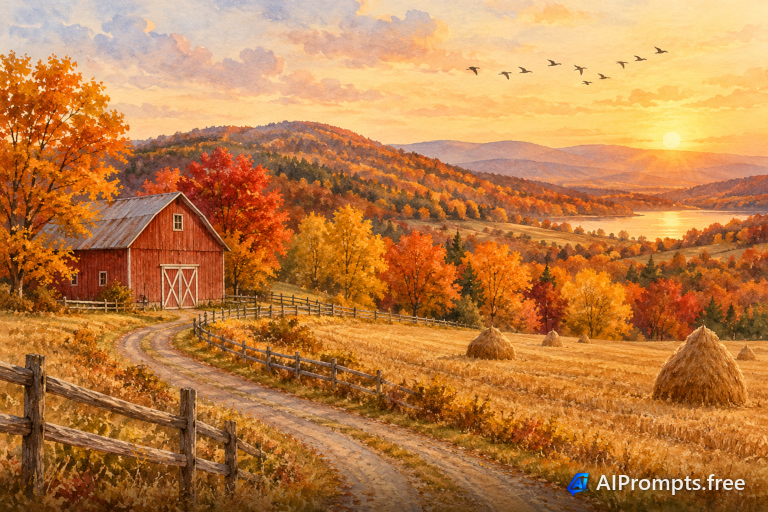
A gentle painted landscape for cards, prints and book covers.
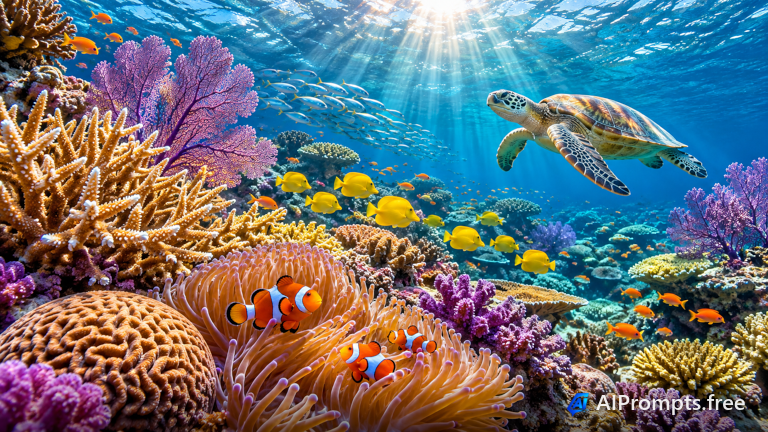
A vibrant underwater world with sun rays from the surface.
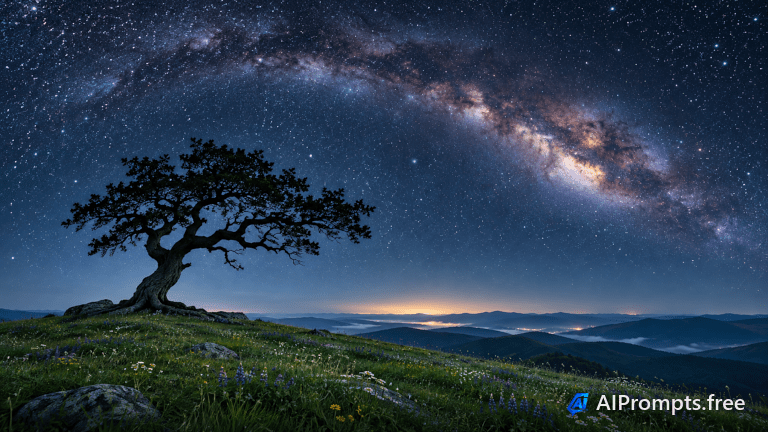
Classic astrophotography for wallpapers and inspirational posts.
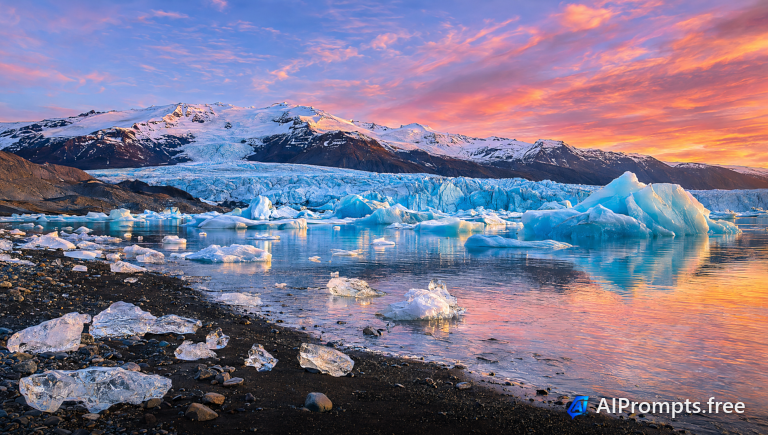
Blue icebergs floating in a glacier lagoon.
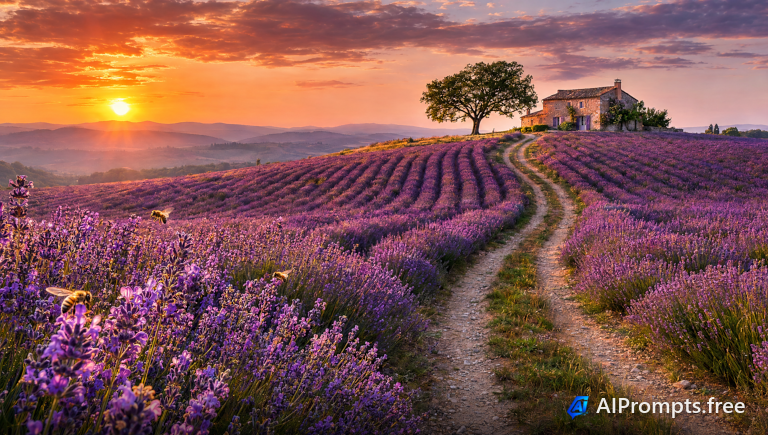
Endless purple lavender rows to the horizon.
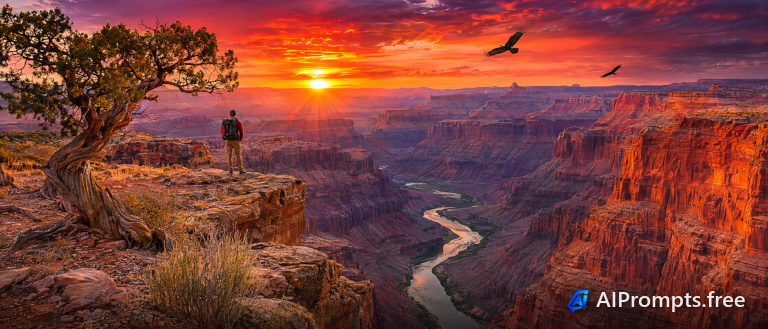
Layered red canyon walls glowing at sunset.
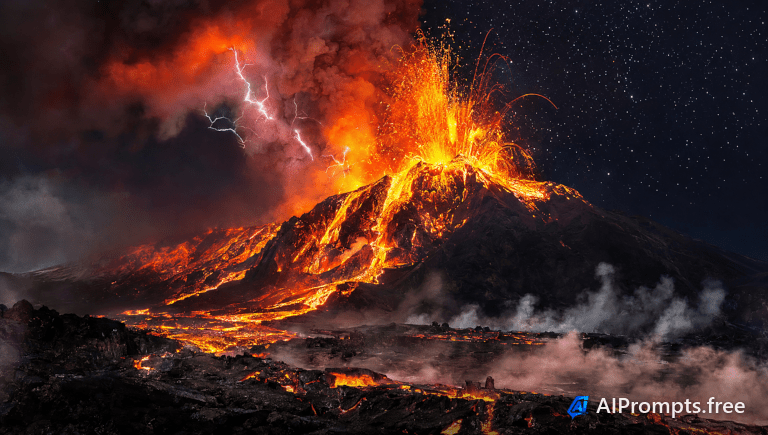
A volcano spewing glowing lava under the stars.
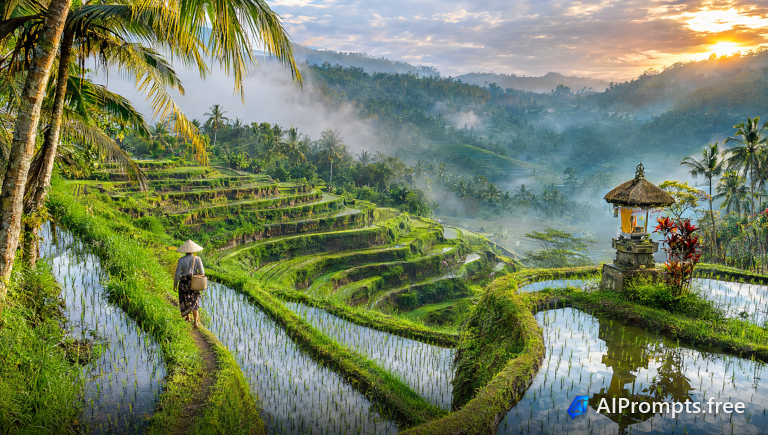
Lush stepped rice terraces in morning mist.
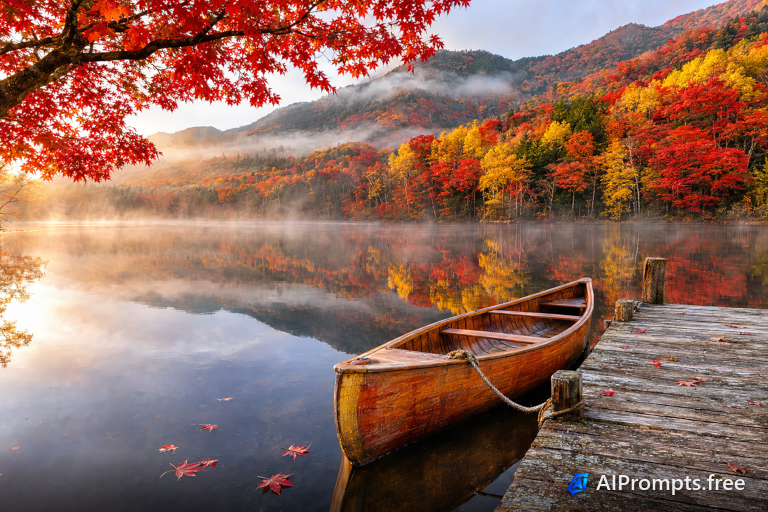
Blazing fall foliage mirrored in a still lake.
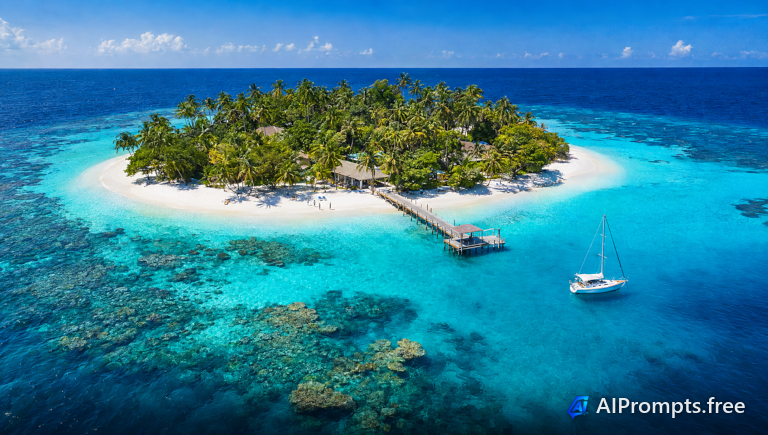
A turquoise lagoon and white sand island from above.
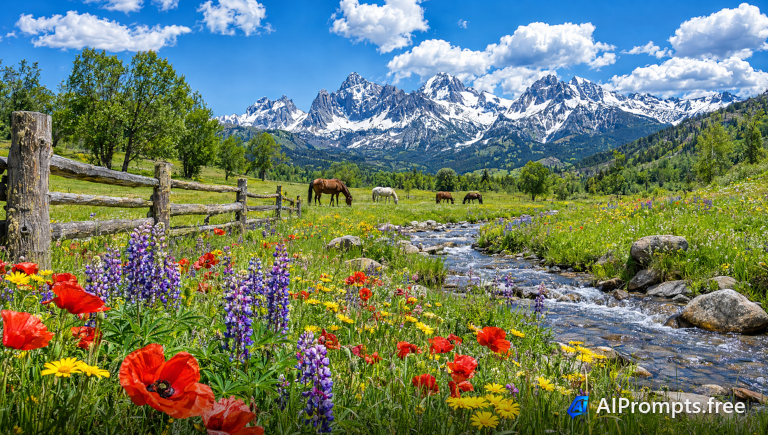
A meadow of bright wildflowers beneath snowy peaks.
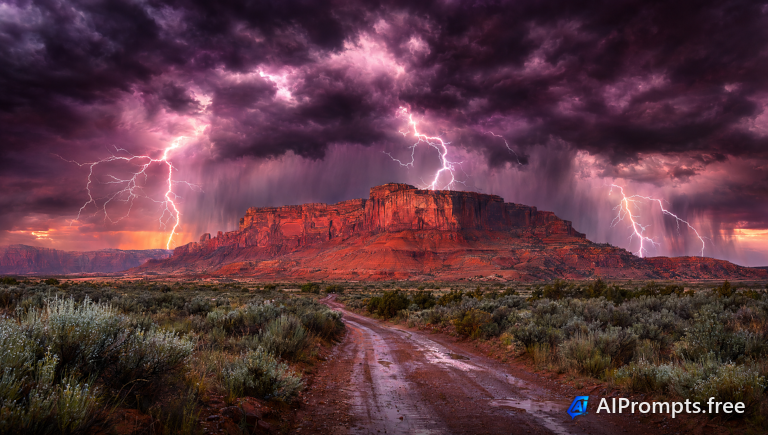
Forks of lightning over a red desert mesa.
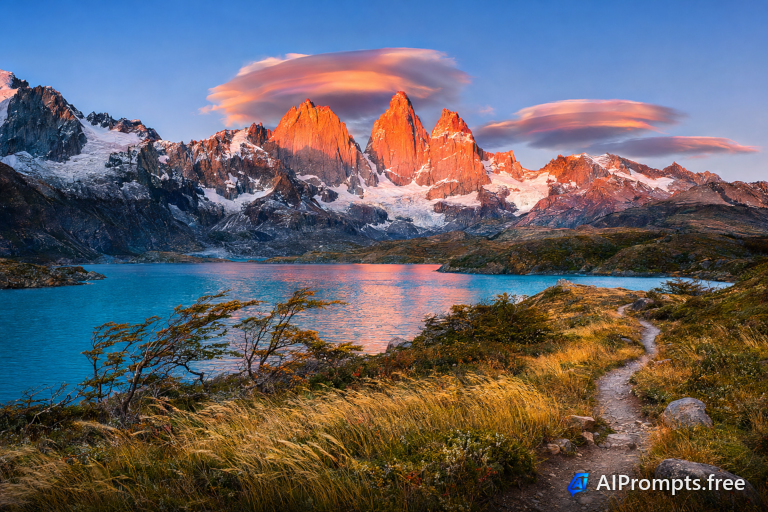
Jagged granite towers lit pink at sunrise.
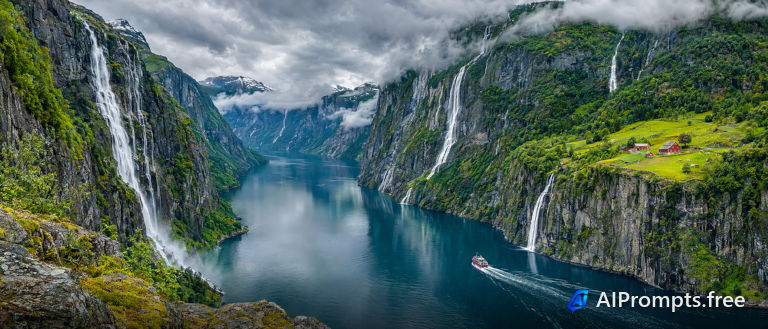
Steep cliffs and deep water in a dramatic fjord.
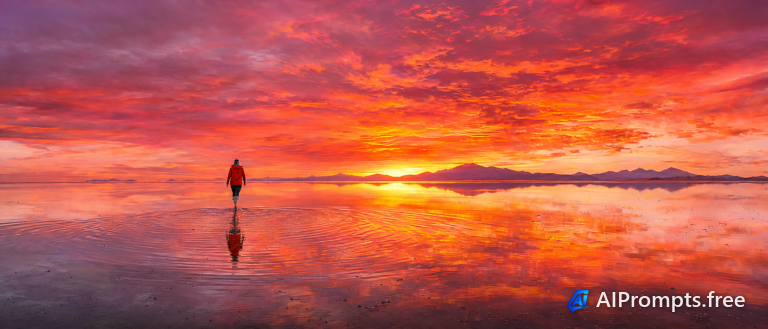
A mirror-like salt flat reflecting a fiery sky.
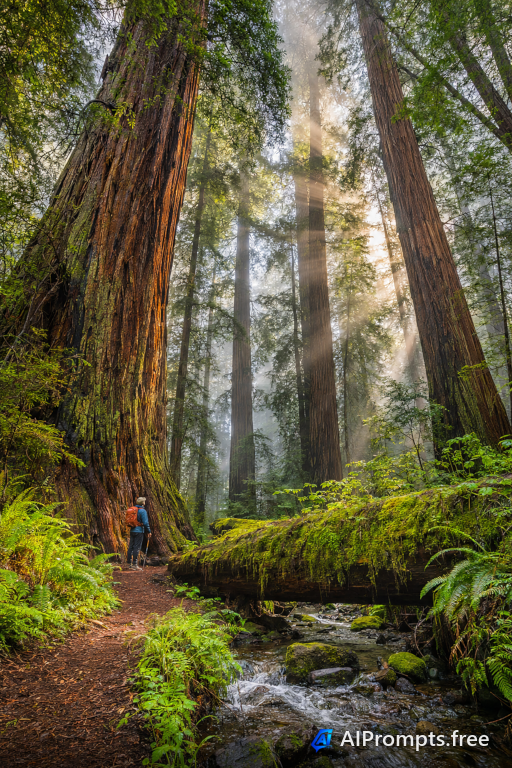
Massive redwood trunks rising into fog.
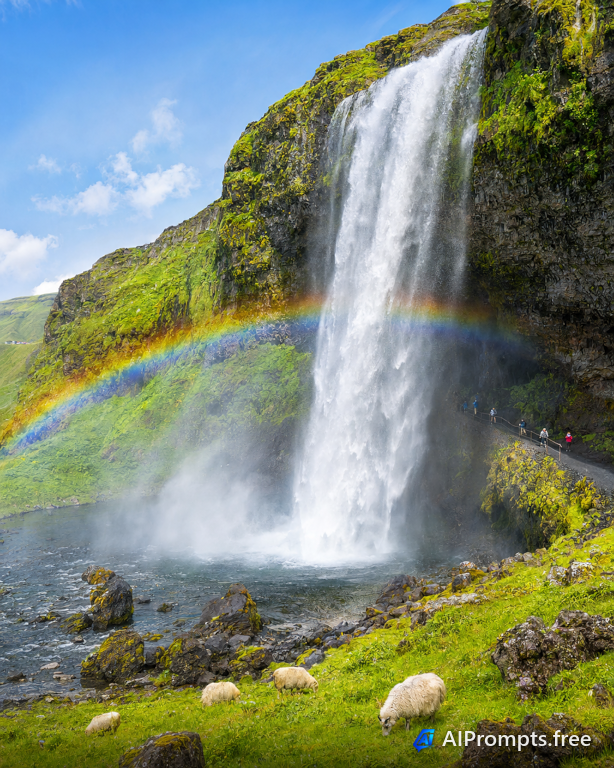
A thundering waterfall with a bright rainbow in the spray.
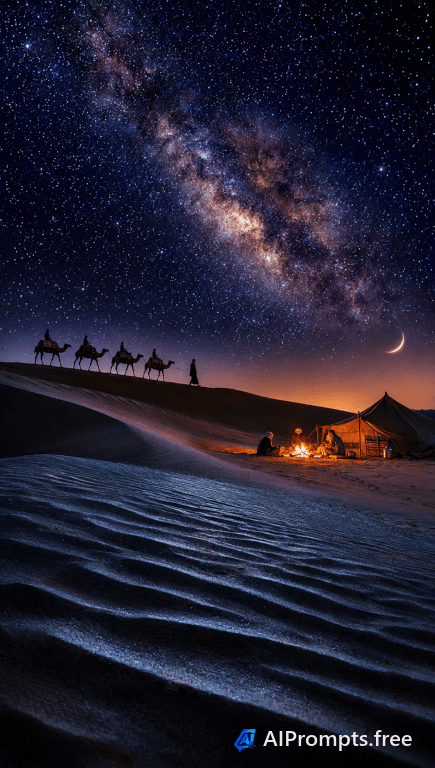
Rippled sand dunes beneath a sky full of stars.
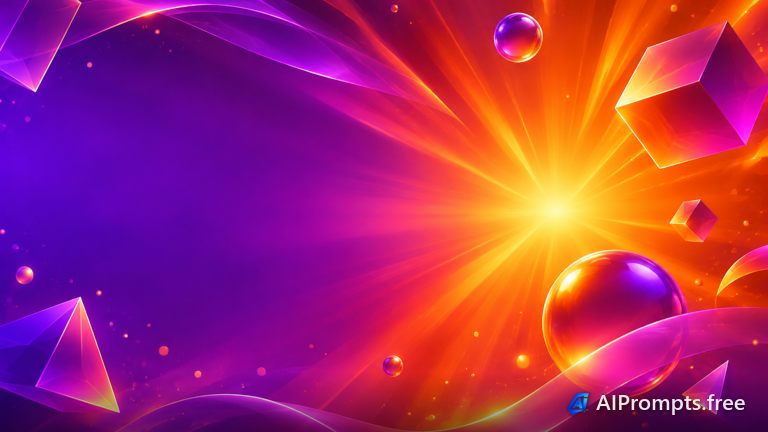
A bold backdrop with empty space for your own title text.
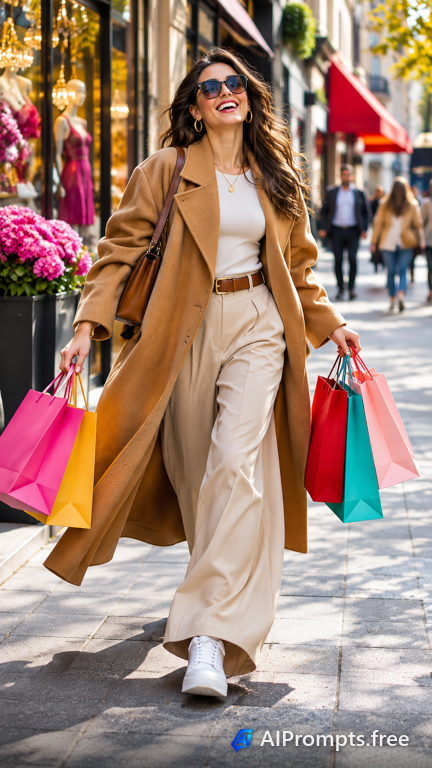
A full-height street style image sized for Stories and Reels.

A tidy overhead desk for wide blog and newsletter headers.

An ultrawide team image for a homepage hero banner.
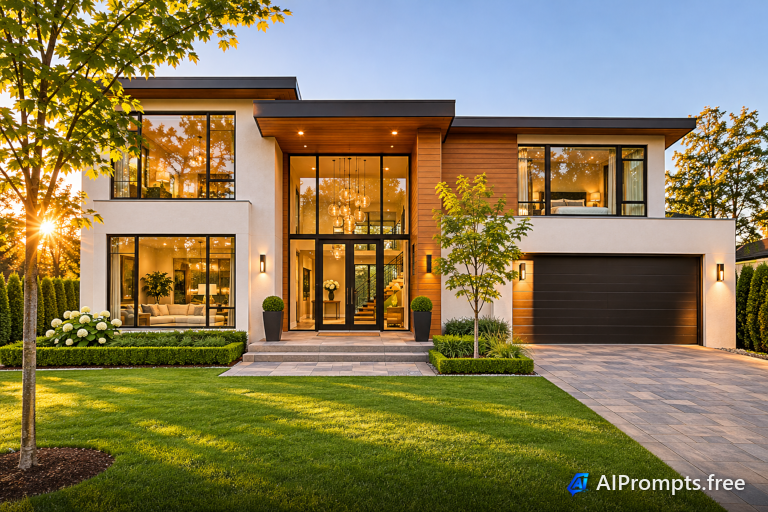
A curb-appeal listing photo in warm evening light.
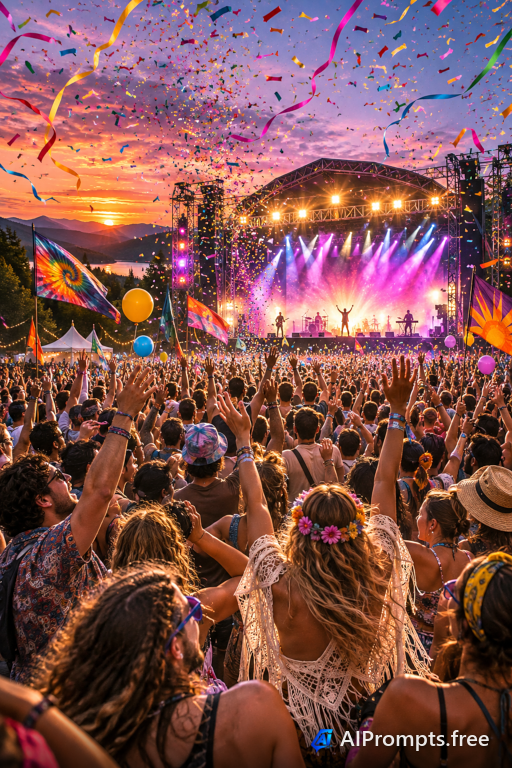
A high-energy crowd scene for event posters and flyers.
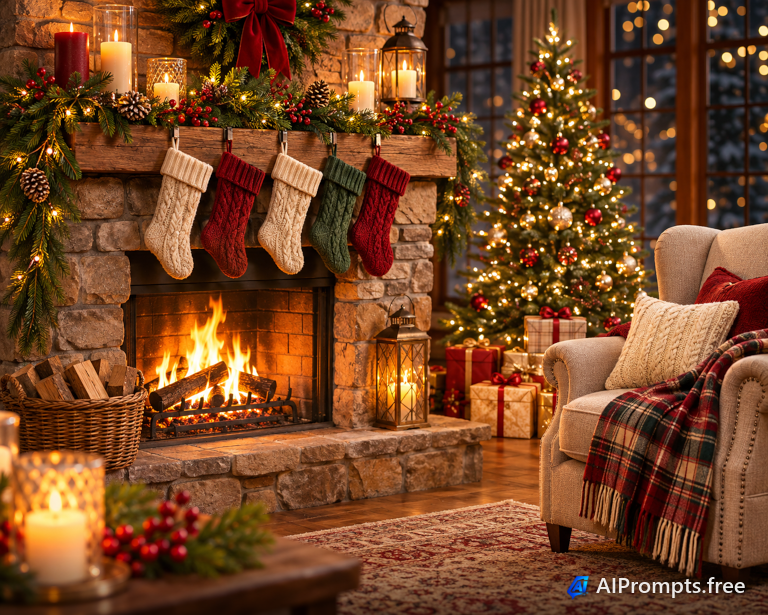
A warm fireplace scene for seasonal cards and emails.

An abstract network graphic for profile and page banners.
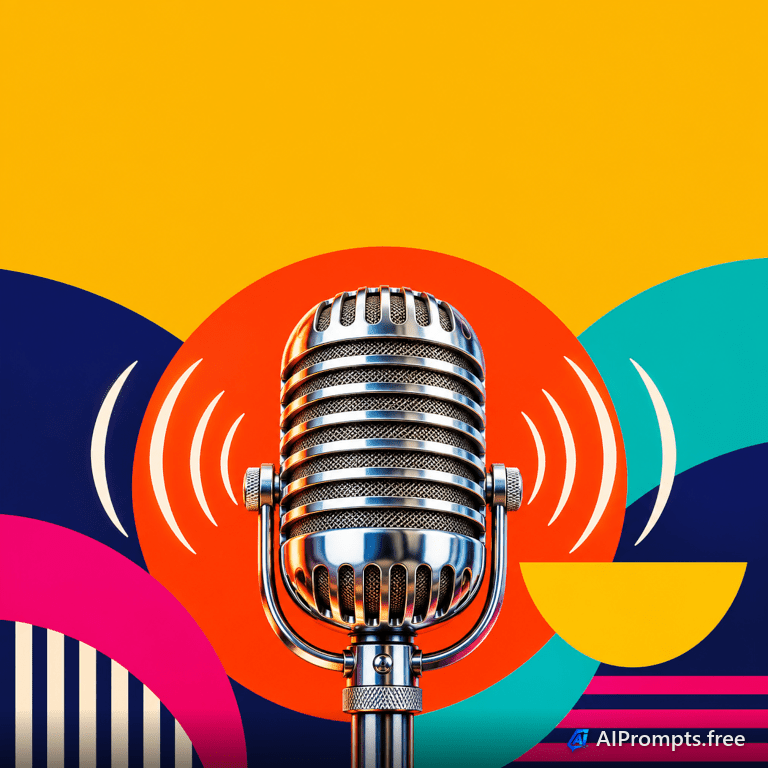
A square, bold graphic that reads well at small sizes.
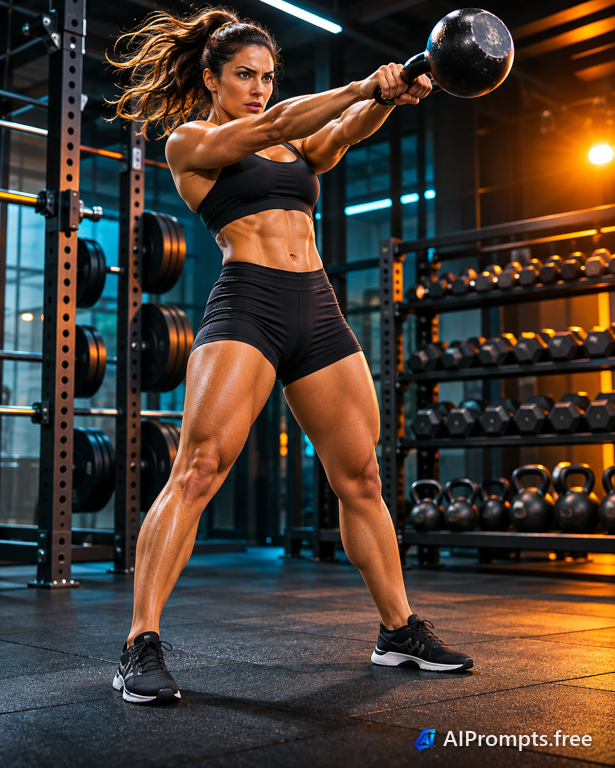
A punchy, high-contrast gym shot for ads and promos.
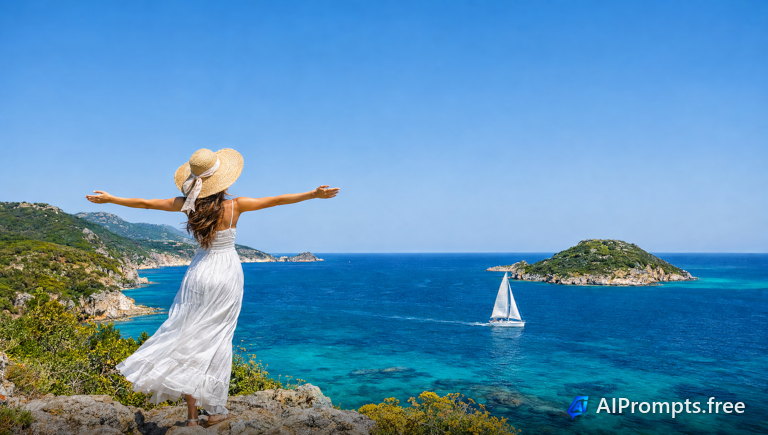
A dream-vacation hero with open sky for a headline.

Bright shopping bags for sale and promo banners.
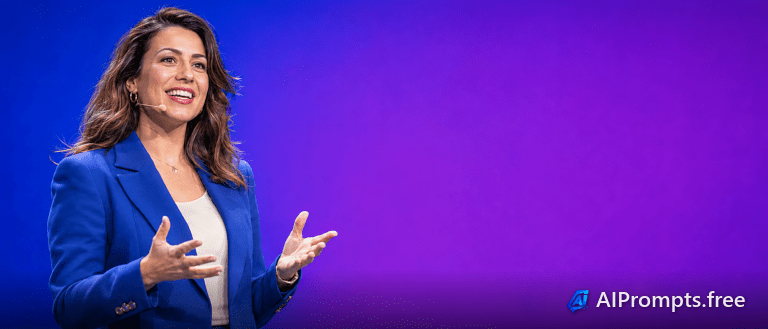
A clean speaker image for webinar and event promos.
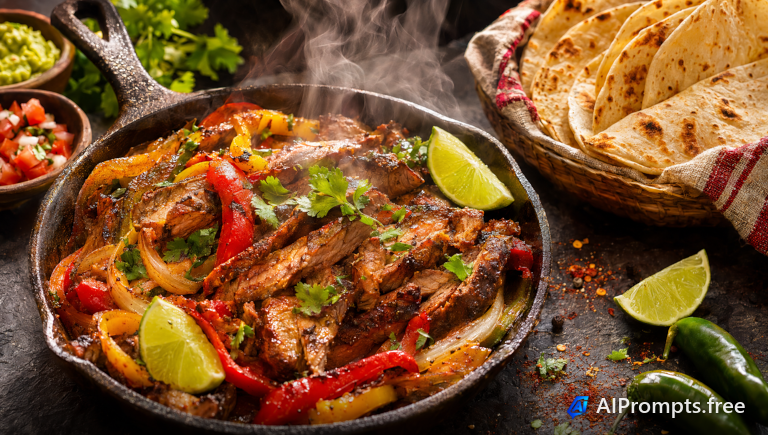
A sizzling dish shot for menus and food ads.
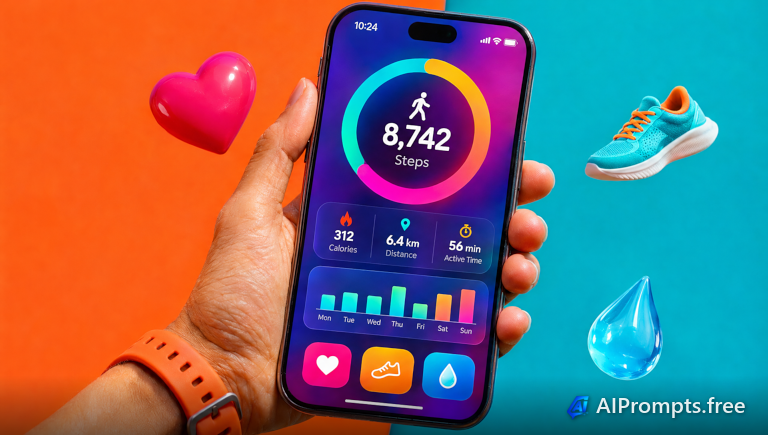
A hand holding a phone against a bold color backdrop.
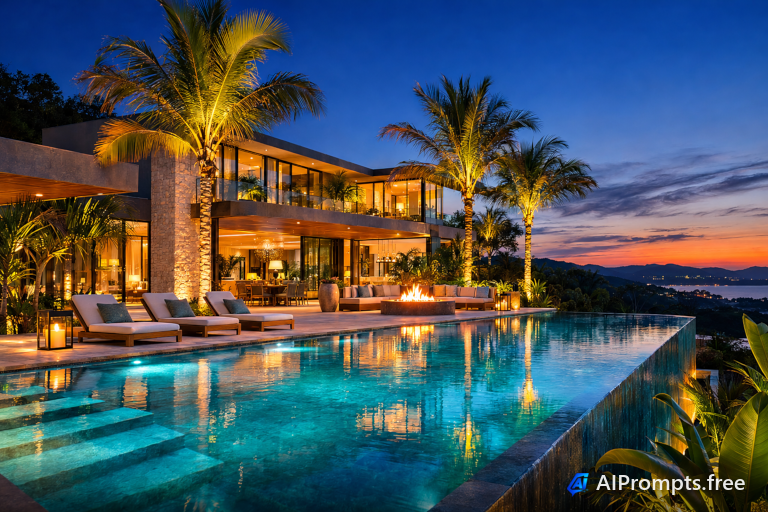
A twilight luxury home shot for real estate listings.

Black and gold gift boxes for holiday sales.
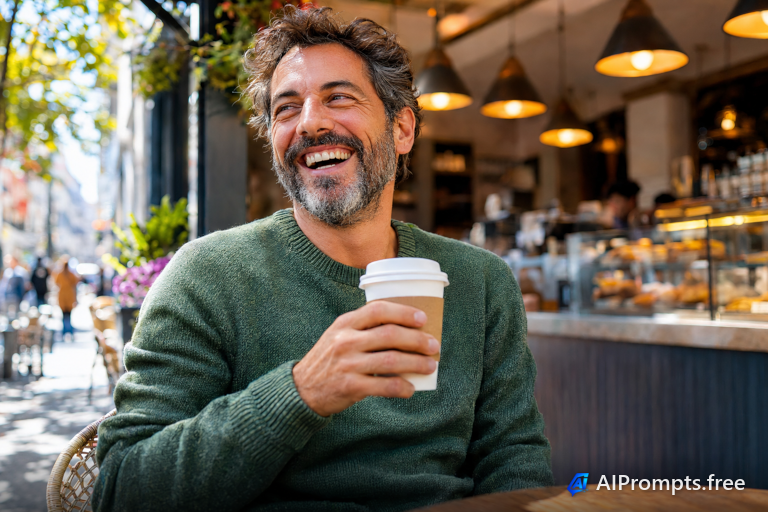
A genuine smiling customer for review and testimonial blocks.
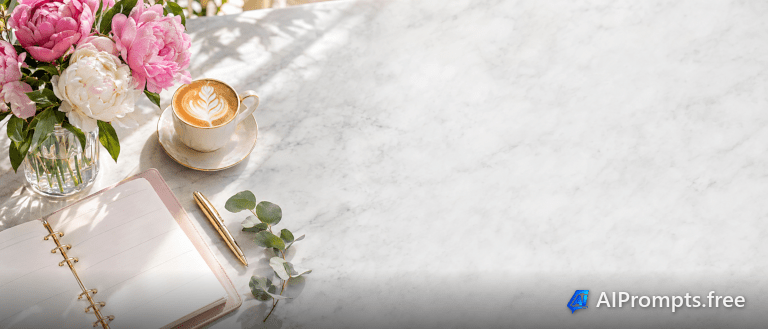
A soft, bright header image for email newsletters.
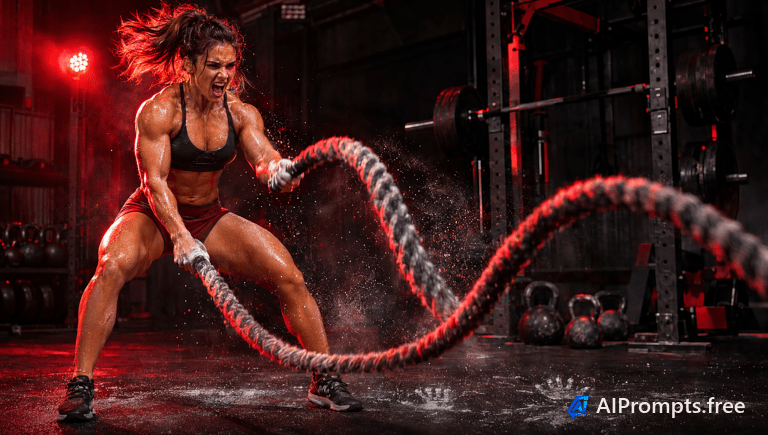
An intense fitness ad frame for gym promotions.
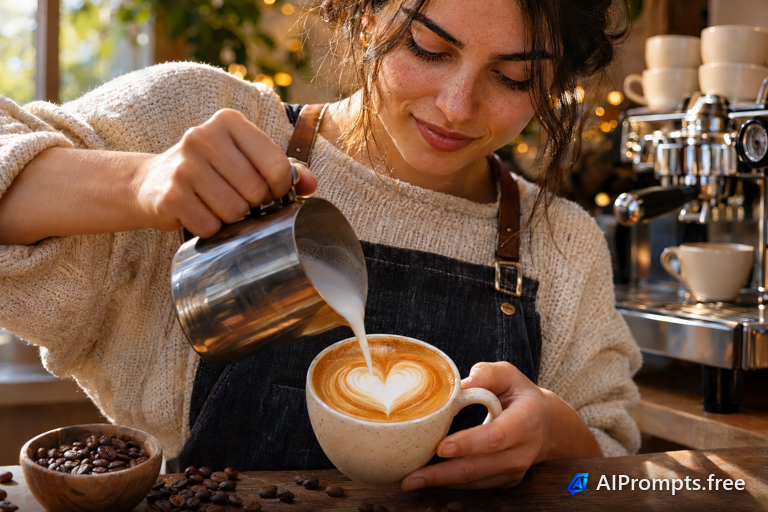
A dramatic latte pour for cafe social posts.

An eager learner image for course thumbnails.
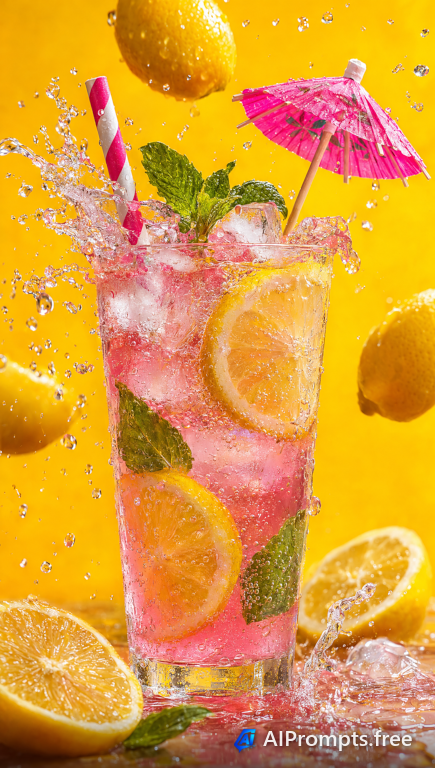
A vertical, splashy drink shot for Stories and Reels.
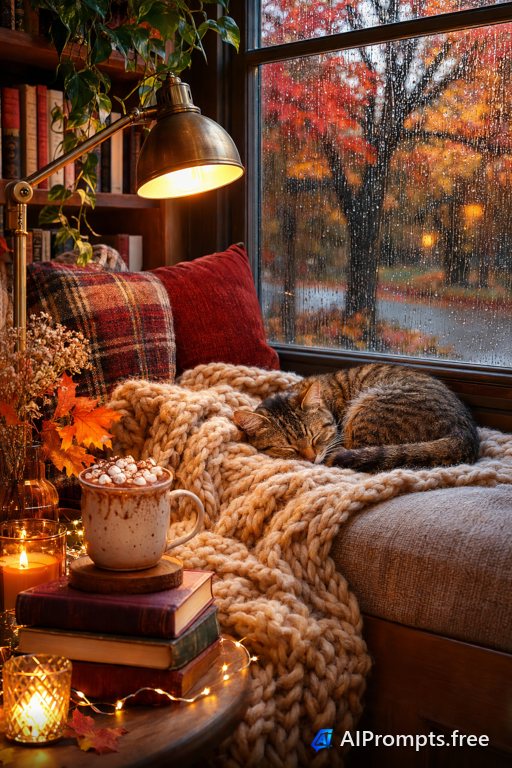
A tall, cozy lifestyle shot built for Pinterest.

A first-day new hire photo for hiring and culture posts.
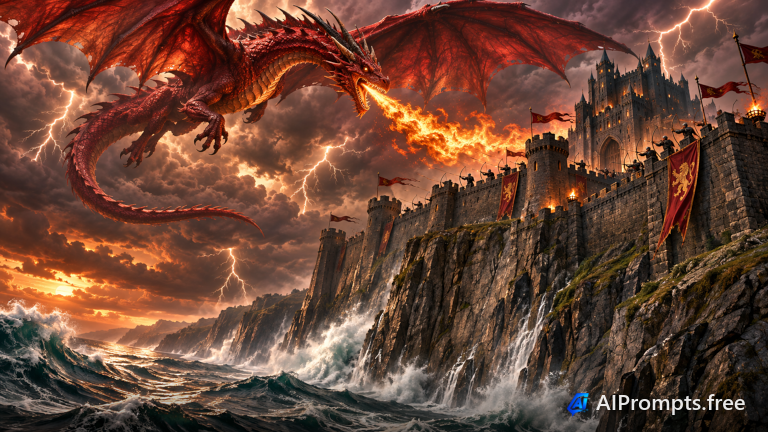
Epic fantasy key art with a storm and a towering castle.
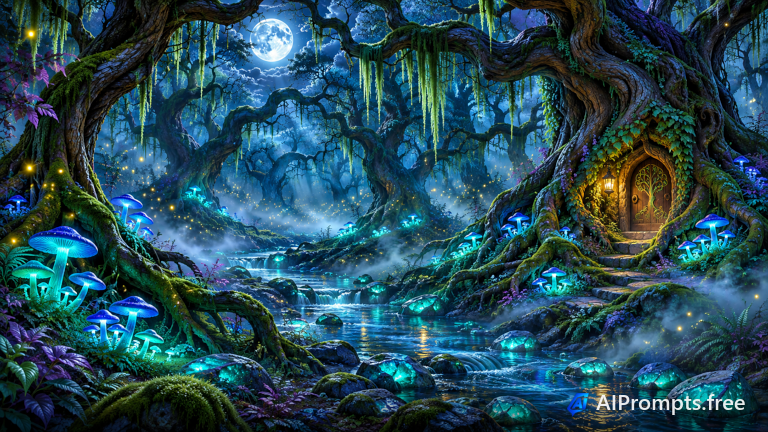
Glowing mushrooms and fireflies in a magical night forest.
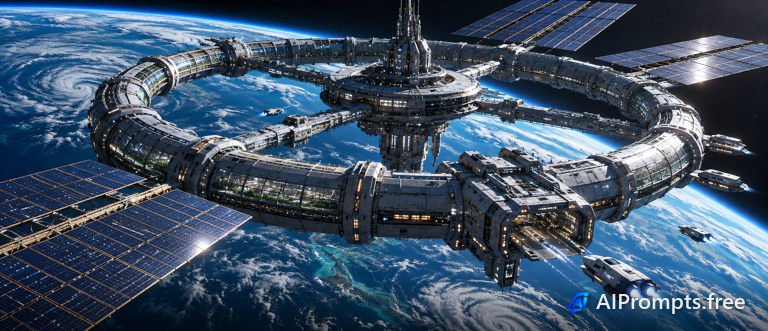
Hard sci-fi concept art of a station above a planet.

Neon-lit hacker and holograms for tech and gaming themes.
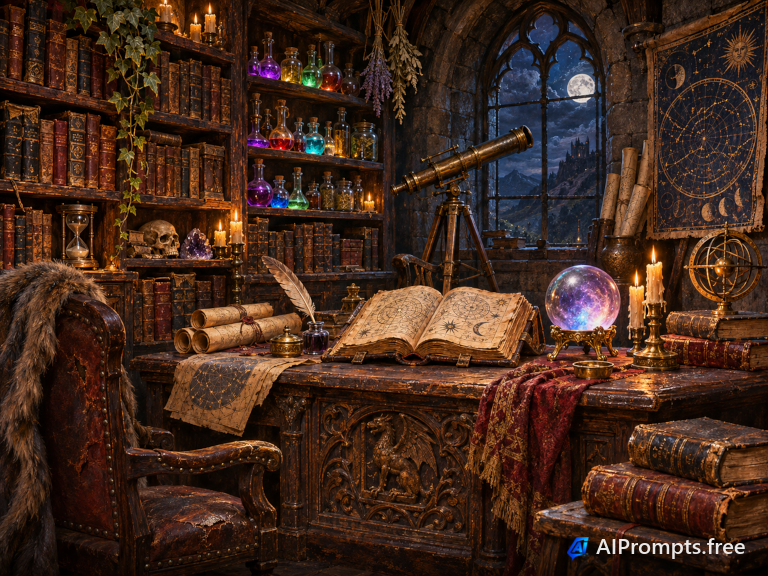
A candlelit room of spell books and potions, painted in oils.
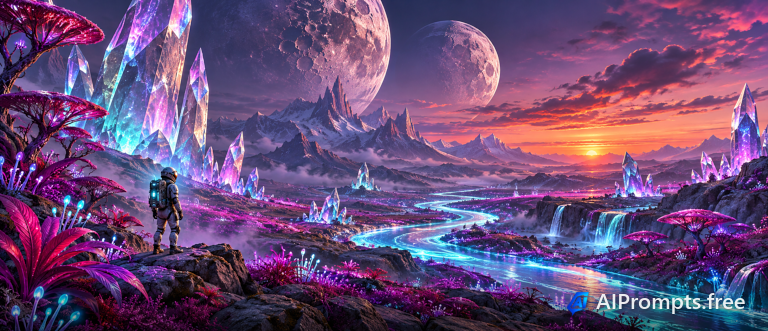
Two moons, giant crystals and strange plants on another world.
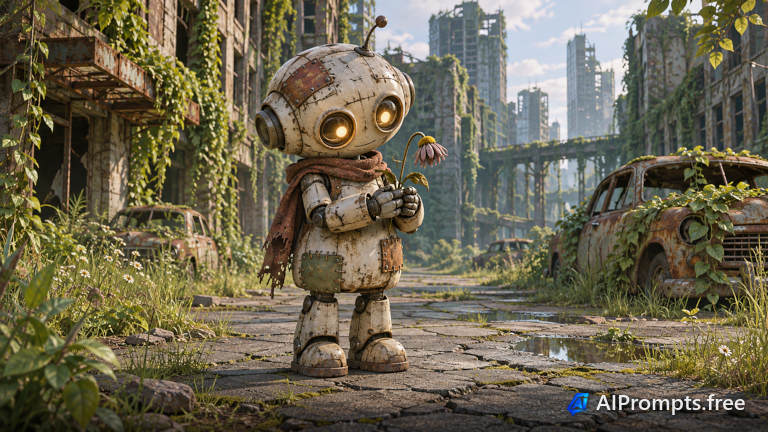
A touching story moment with a small robot in a quiet city.
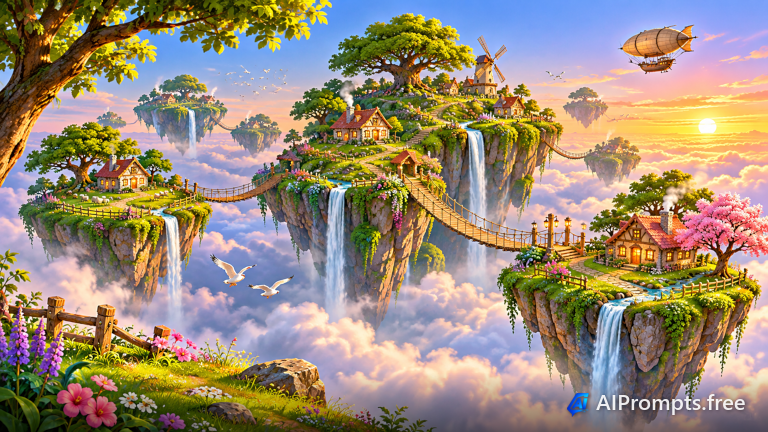
Sky islands and waterfalls pouring into the clouds.
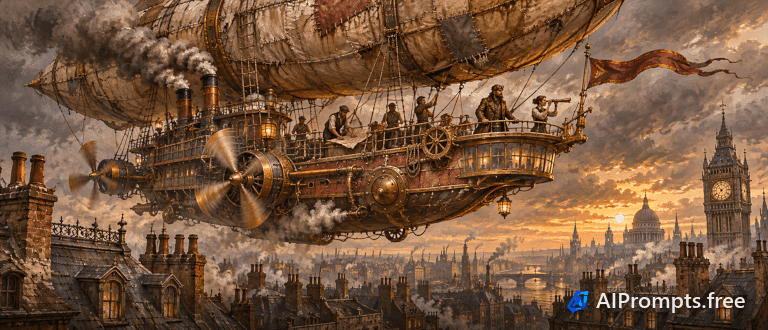
A brass airship over Victorian rooftops, painted in oils.
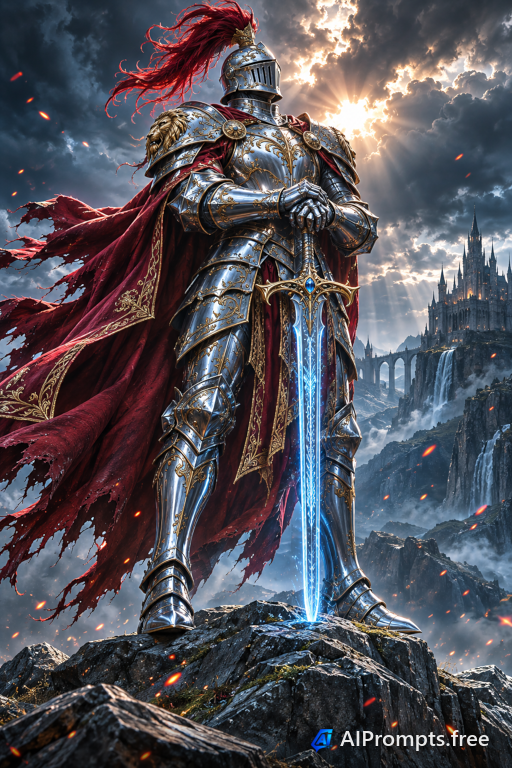
A heroic hero shot for book covers and game art.
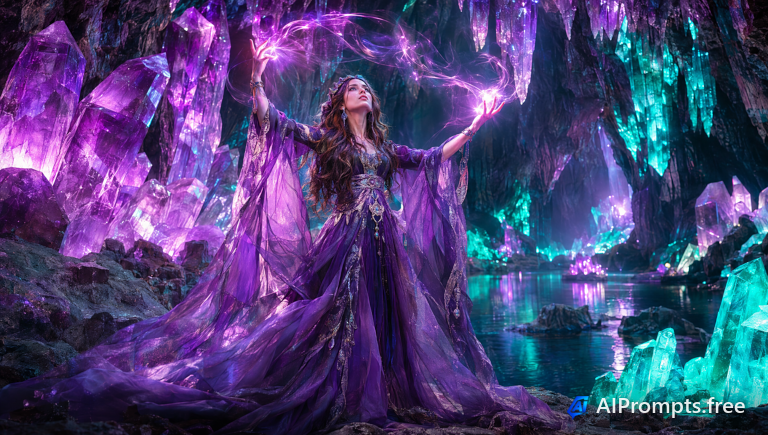
A sorceress among glowing crystals in a deep cave.
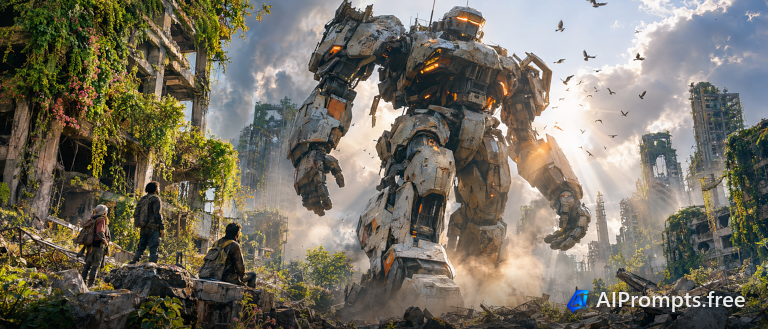
A towering battle mech striding through a ruined city.
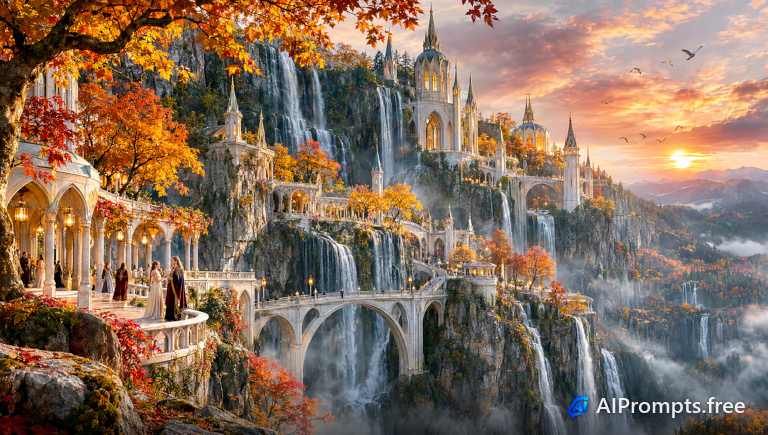
Elegant elven towers among cascading waterfalls.
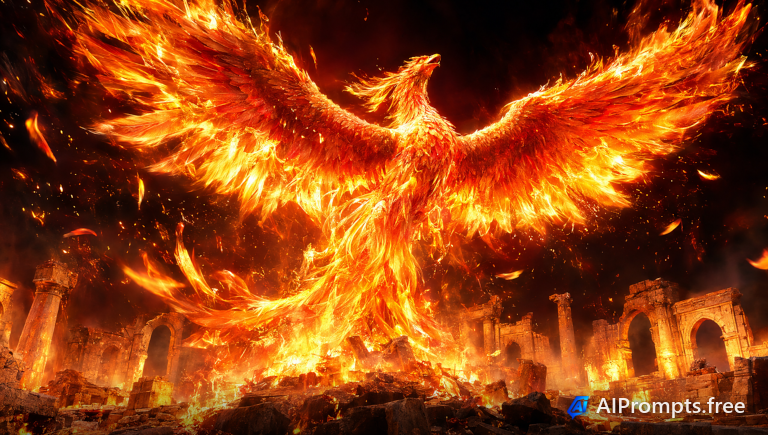
A blazing phoenix bursting upward in flames.
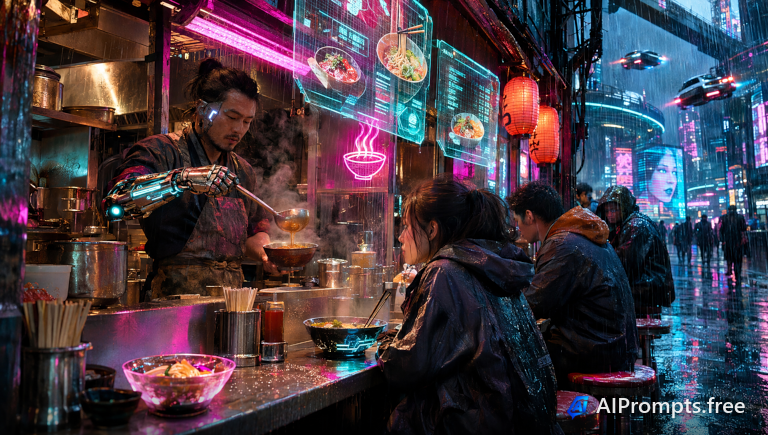
A neon street food stall in a rainy future city.
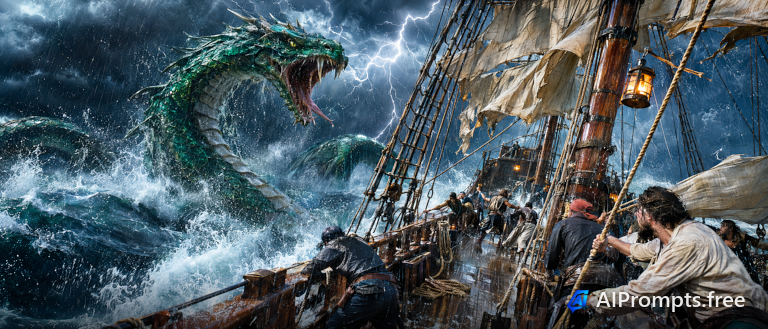
A giant sea serpent rising beside a sailing ship.
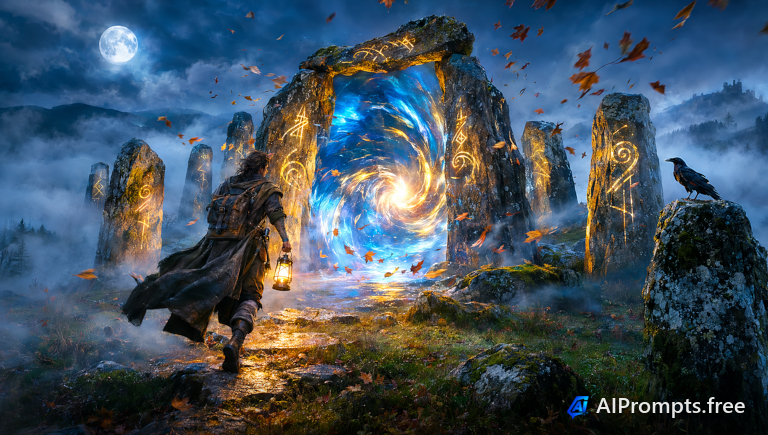
A swirling portal opening in ancient stone ruins.
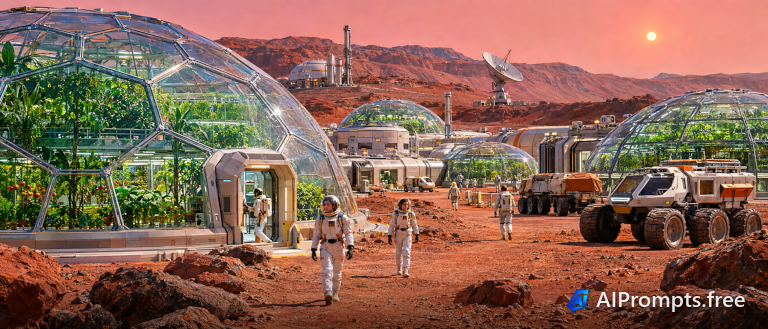
A thriving human colony under domes on Mars.
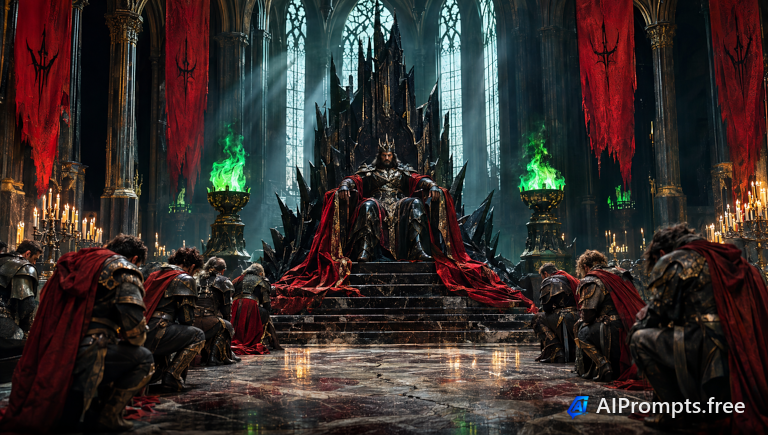
A menacing ruler on an obsidian throne.
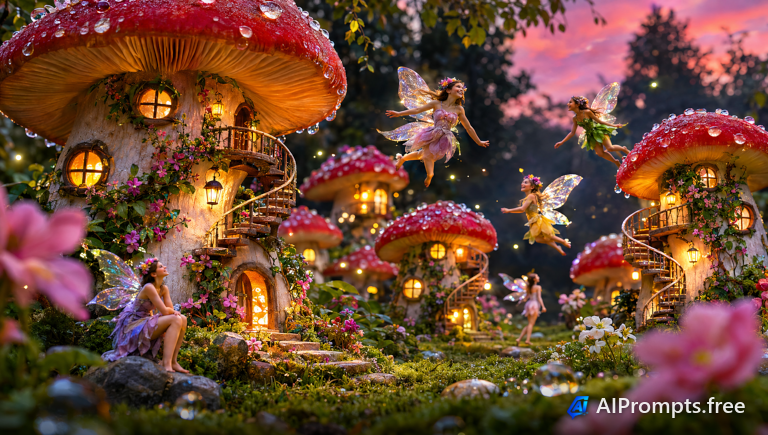
Tiny fairy homes inside giant glowing mushrooms.
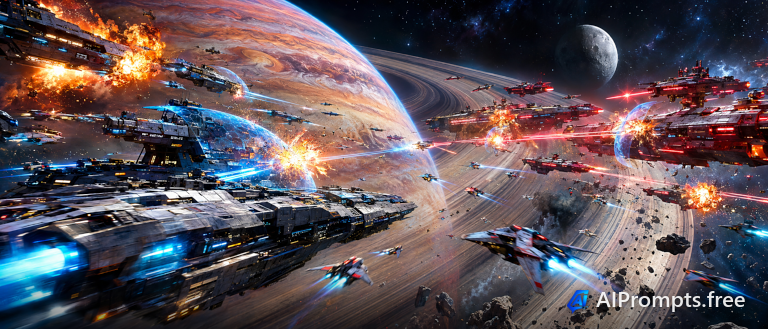
Starships exchanging laser fire above a planet.
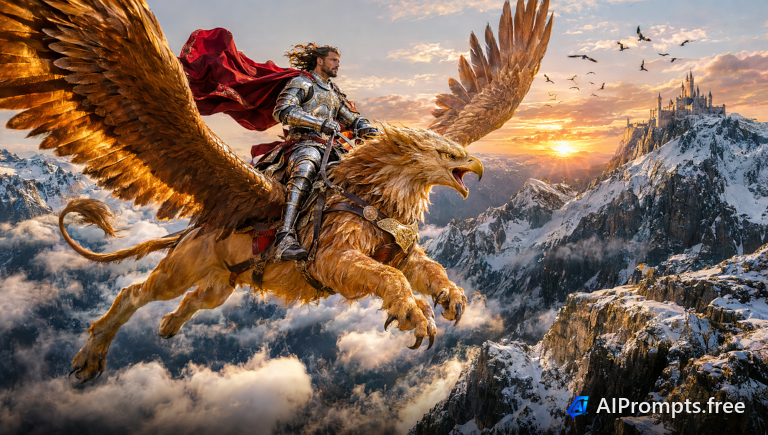
A rider on a griffin soaring over mountain peaks.

A humanlike android with visible glowing circuitry.
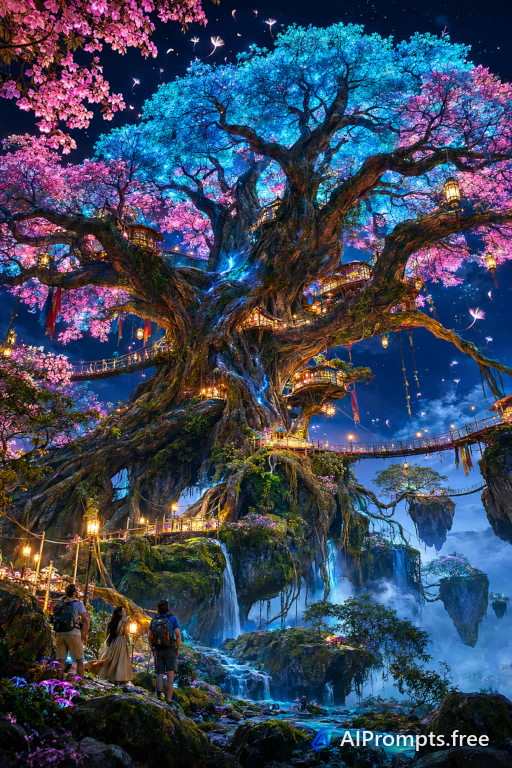
A colossal glowing tree at the heart of a magical world.
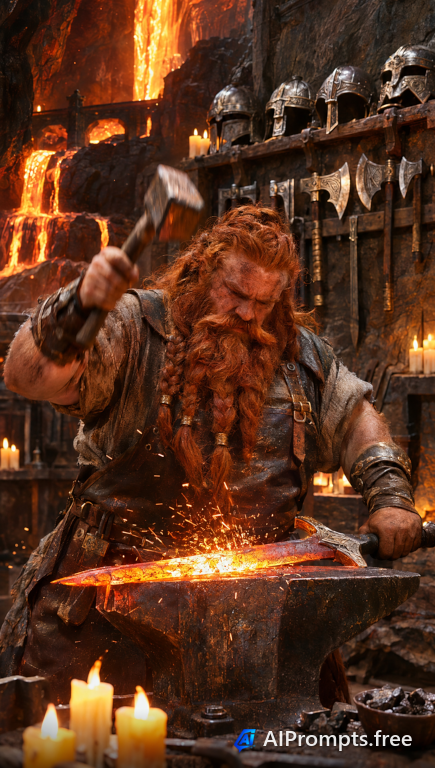
A dwarf blacksmith hammering a glowing blade.
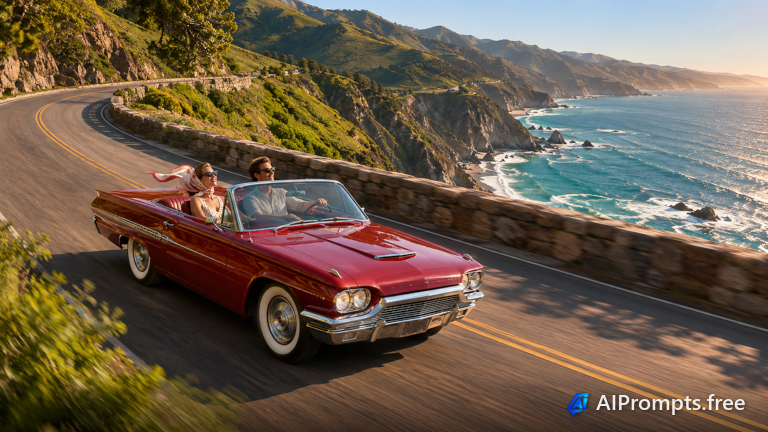
A vintage open-top car on a winding seaside road for travel, nostalgia and lifestyle visuals.
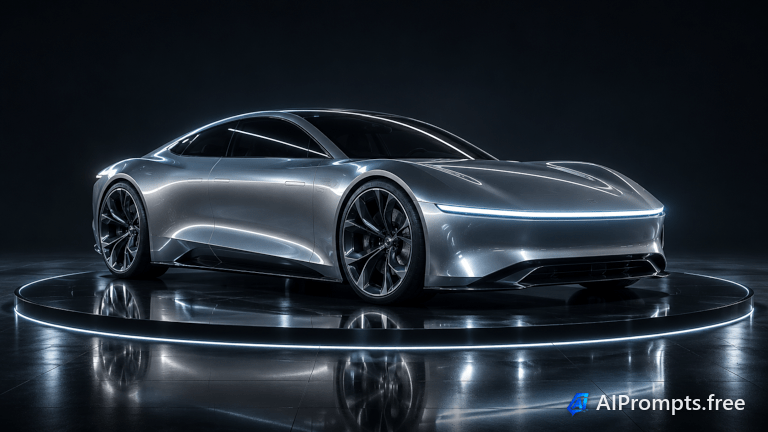
A sleek concept electric car lit like a launch-event hero shot.
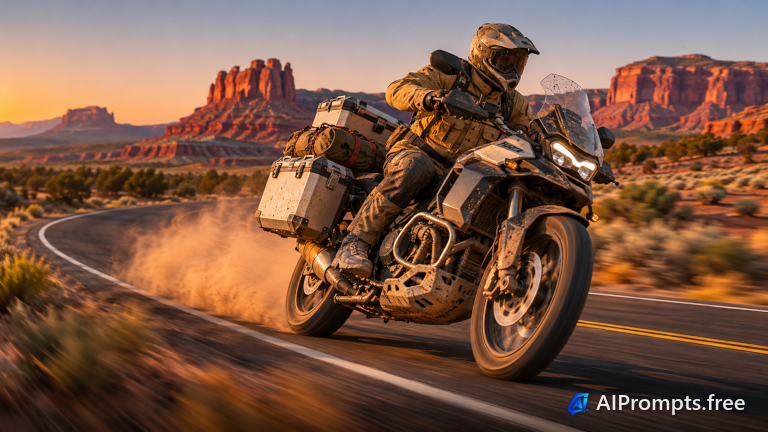
A rider kicking up dust on an empty desert highway for adventure and gear brands.
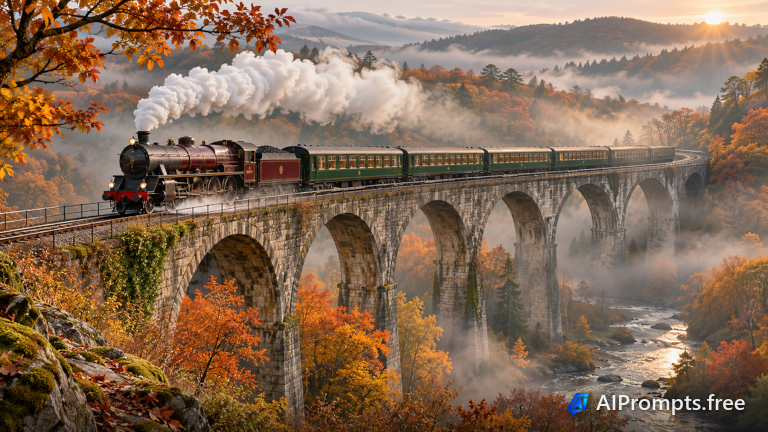
A vintage locomotive crossing a stone viaduct through an autumn valley.
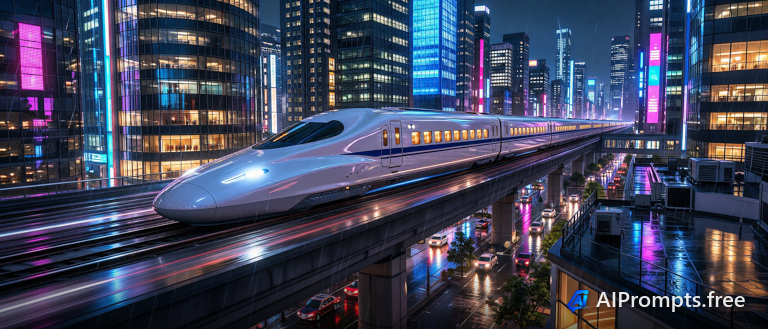
A high-speed train streaking through a glowing city at night.
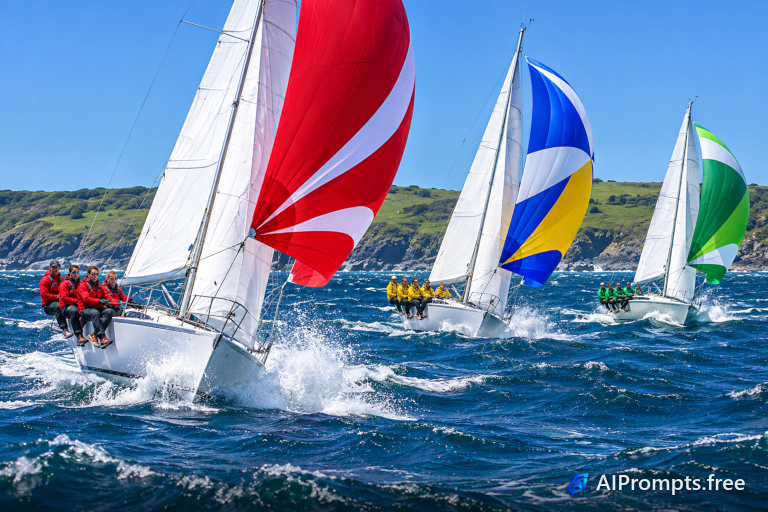
Racing sailboats heeled over in spray for nautical, sport and travel themes.
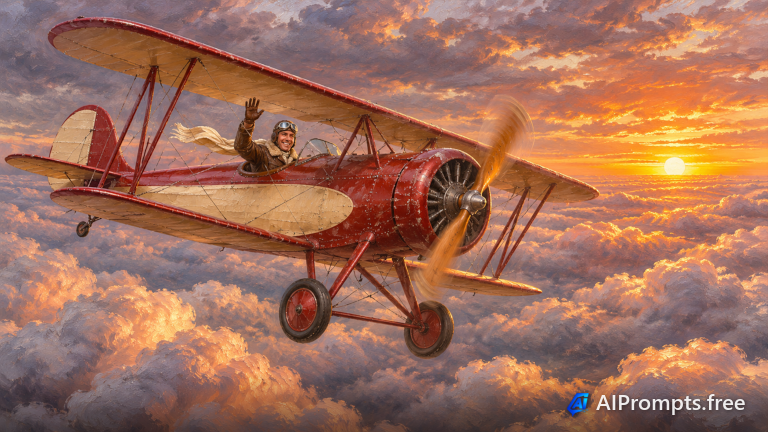
A 1930s biplane soaring over a sea of clouds at sunrise.
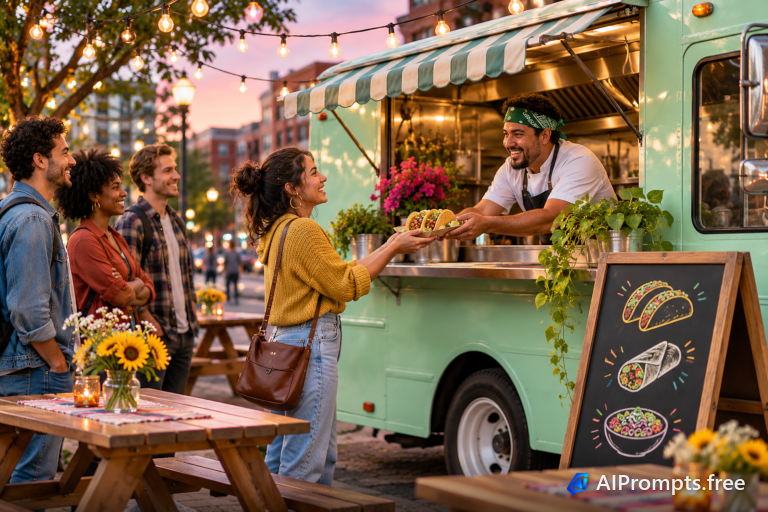
A colorful food truck serving a line of customers under string lights.

A rugged 4x4 blasting through a muddy forest trail.

A container ship and colorful stacks seen straight down, for logistics and trade.
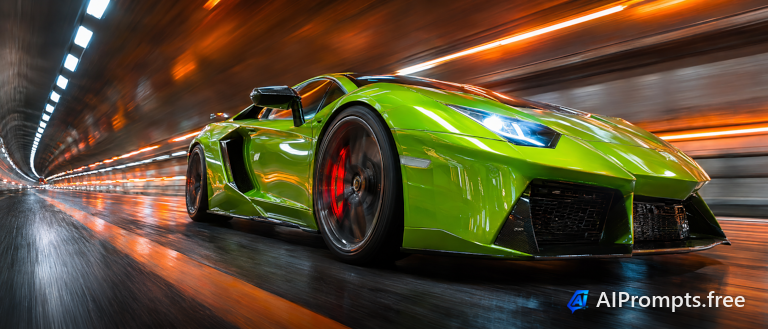
A sleek supercar racing through a lit tunnel.
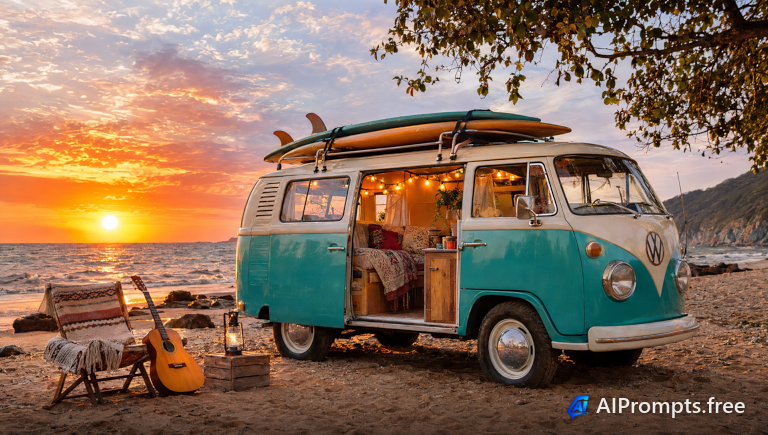
A retro camper van parked by the surf.
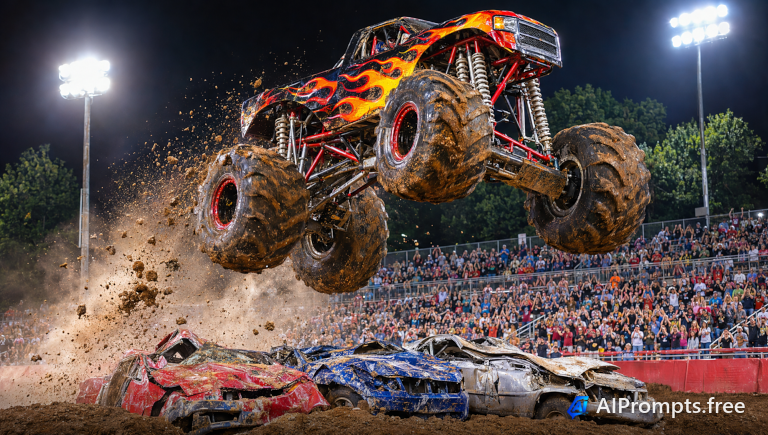
A monster truck flying through the air in an arena.
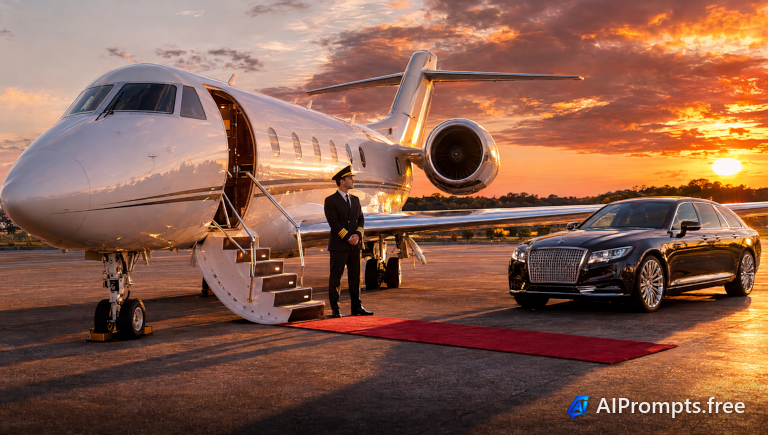
A luxury jet ready for boarding at sunset.
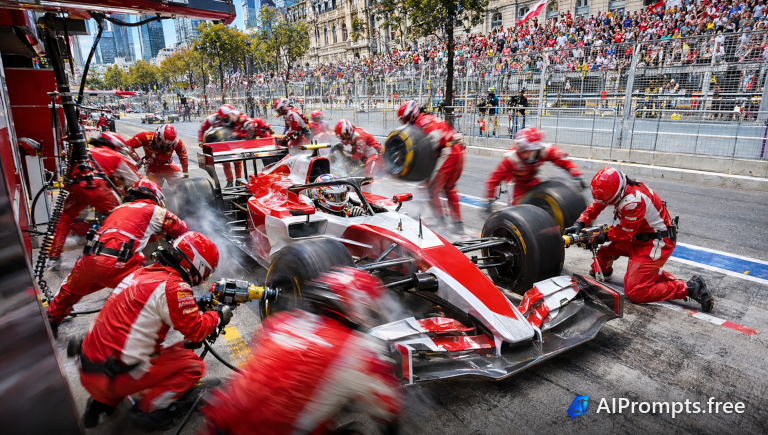
A lightning-fast pit stop crew in action.
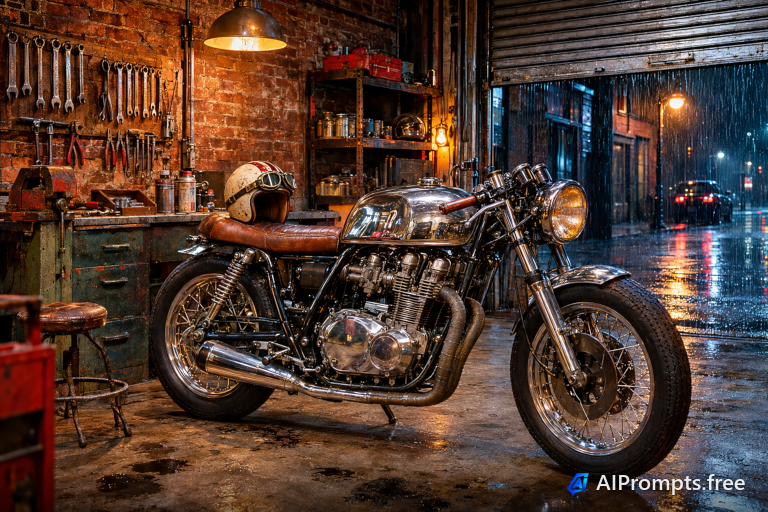
A custom motorcycle in a moody workshop.
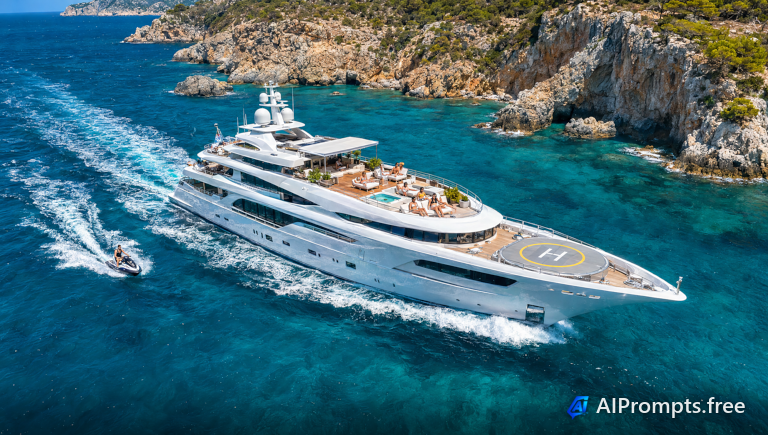
A superyacht cutting through turquoise water.
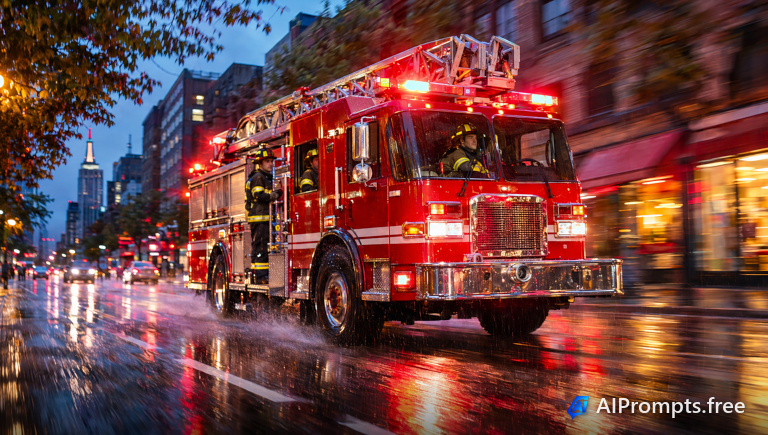
A fire truck racing with lights blazing.
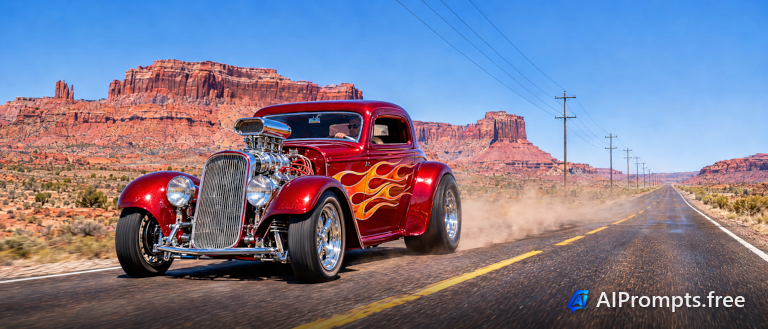
A flamed hot rod on an empty desert highway.
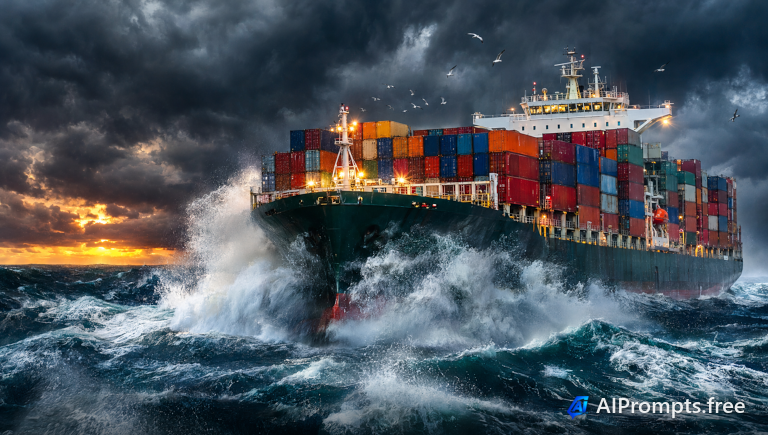
A container ship plowing through huge waves.
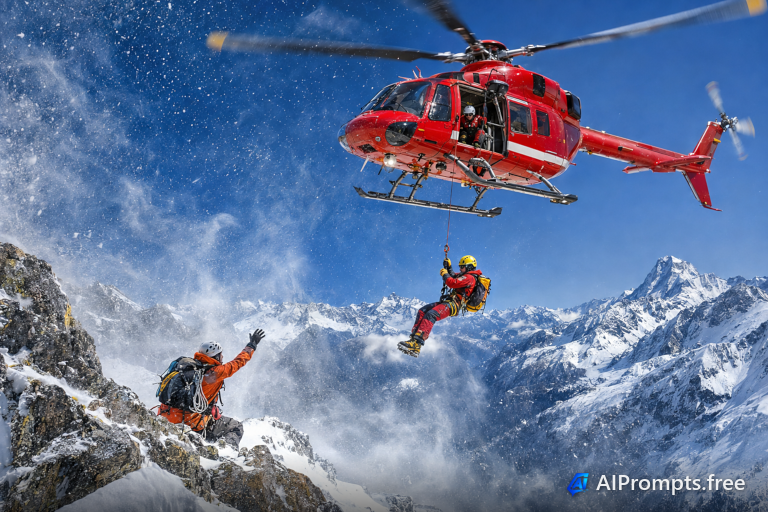
A rescue helicopter hovering above a snowy ridge.
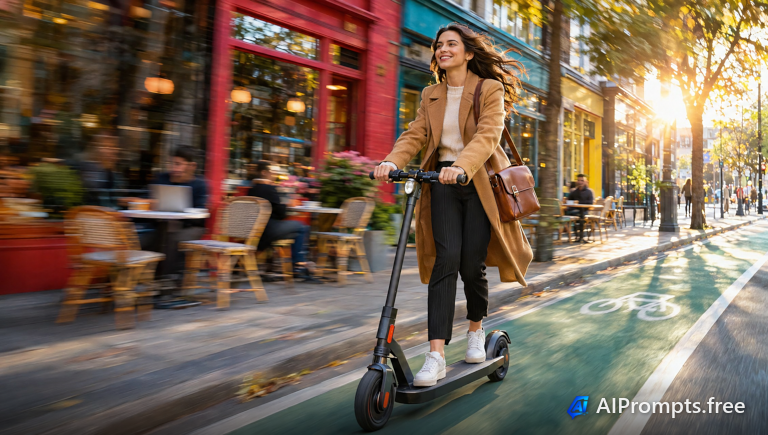
A commuter gliding on an electric scooter.
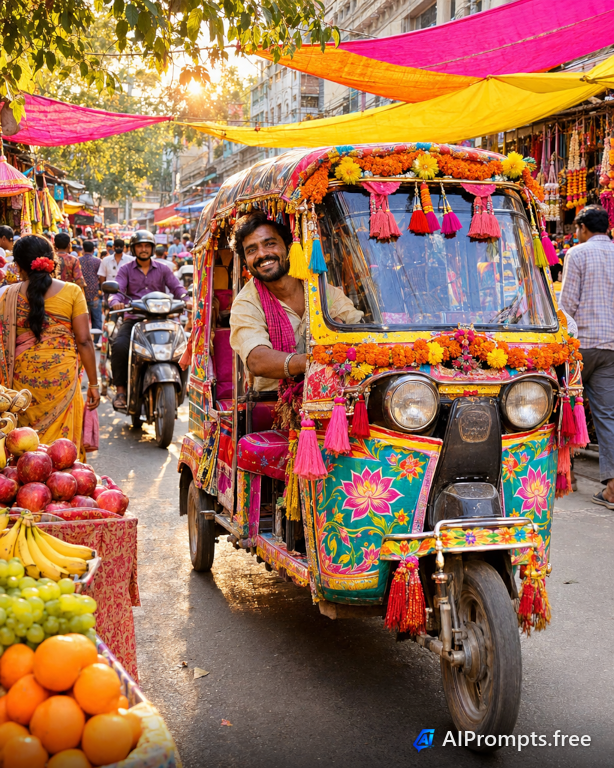
A painted tuk-tuk in a bustling market street.
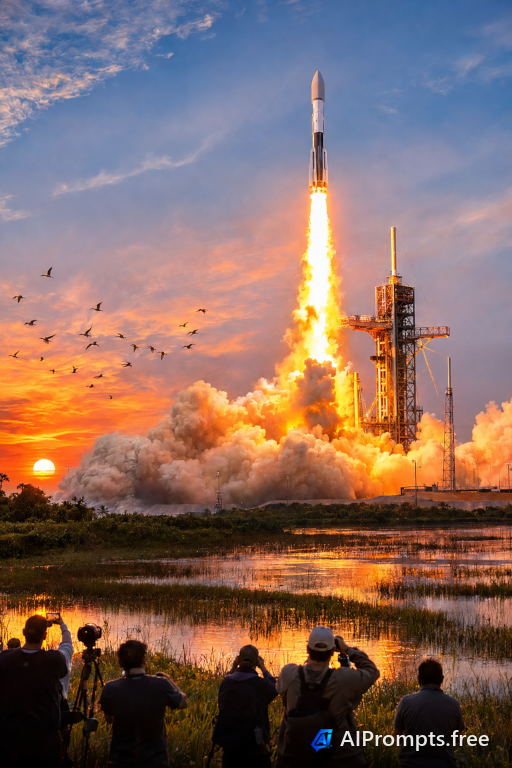
A rocket launch with a pillar of fire and smoke.
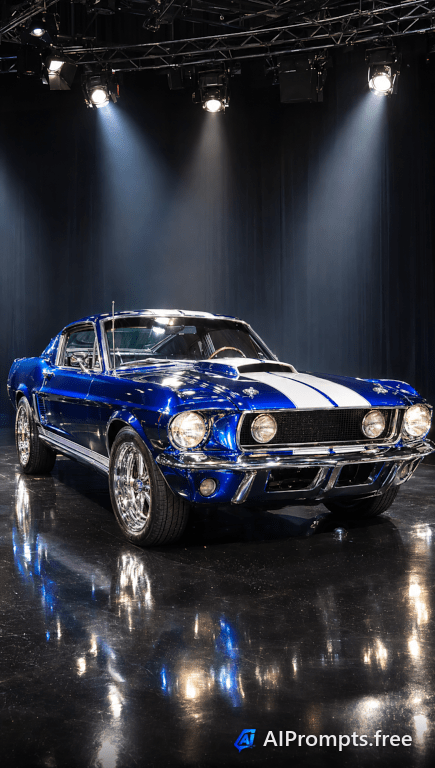
A classic muscle car gleaming under showroom lights.

A long aisle of glowing server racks for cloud and IT visuals.
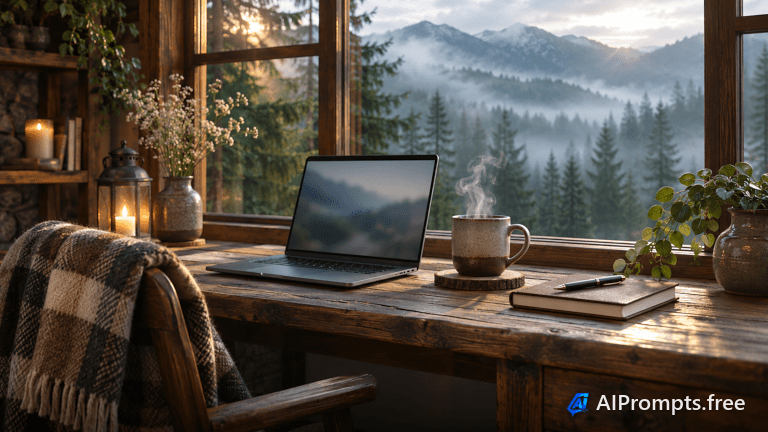
A laptop setup in a cabin with a mountain view.

Orange industrial robot arms welding car bodies.

A person interacting with a floating holographic display.
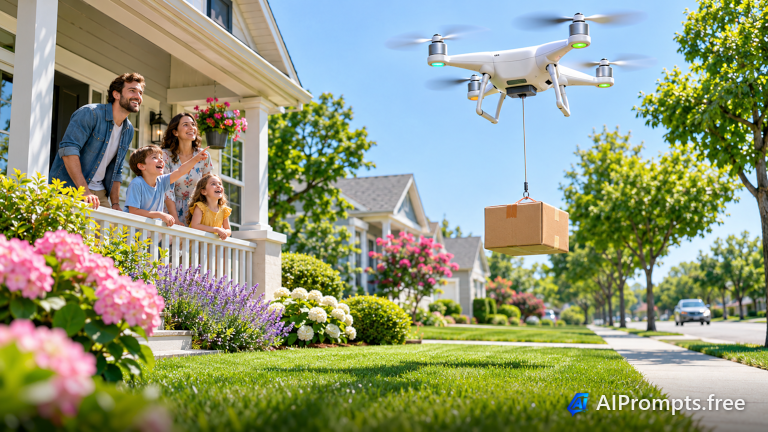
A delivery drone lowering a parcel to a suburban front yard.
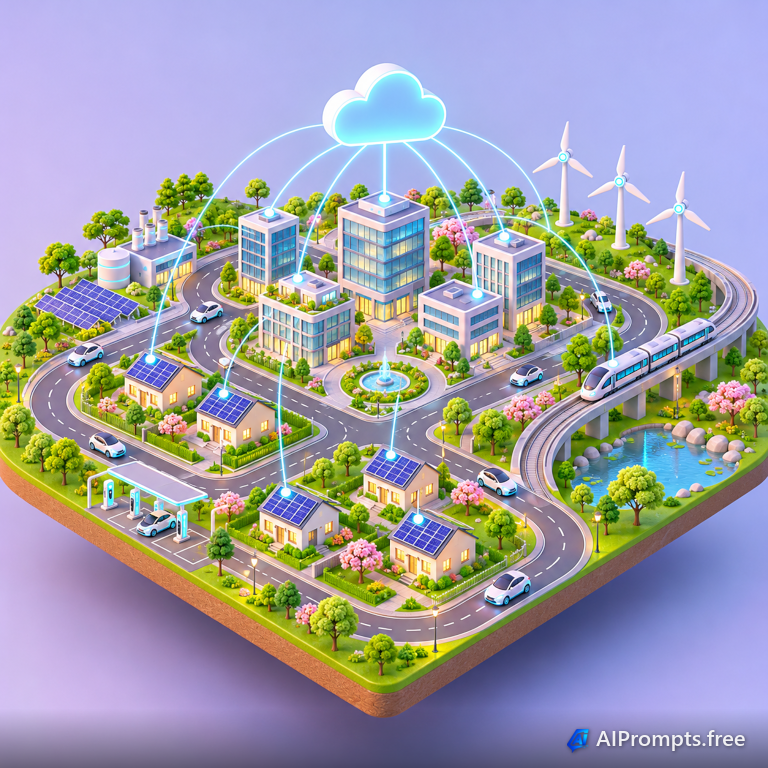
A tidy 3D isometric city of connected buildings and devices.
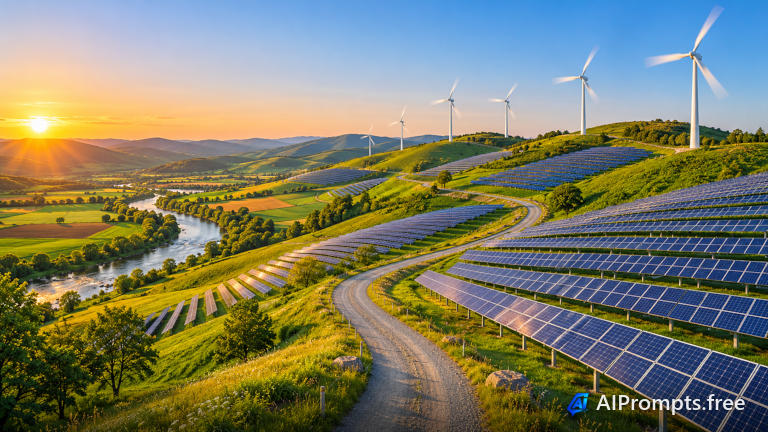
Solar panels and wind turbines across green hills from above.
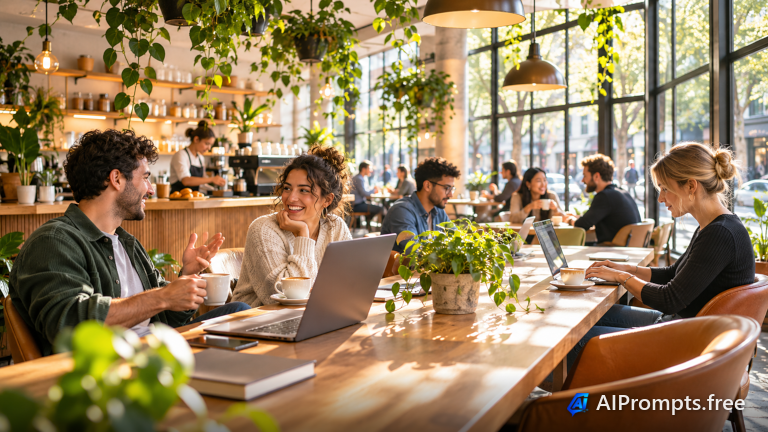
People working on laptops in a bright, plant-filled cafe.

A gold chandelier-style quantum computer in a clean lab.
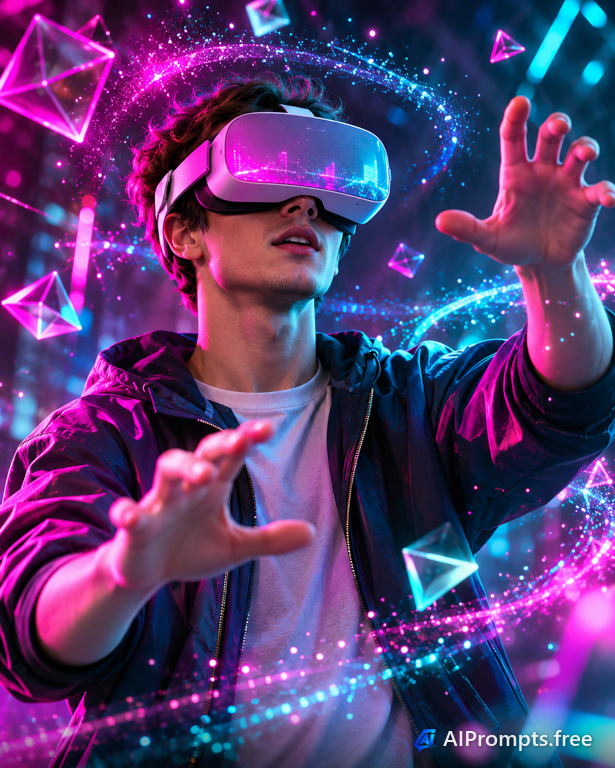
A person in a VR headset reaching into a virtual world.

A real team meeting in a bright modern office.
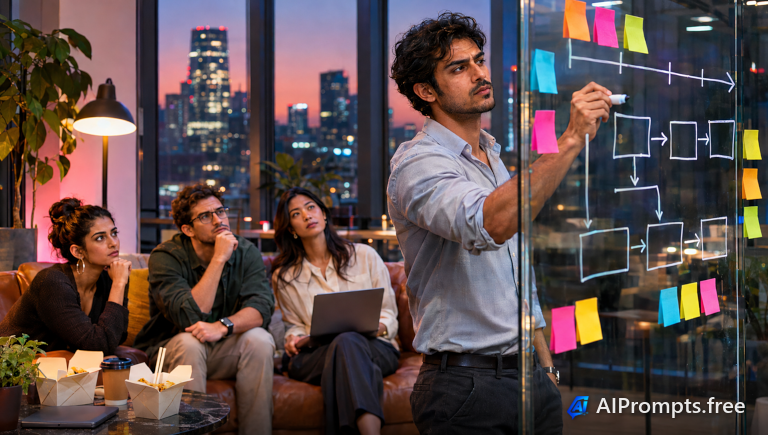
A founder mapping out a plan on a glass wall.

Two professionals closing a deal across a desk.

A developer coding at a multi-monitor desk.

A friendly humanoid robot working with staff.
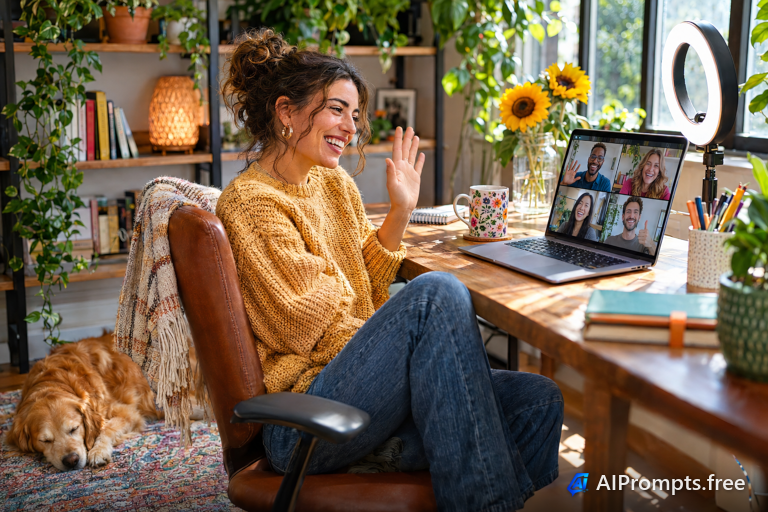
A remote worker on a video call at home.

A confident presenter in a modern boardroom.
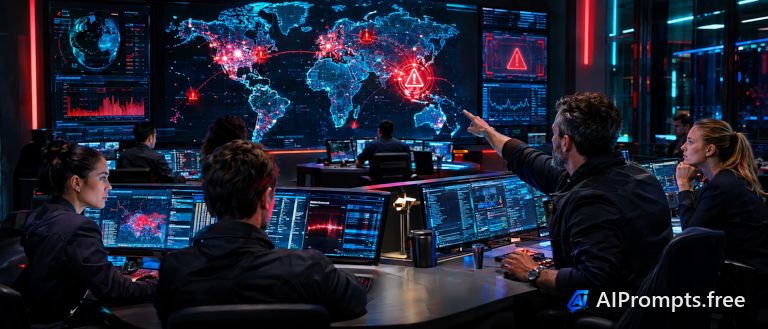
Analysts watching threat maps in a dark SOC.

Orange robots moving shelves in a smart warehouse.

An engineer reviewing plans at a construction site.
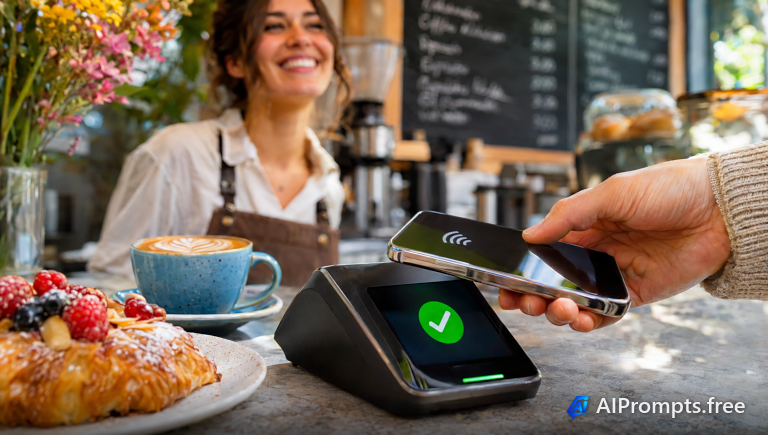
A contactless phone payment in a modern cafe.

An extreme close-up of a glowing processor chip.
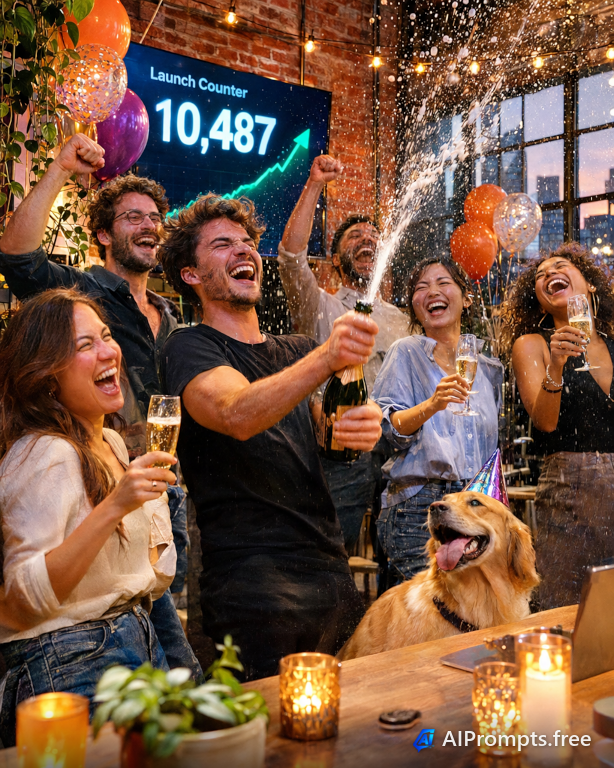
A startup team celebrating a product launch.

A friendly support agent with a headset.
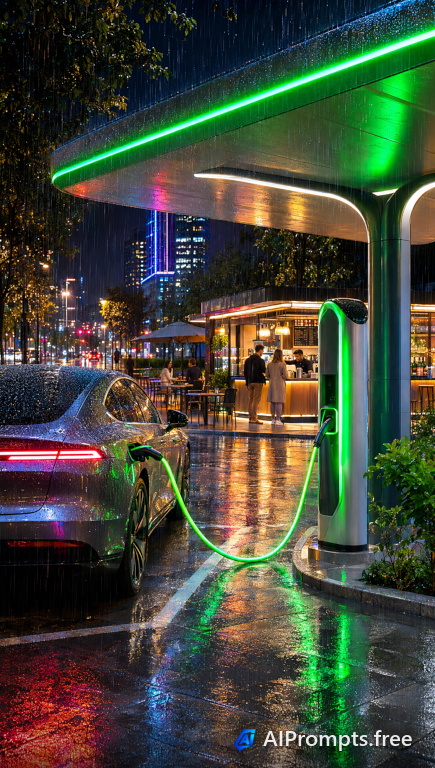
An electric car charging under a modern canopy.
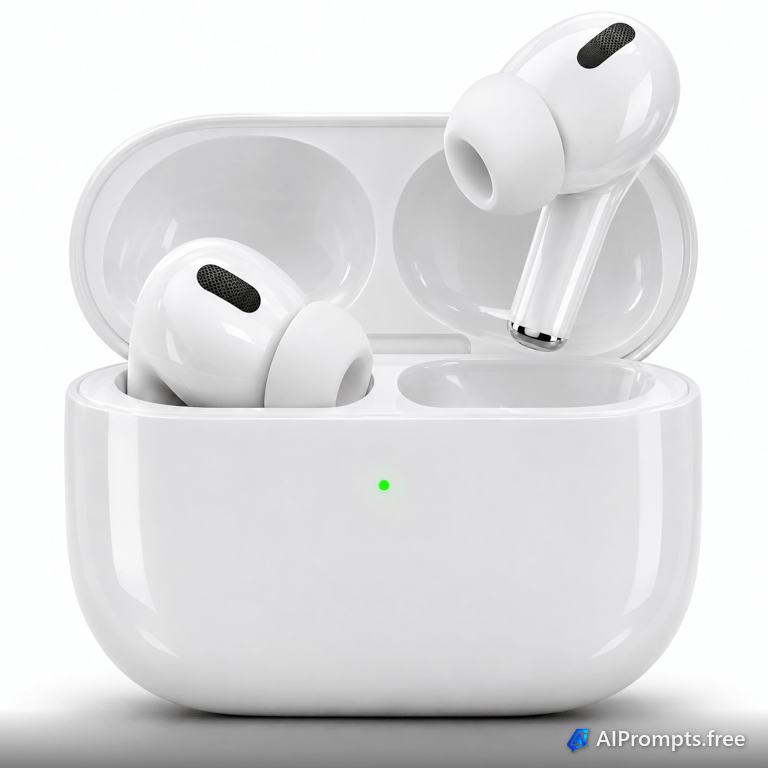
A crisp catalog image on clean white, ready for an online store listing.
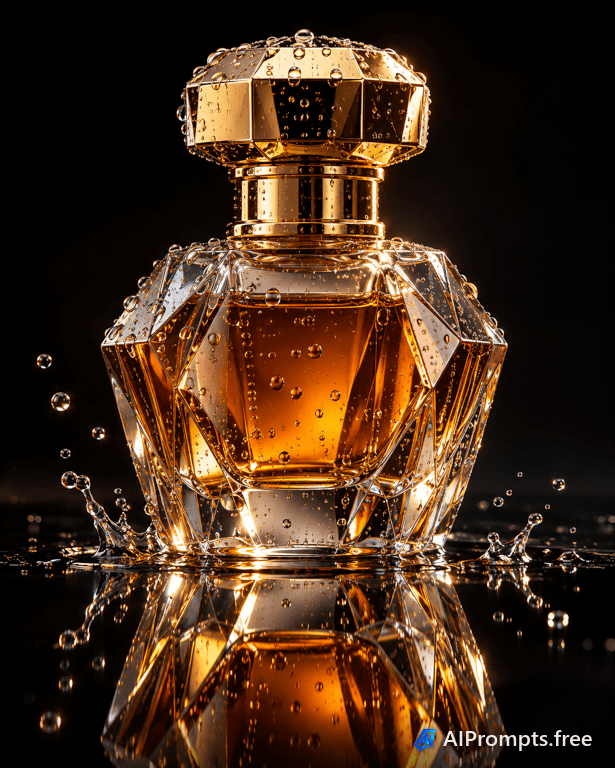
A dark, glossy hero shot that makes a premium product feel expensive.
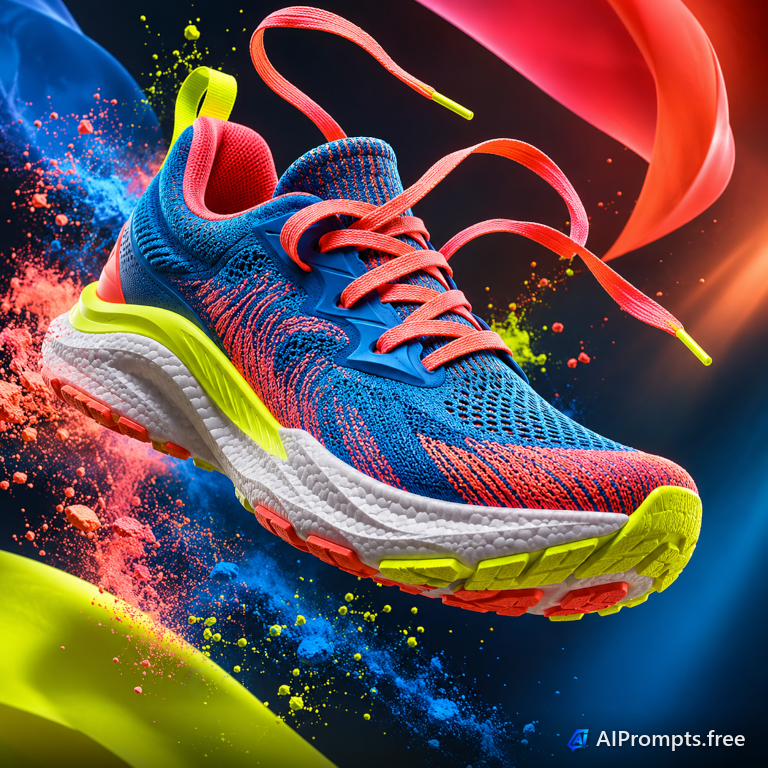
An energetic levitating product shot for sports and streetwear ads.
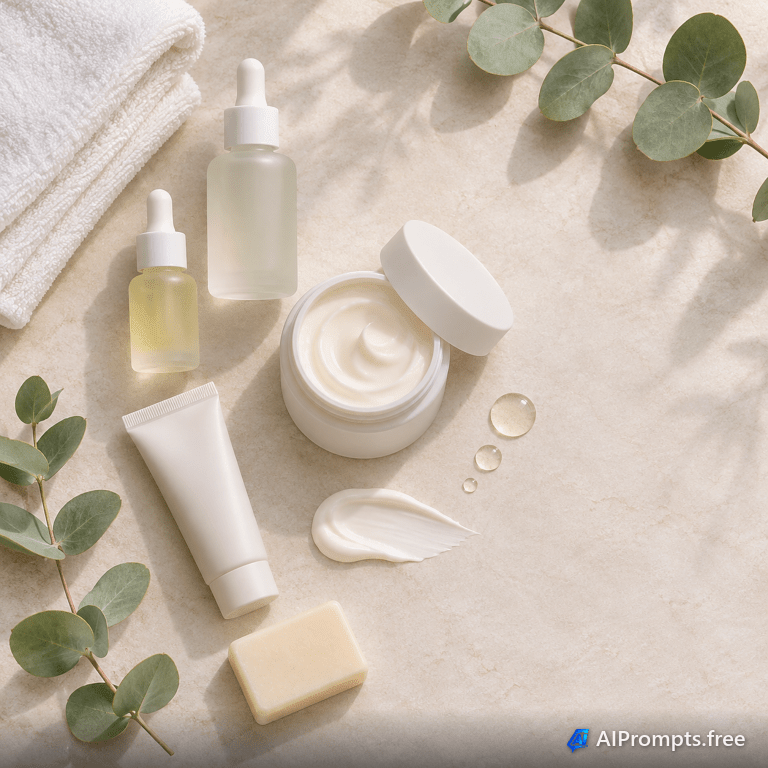
A calm overhead arrangement for beauty brands and social posts.
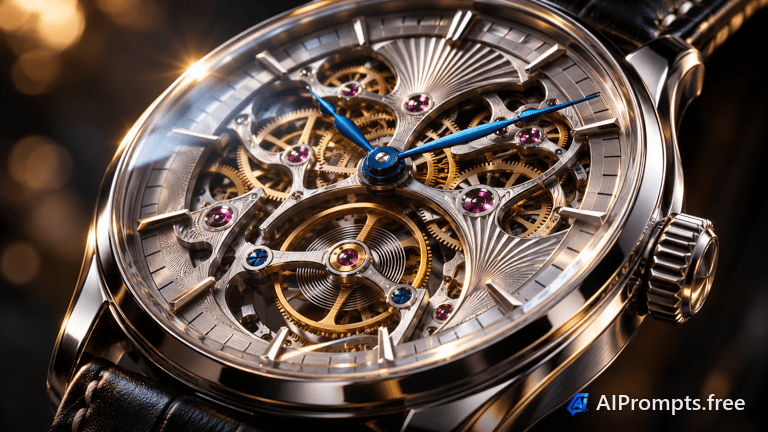
An extreme close-up that shows craftsmanship down to the gears.

A cozy in-use product photo that feels like a real morning.
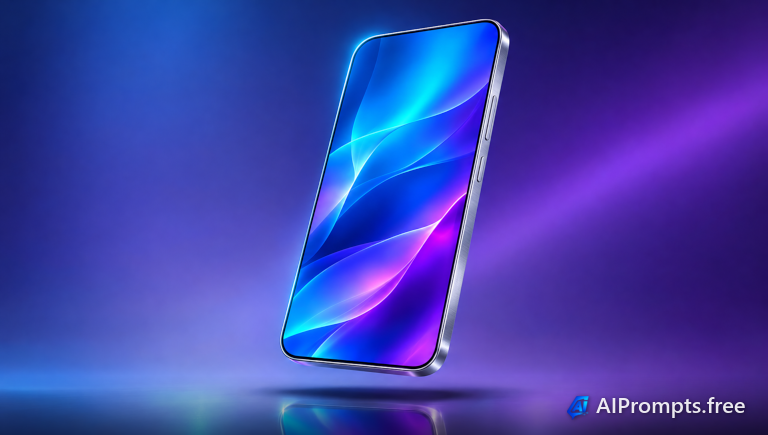
A sleek tech render for launch pages, app stores and pitch decks.
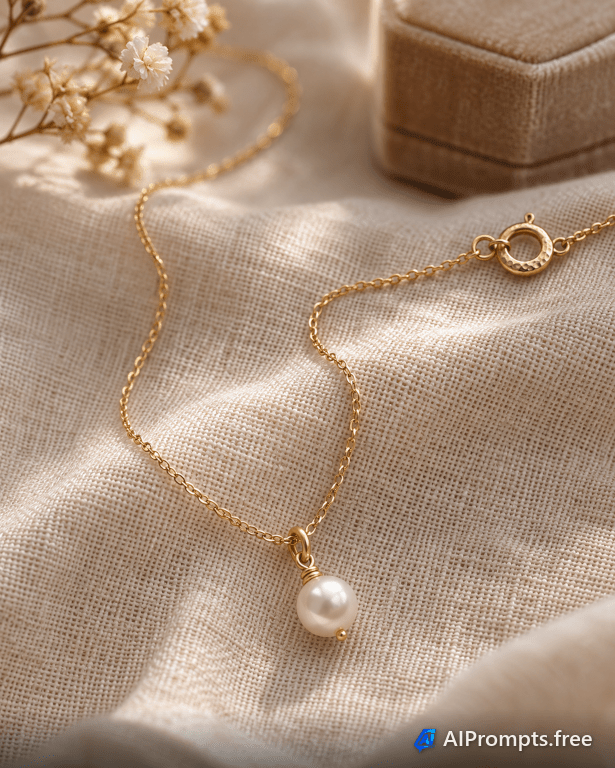
Delicate detail and soft light for Etsy and boutique shop listings.
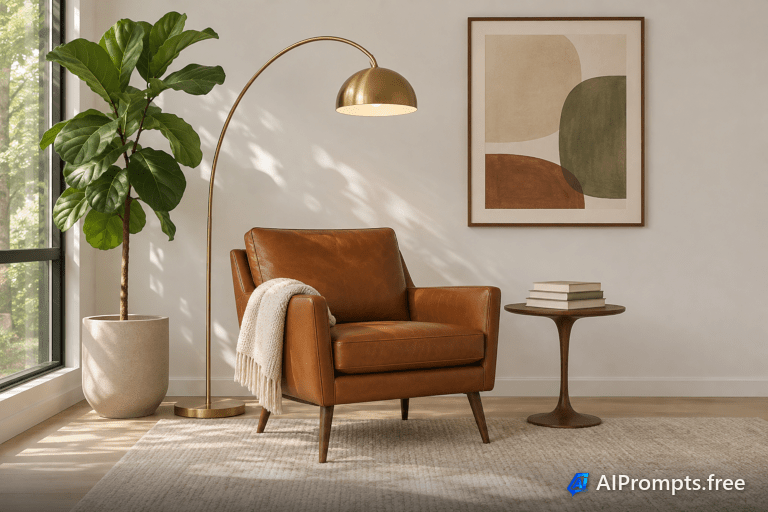
Shows a furniture piece in context, the way a catalog would.
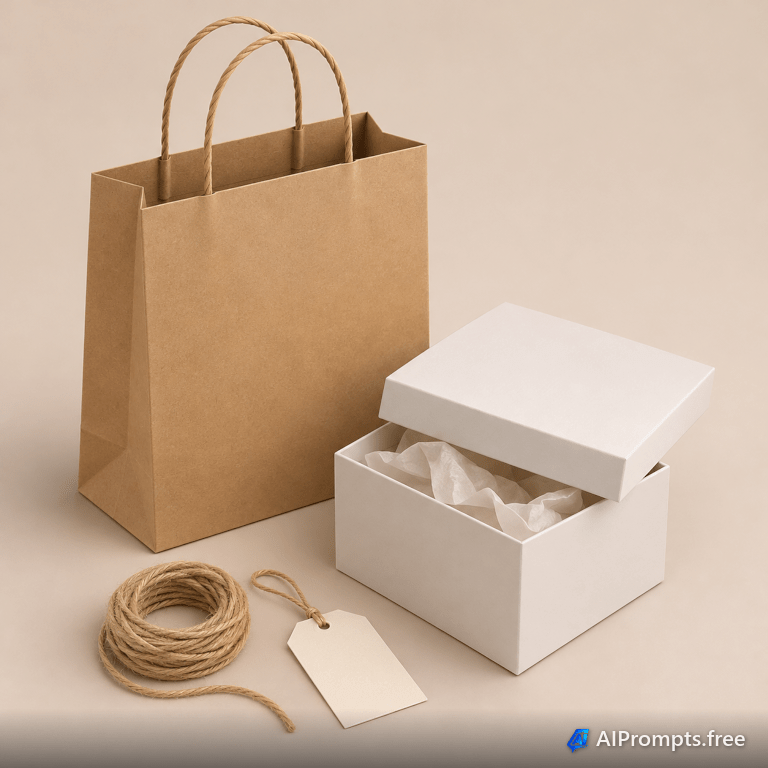
Blank packaging to drop your own branding onto later.
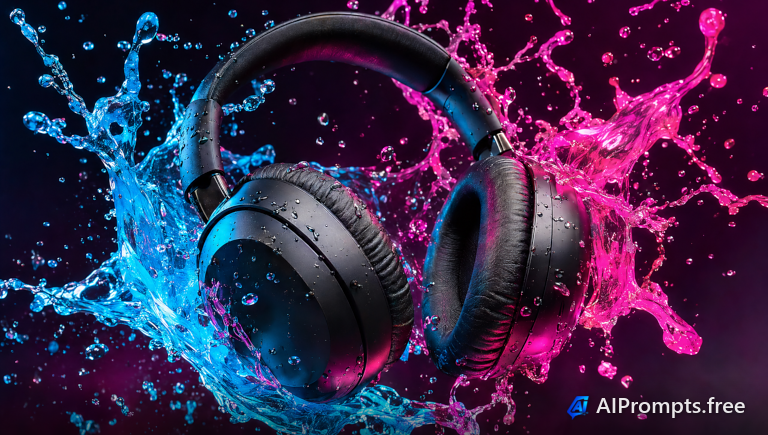
Over-ear headphones floating in a burst of paint.

A handmade candle styled in a cozy setting.
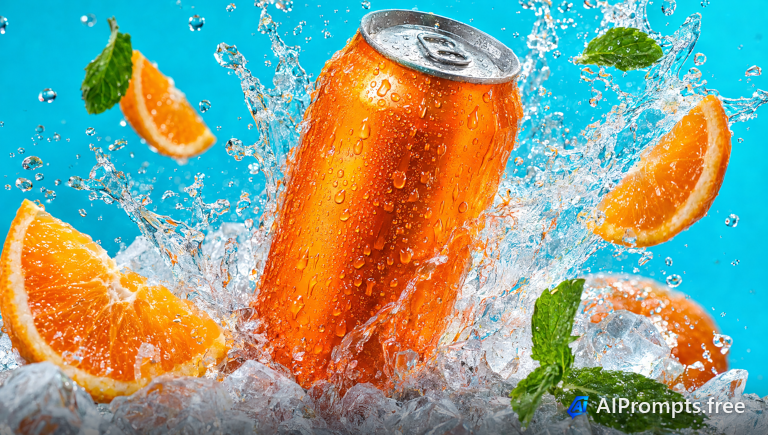
A cold can bursting through ice and water.
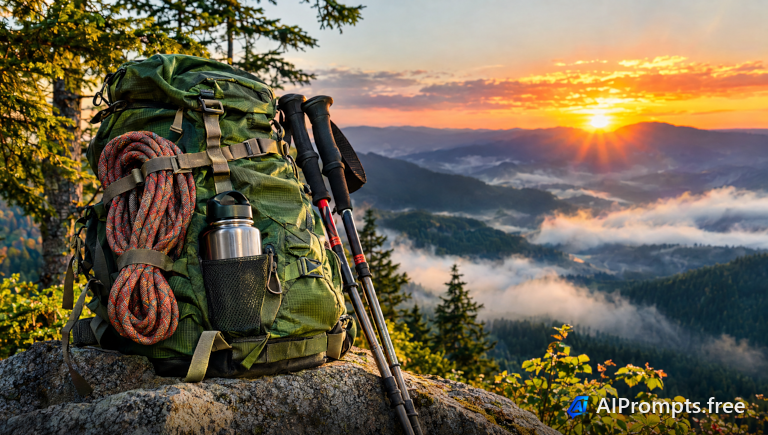
An outdoor backpack on a rock with a mountain view.
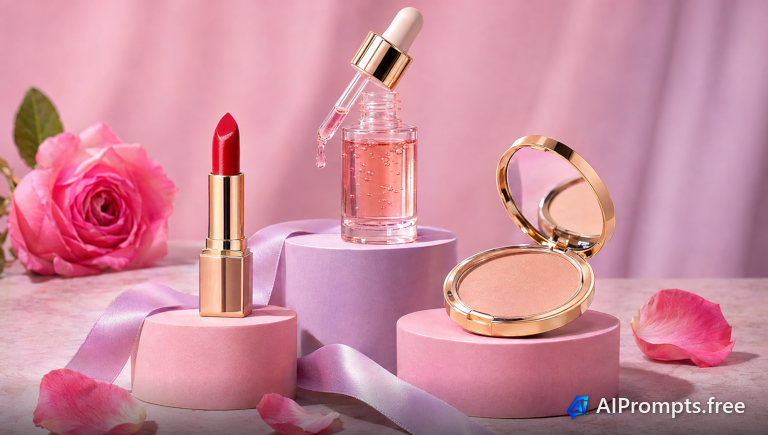
Beauty products on pastel geometric podiums.
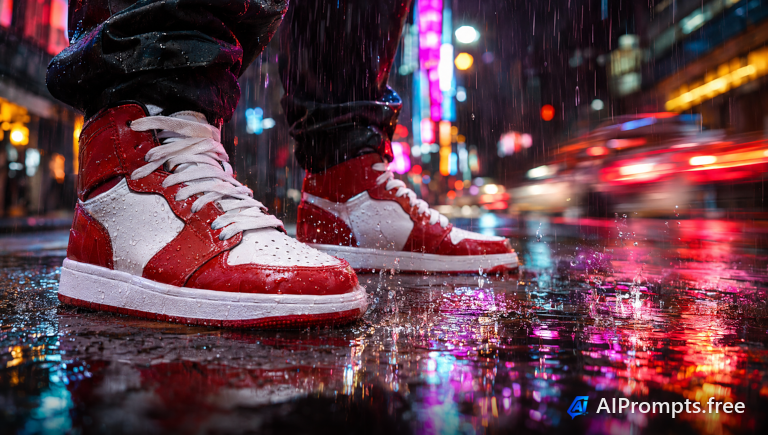
Street-style sneakers on rainy neon pavement.
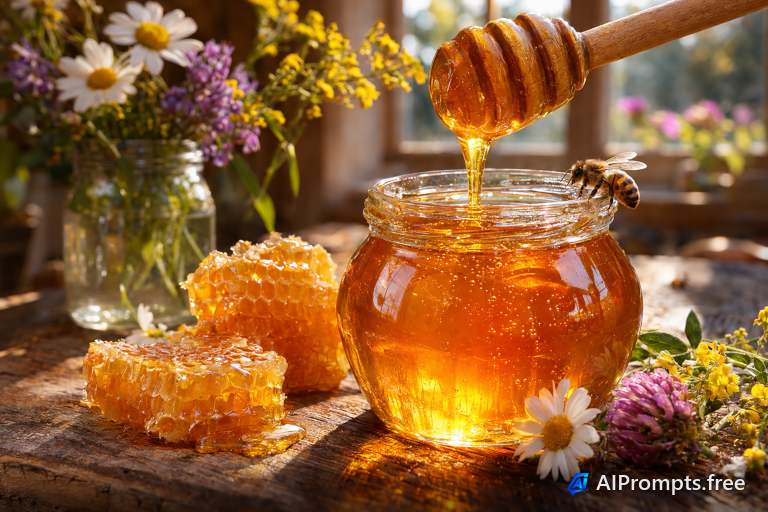
Golden honey dripping from a dipper beside a jar.
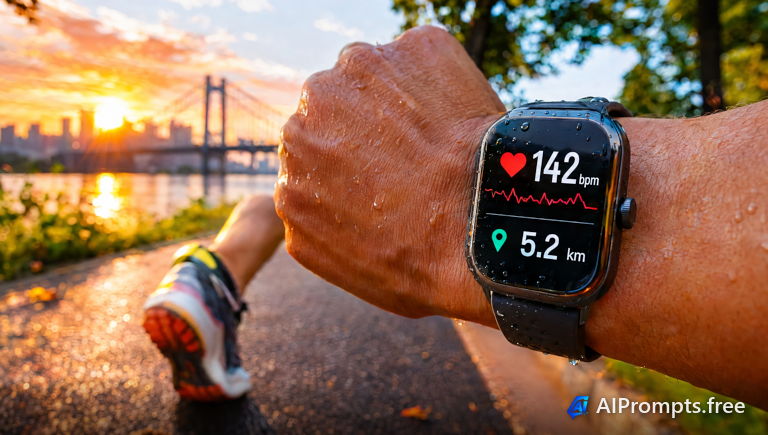
A fitness smartwatch on a runner wrist.
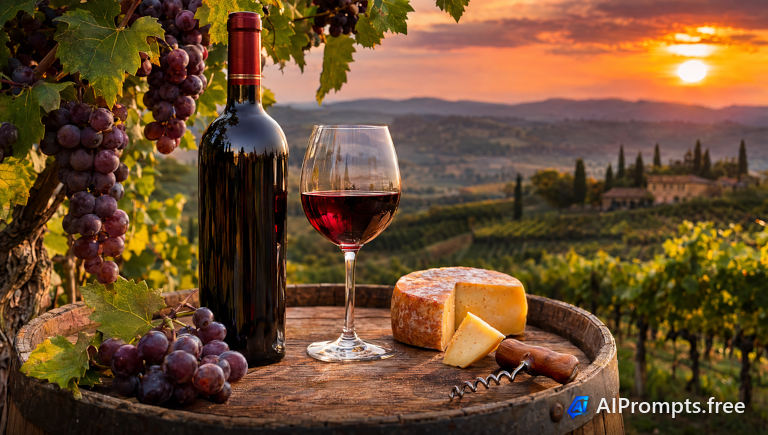
An unlabeled wine bottle at sunset among the vines.
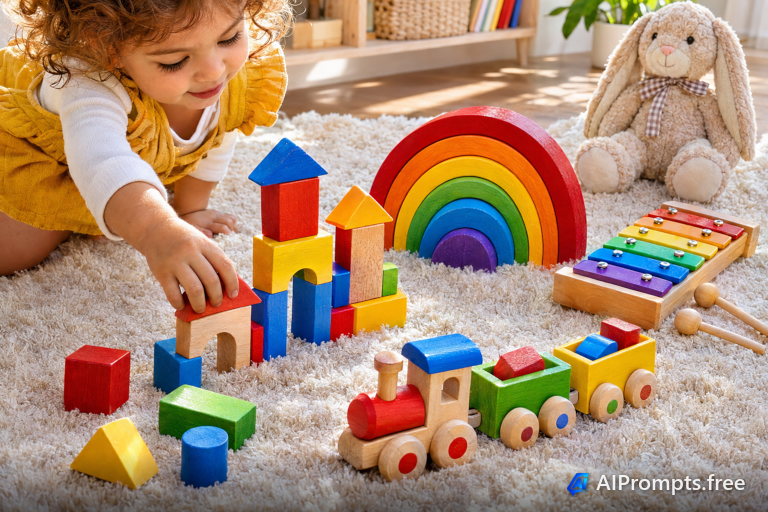
Colorful wooden toys for kids product pages.
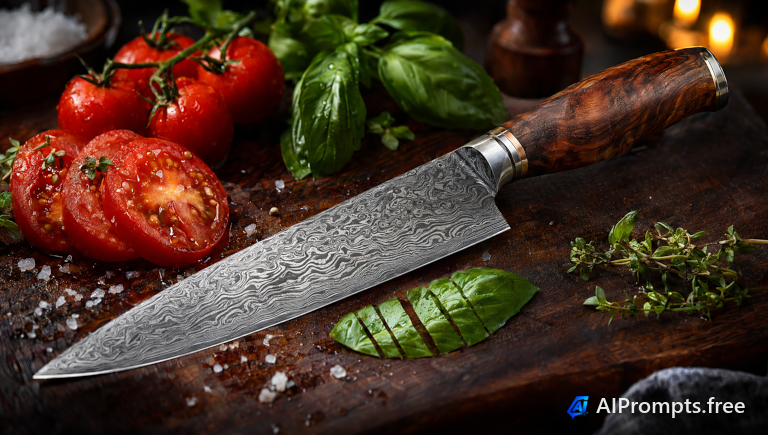
A premium chef knife on a dark cutting board.
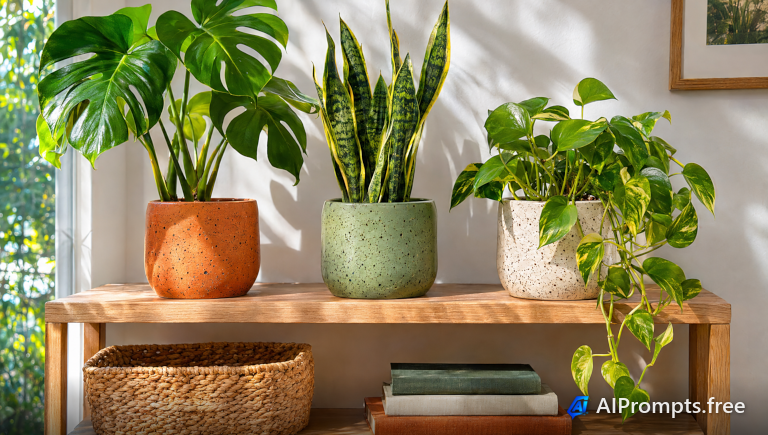
Handmade ceramic planters on a sunny shelf.
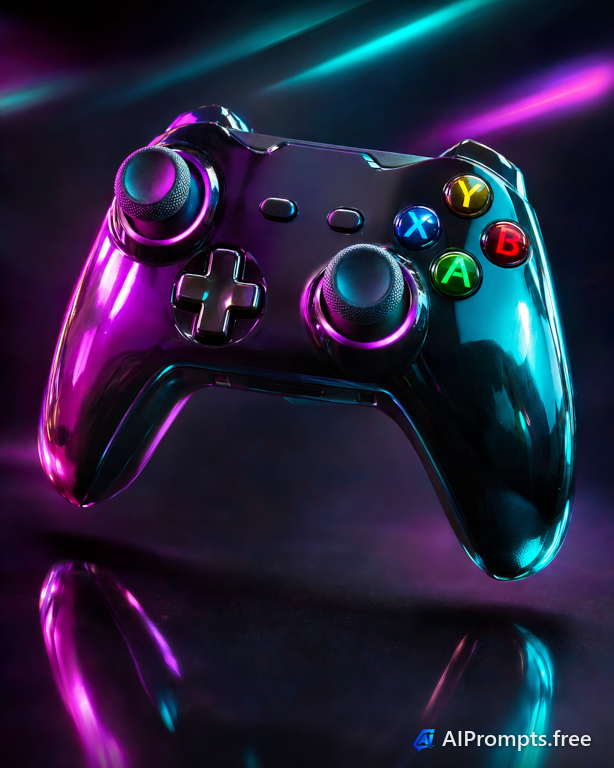
A game controller lit with vivid RGB light.
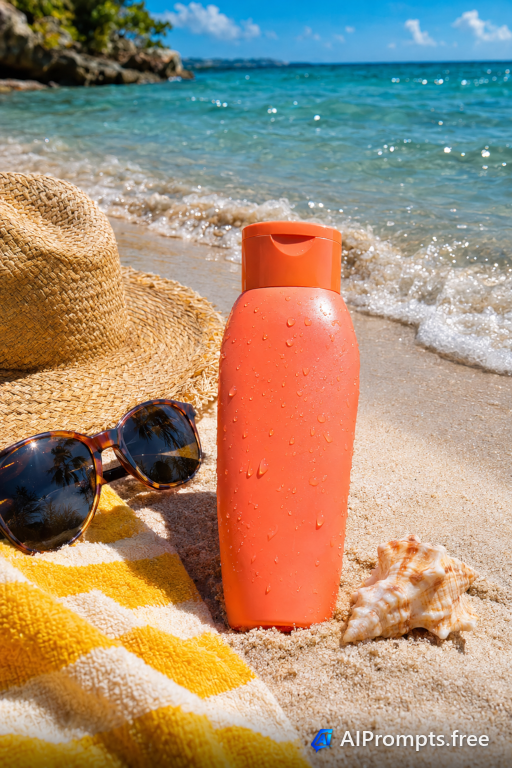
A sunscreen bottle on a sunny beach.
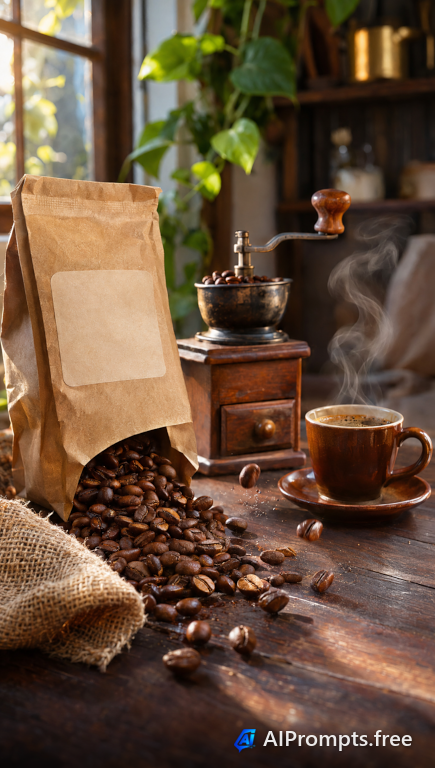
A kraft coffee bag with spilled roasted beans.
Smooth flowing color for desktop and phone wallpapers.
A tidy repeating pattern for backgrounds and print.

A dark tech backdrop with glowing traces.
Soft paint blooms to use as a background or overlay.
A luxe stone texture for invitations and branding.
Swirling colored ink clouds, like a high-speed photo.
Out-of-focus night lights for soft text-friendly backdrops.
A faceted sunset mountain range for ultrawide wallpapers.
Layered paper art with soft shadows and depth.
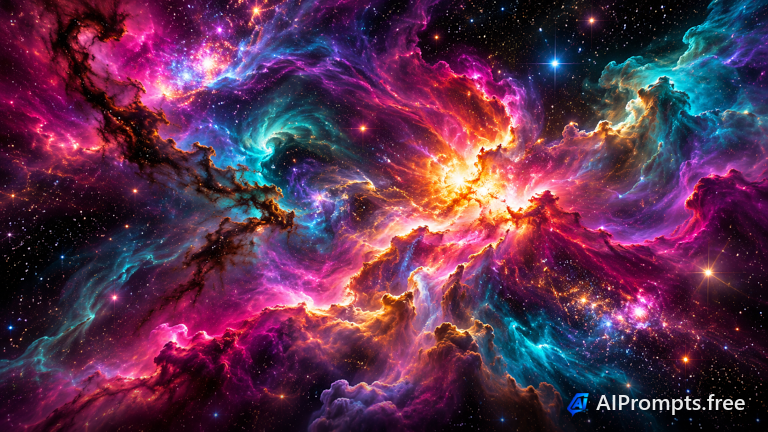
A colorful deep-space nebula for wallpapers and covers.
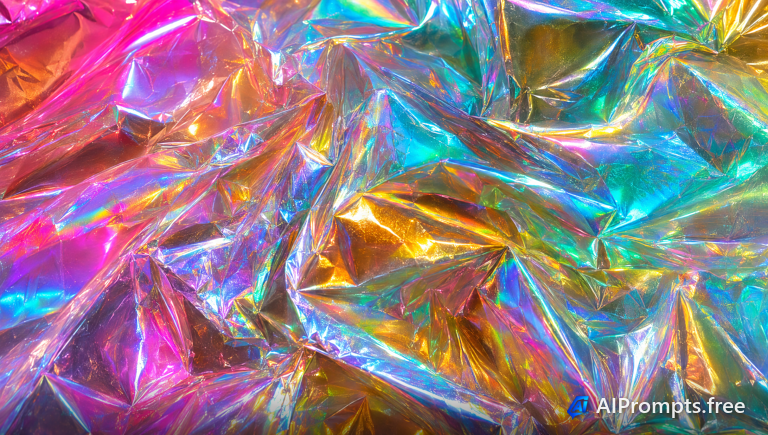
Iridescent rainbow foil waves for bold backgrounds.
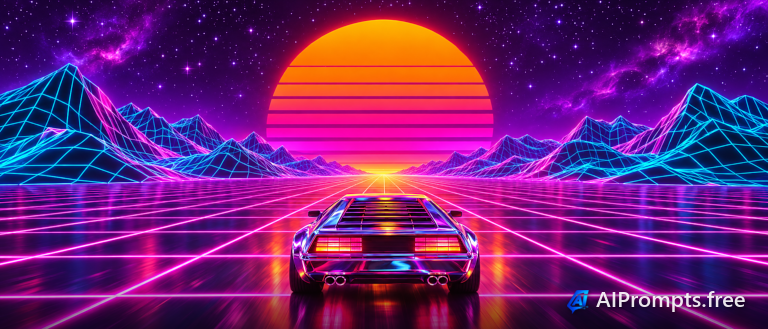
A retro 80s neon grid wallpaper.
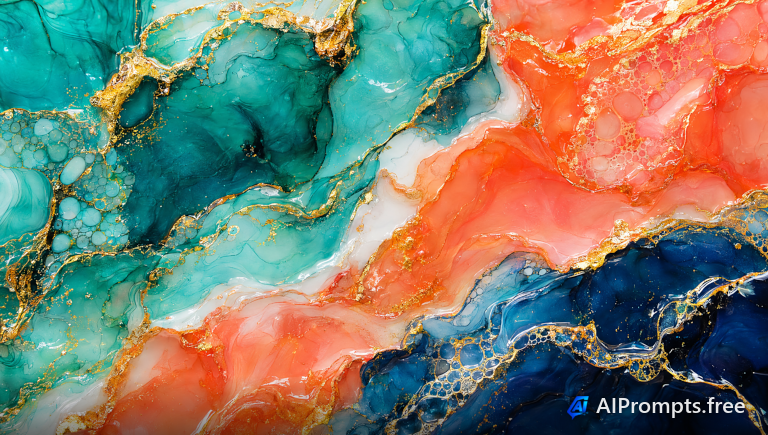
Bold alcohol ink art in teal, gold and coral.
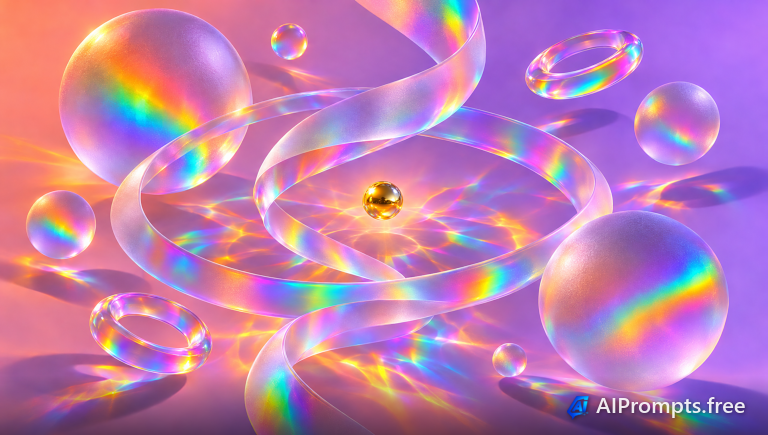
Translucent glass shapes with refraction.
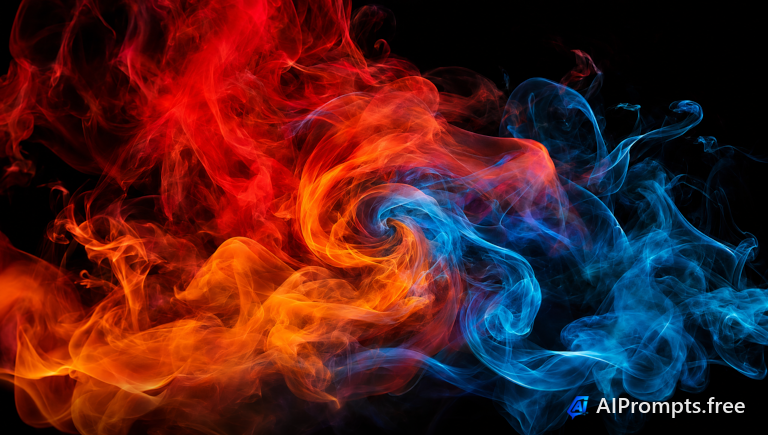
Vivid colored smoke curling on black.
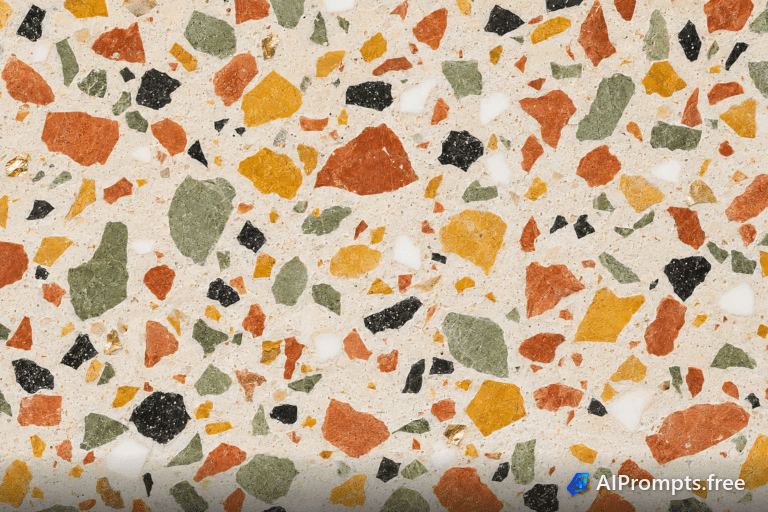
A playful terrazzo stone pattern texture.
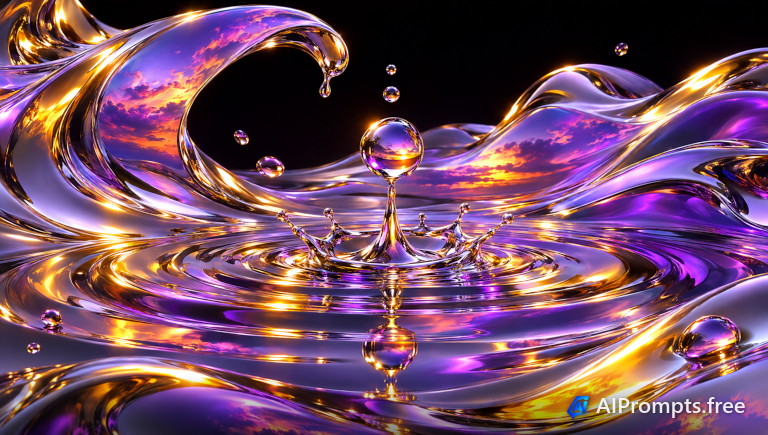
Flowing liquid chrome with mirror reflections.
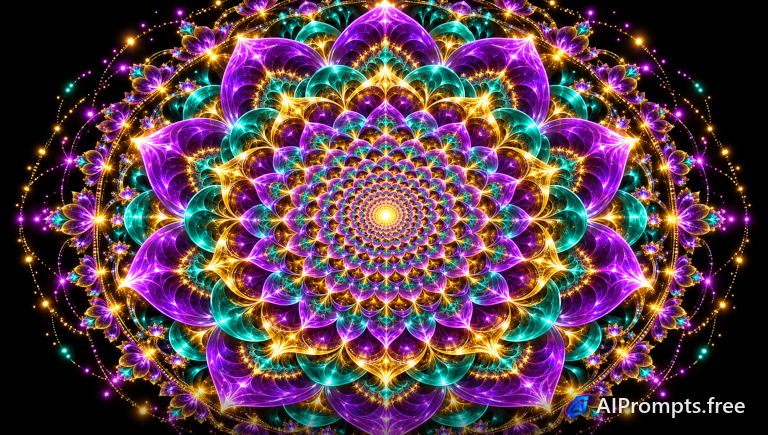
A symmetrical glowing fractal mandala.

Soft crumpled paper texture for backgrounds.
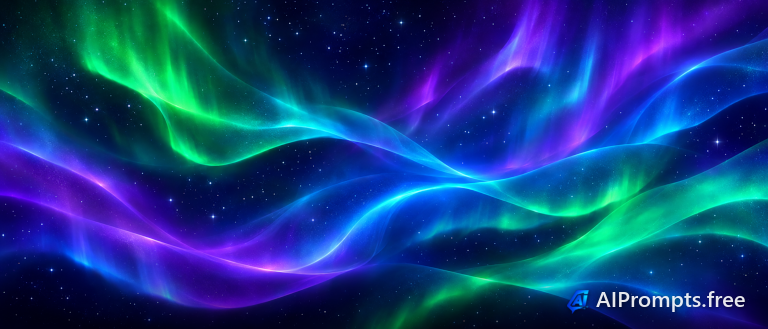
A glowing aurora-style gradient wallpaper.
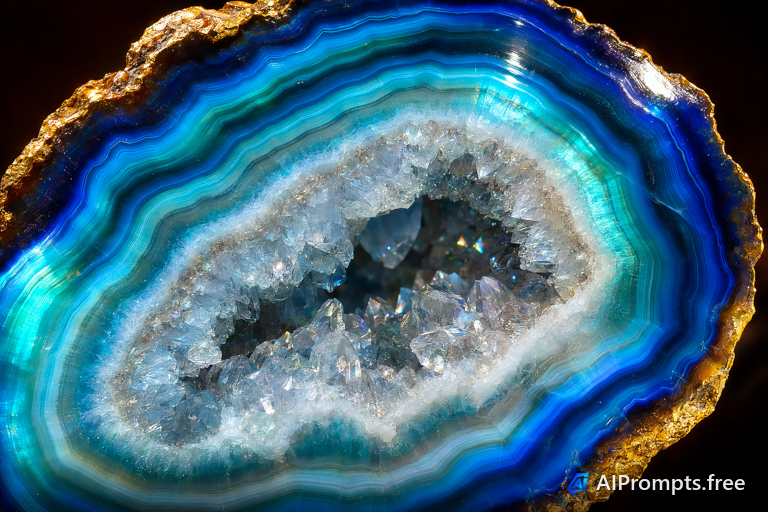
Polished agate bands in vivid colors.
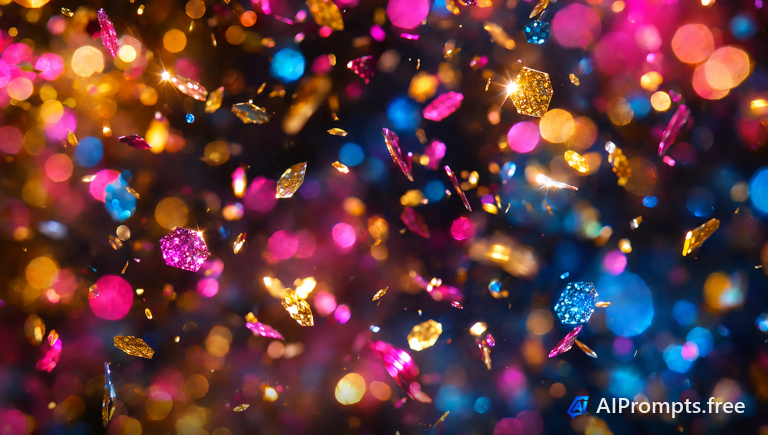
Sparkling multicolor glitter bokeh.
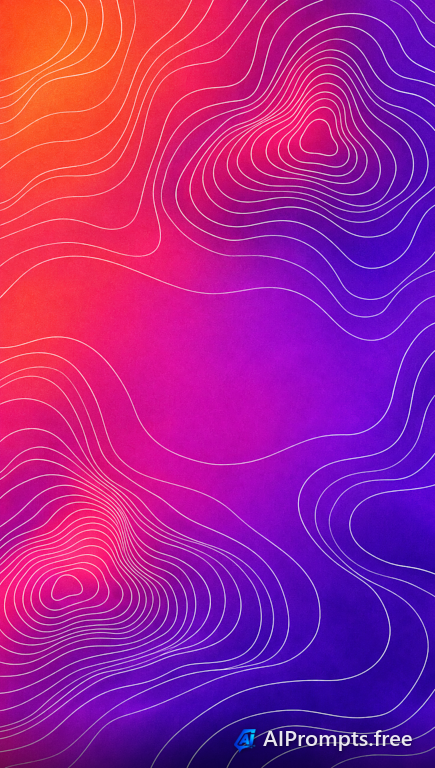
Flowing contour lines over a vivid gradient.
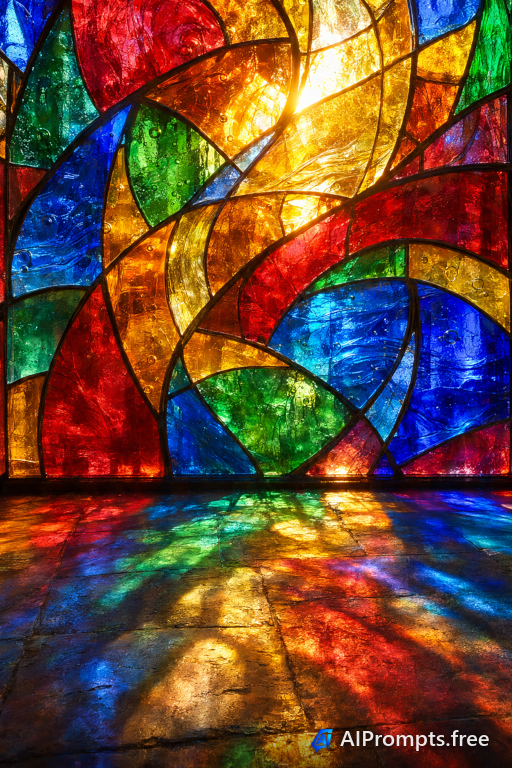
Radiant stained glass in jewel tones.

Rich emerald velvet folds for luxury backgrounds.
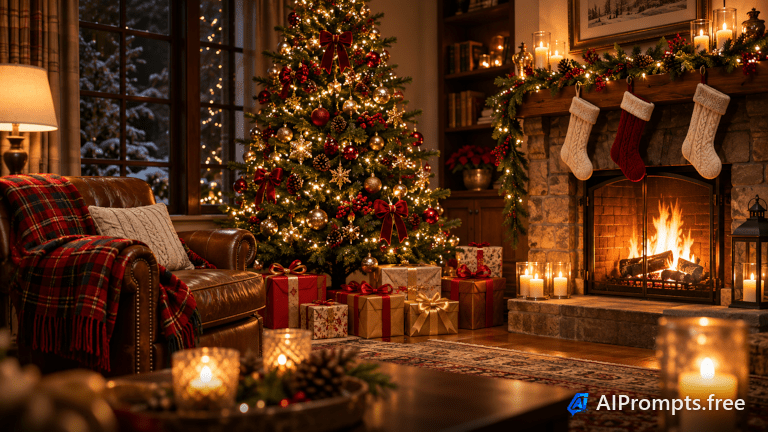
A cozy living room with a glowing tree, gifts and a fireplace.
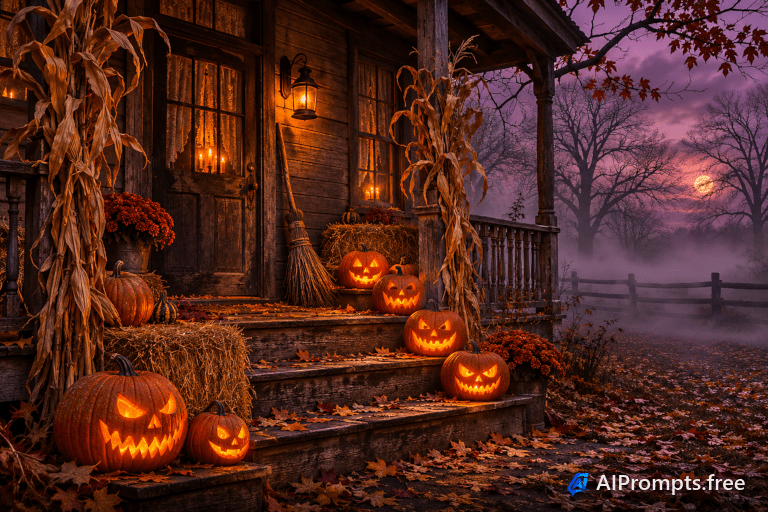
Carved jack-o-lanterns glowing on a foggy porch at dusk.
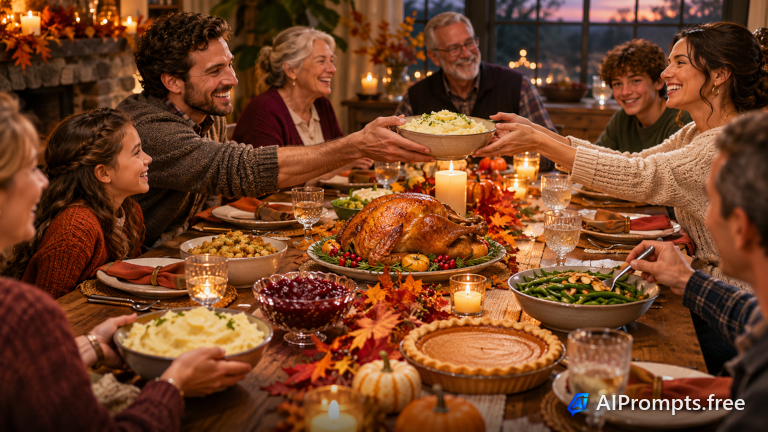
A harvest dinner table with a roast turkey and family hands passing dishes.
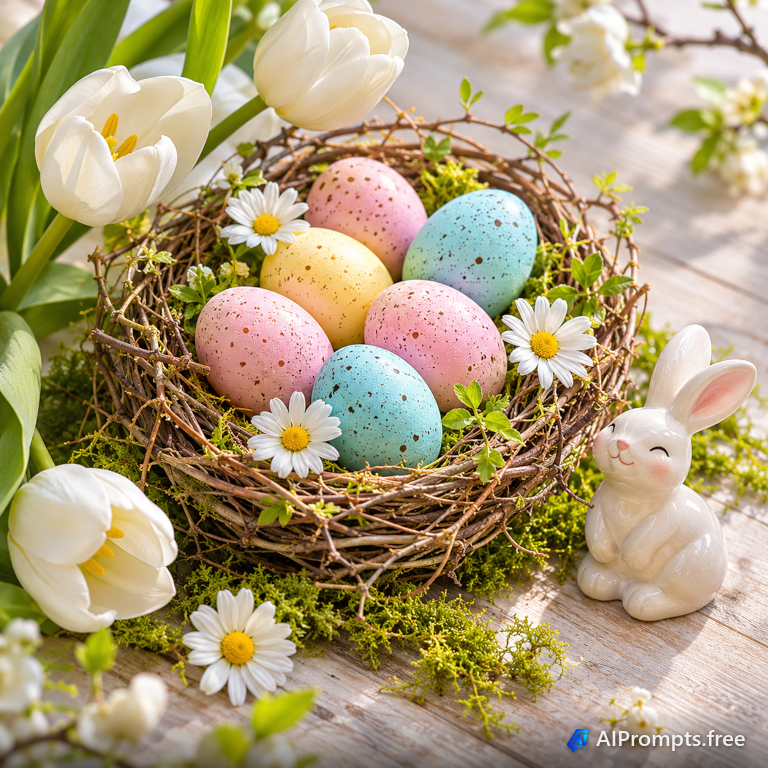
Pastel eggs in a twig nest with spring flowers.
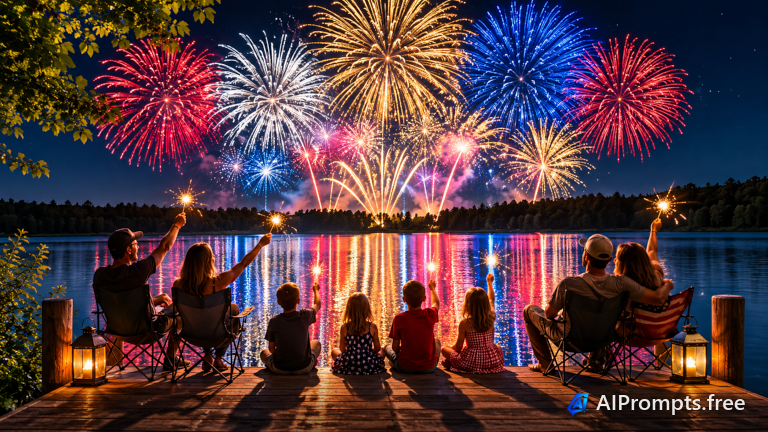
Summer fireworks reflecting on a lake with silhouetted watchers.
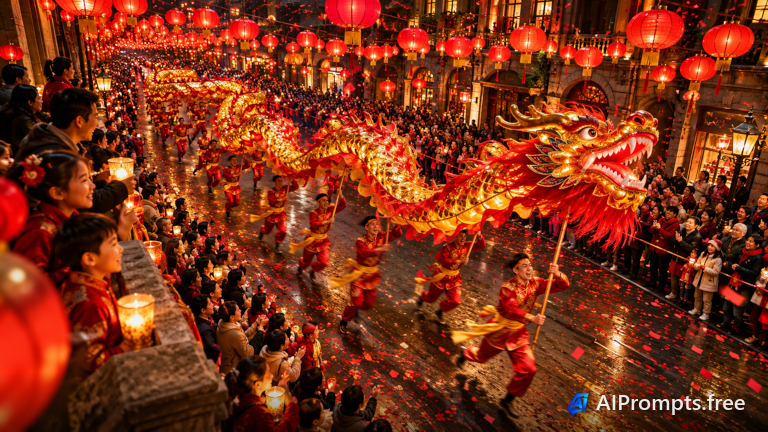
Red lanterns and a dragon dance filling a festive street.
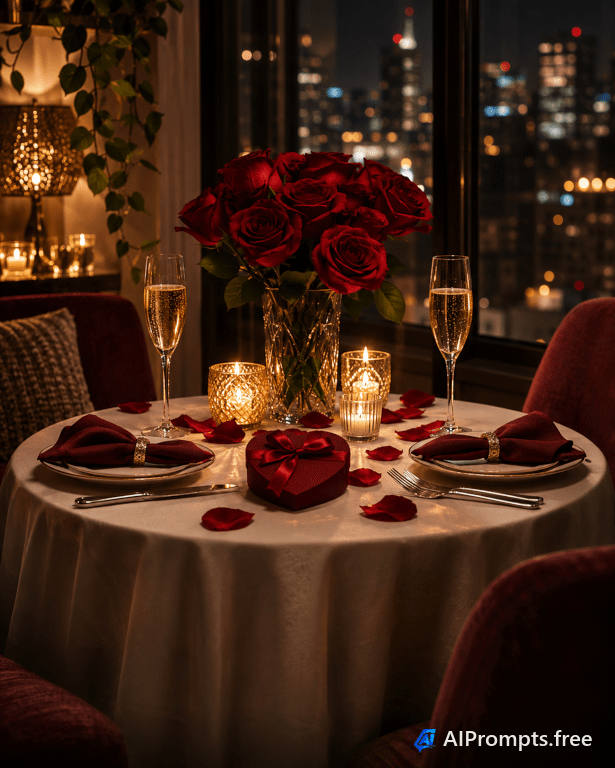
A candlelit table for two with roses and champagne.
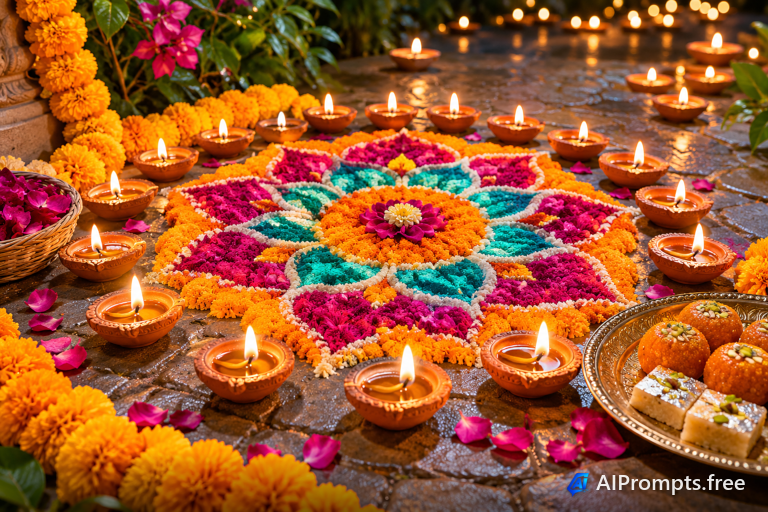
Glowing clay oil lamps around a colorful rangoli pattern.
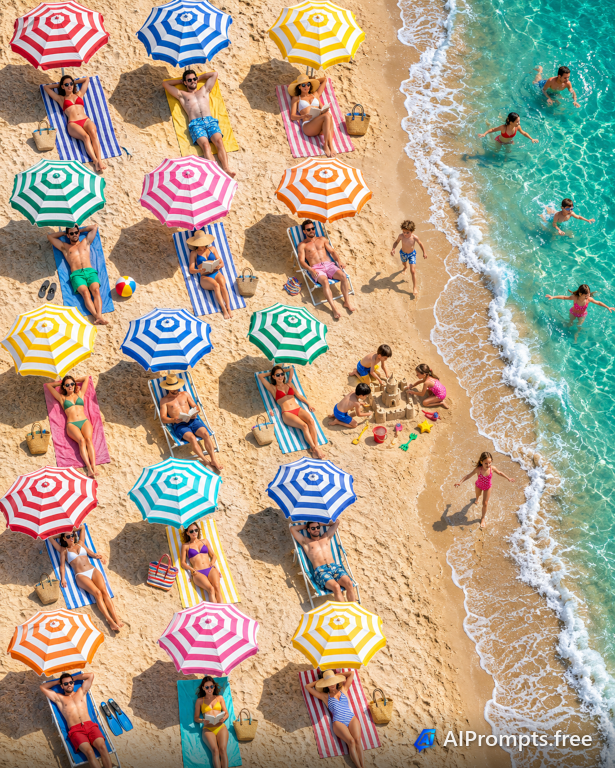
Colorful umbrellas and towels on a sunny beach seen straight down.
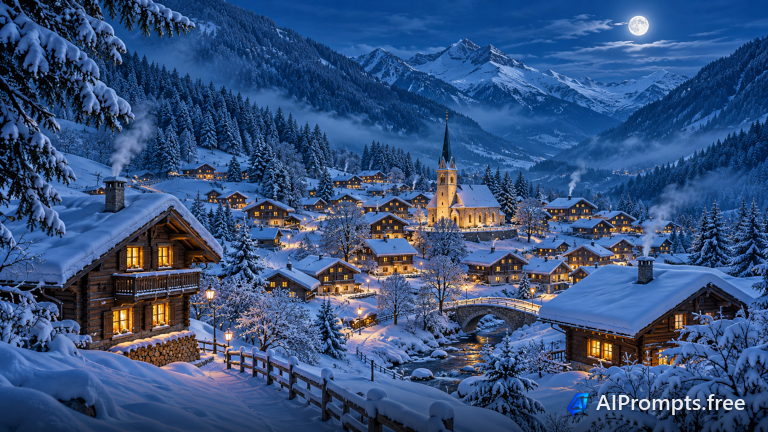
A small alpine village under fresh snow with warm glowing windows.
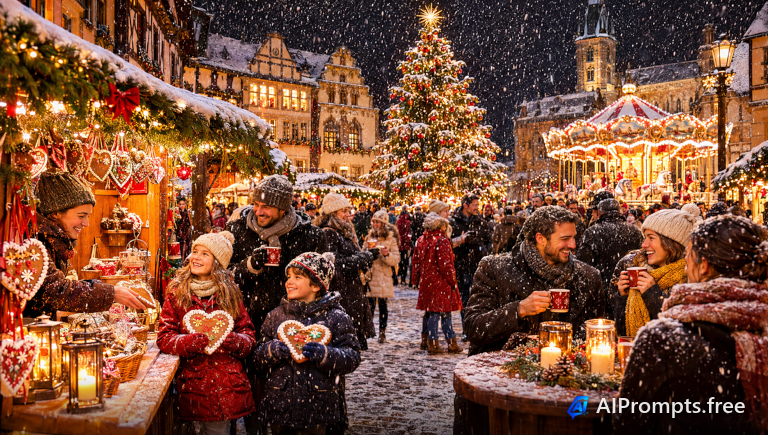
A glowing Christmas market in an old town square.
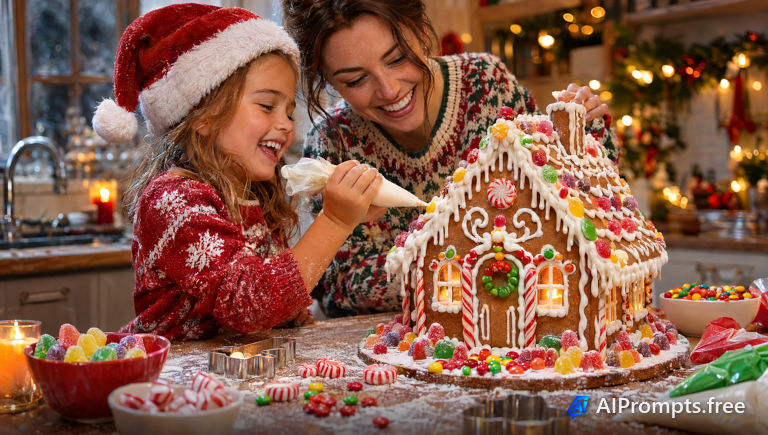
Decorating a gingerbread house in a cozy kitchen.
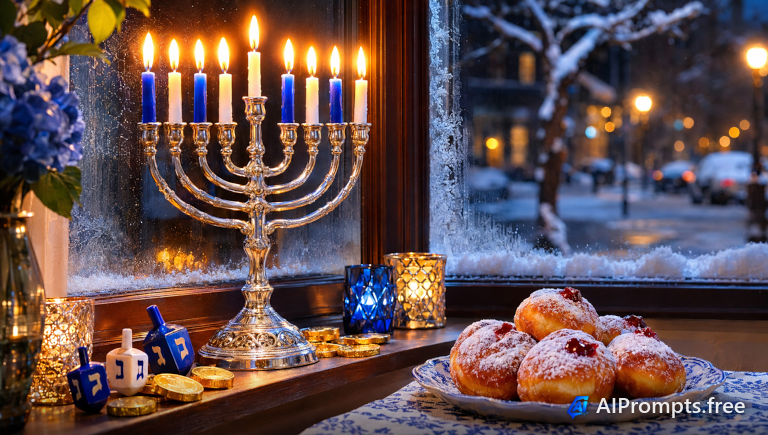
A lit menorah glowing in a winter window.
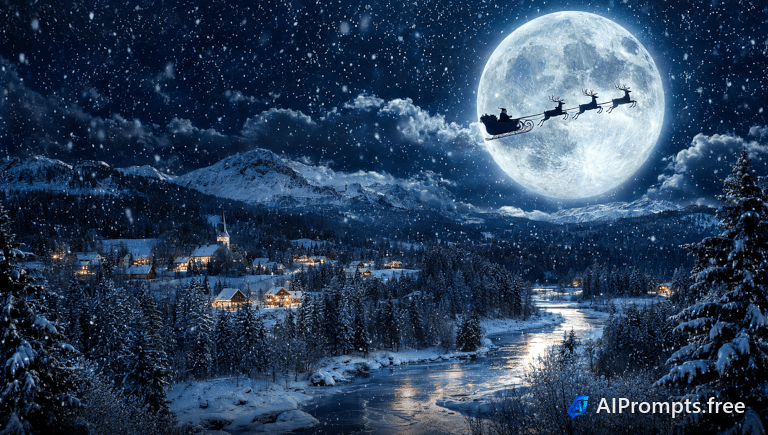
A sleigh and reindeer silhouetted against the moon.
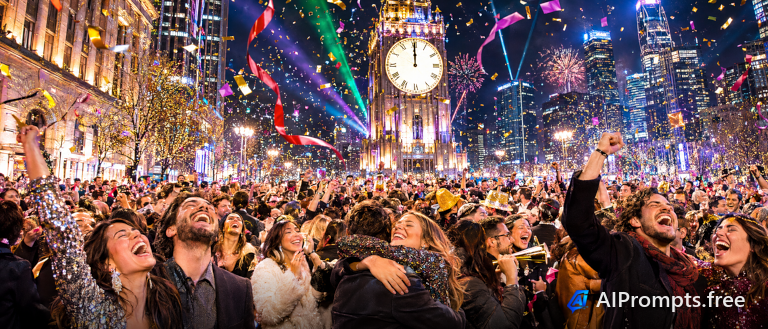
A crowd celebrating at midnight in a city square.
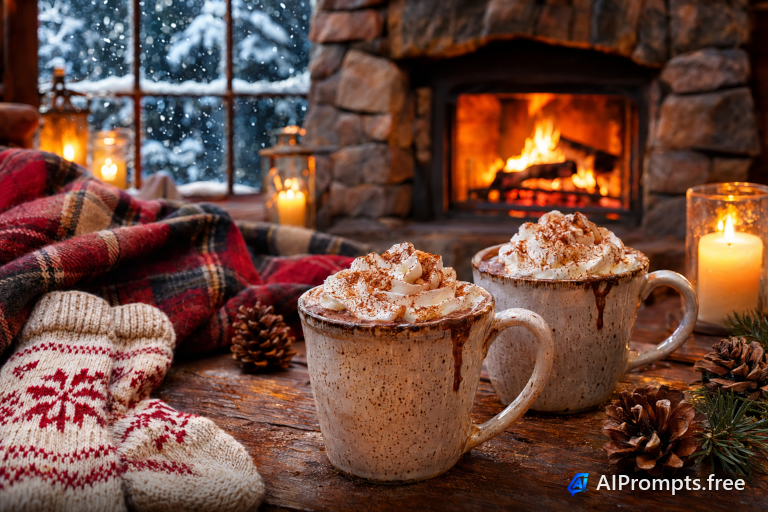
Cozy mugs of cocoa by a crackling fireplace.
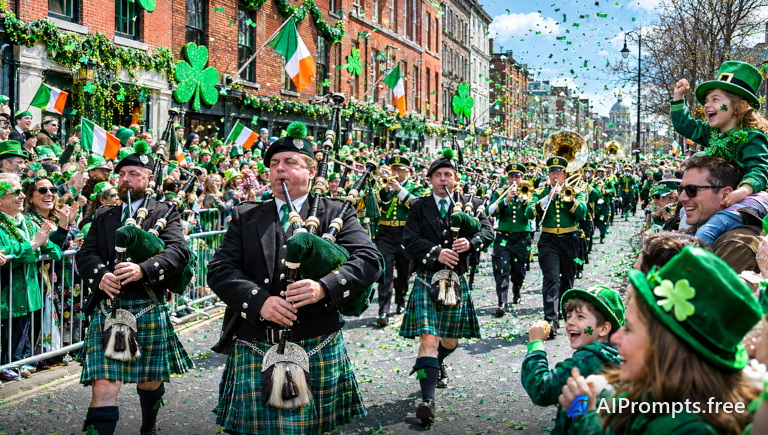
A green-filled parade with bagpipers.
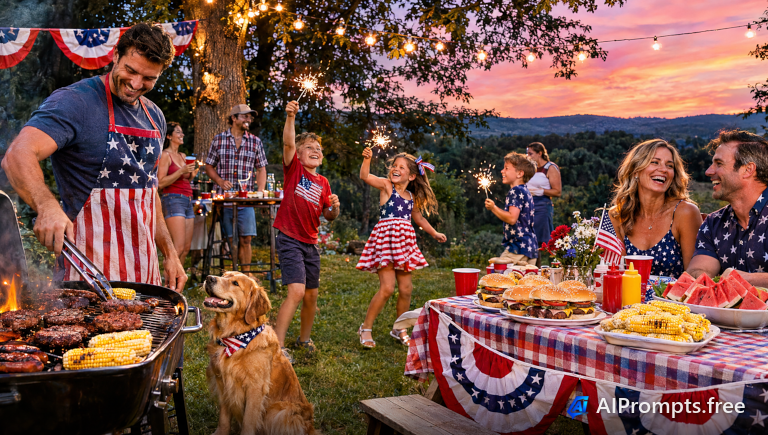
A summer backyard cookout with flags and sparklers.
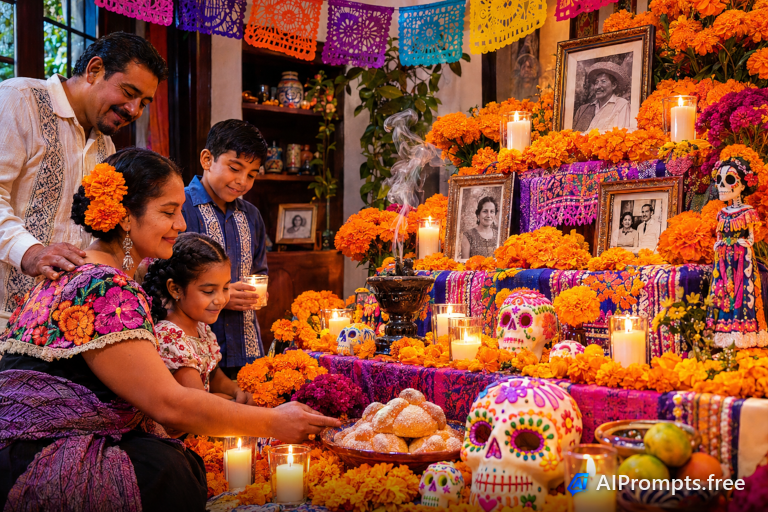
A colorful ofrenda with marigolds and candles.
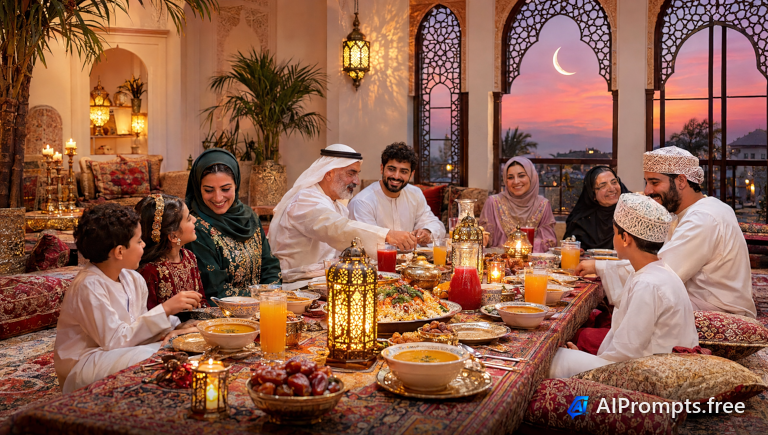
A glowing iftar table with lanterns at sunset.
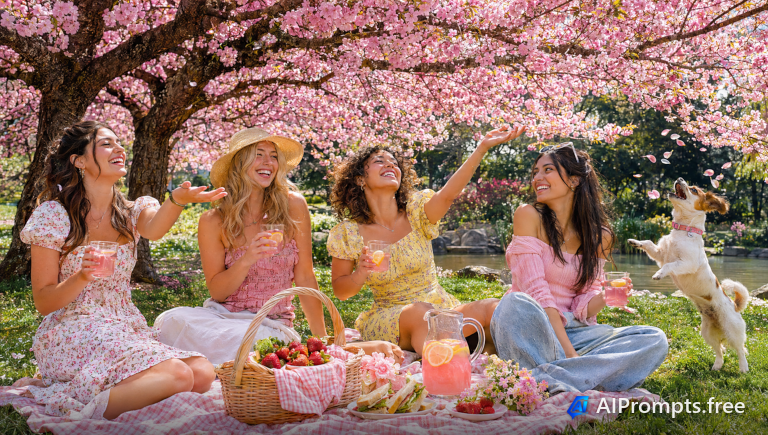
A picnic beneath blooming cherry trees.
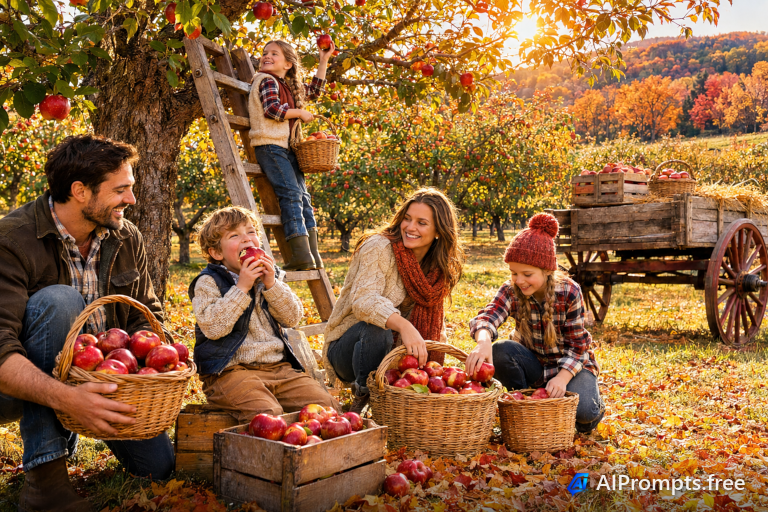
A family picking apples on a fall afternoon.
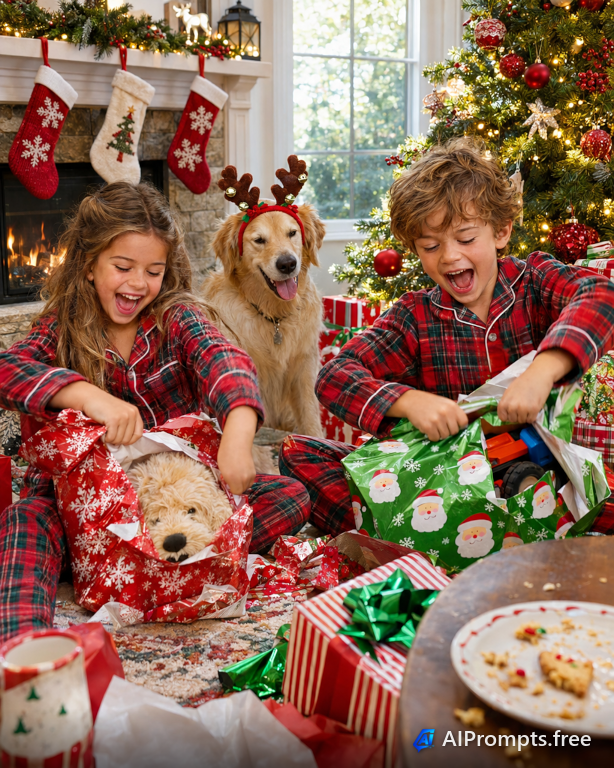
Kids opening presents by the tree.
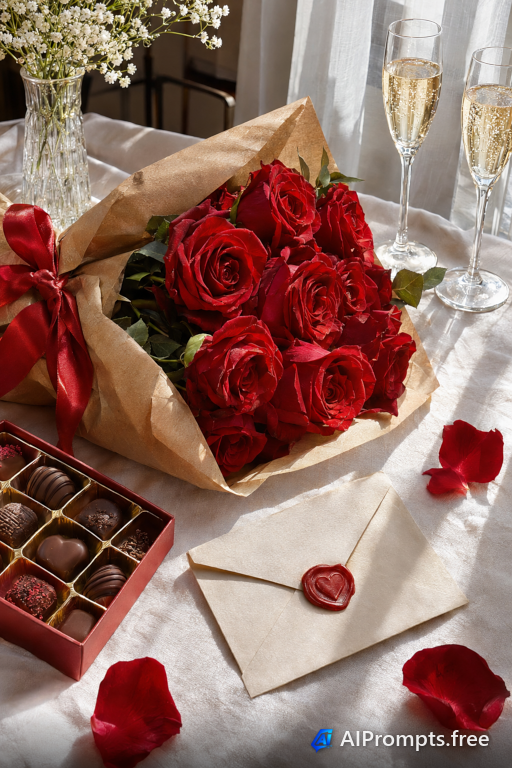
Red roses and a handwritten note for Valentine's Day.
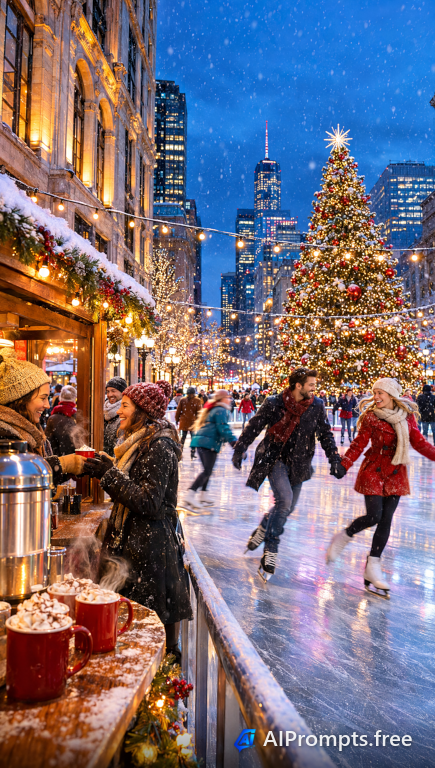
Skaters on an outdoor rink under string lights.
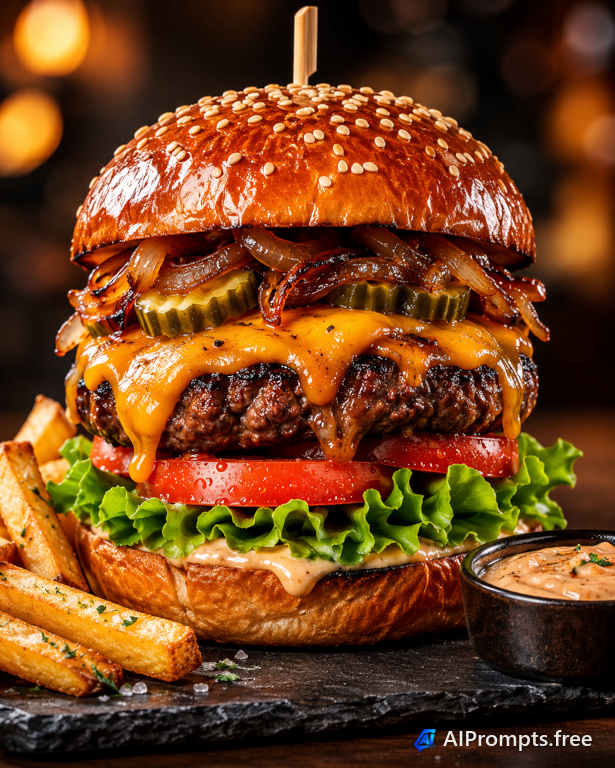
A mouth-watering hero shot for menus and delivery apps.
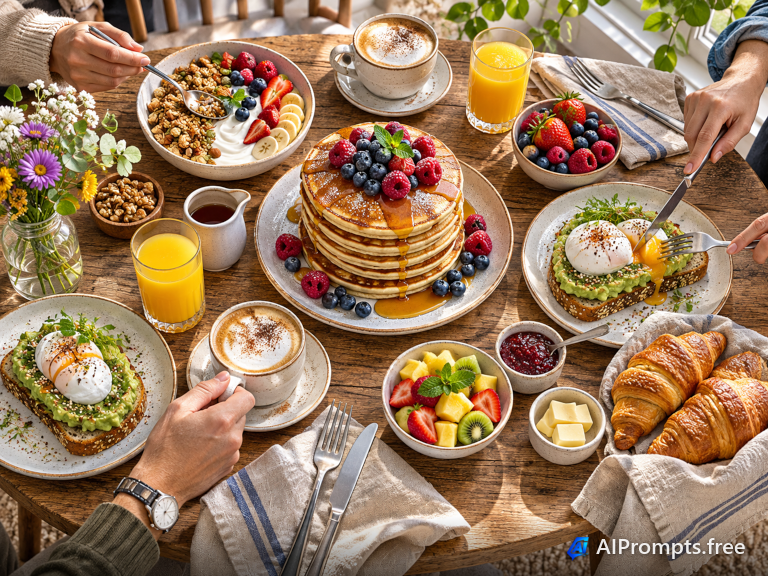
A colorful top-down spread for cafes, recipes and social media.
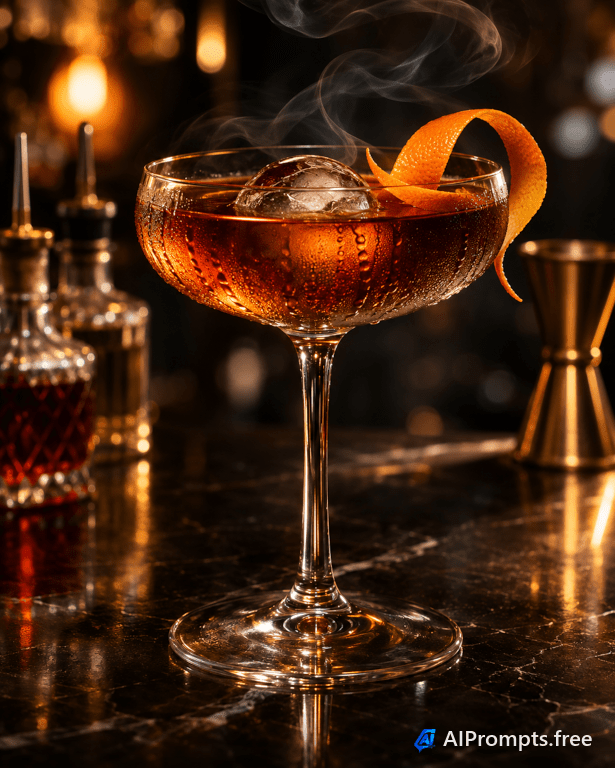
A moody bar shot with glowing backlight for drink menus.
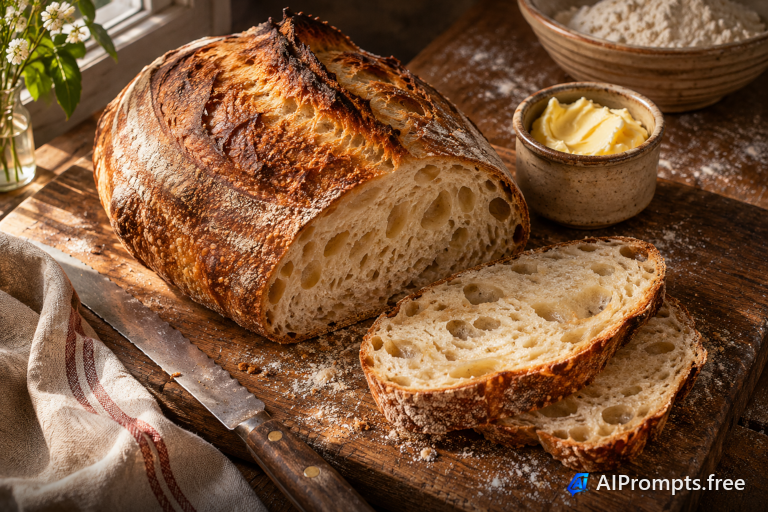
Earthy, textured bakery photography with side light.
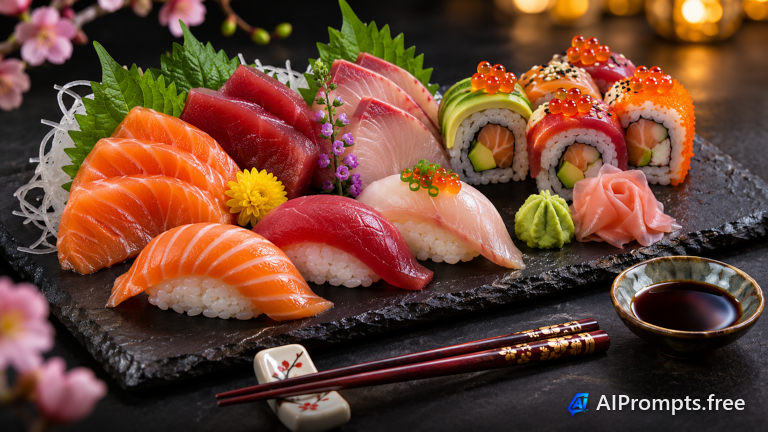
An elegant, high-contrast plate for Japanese restaurant menus.
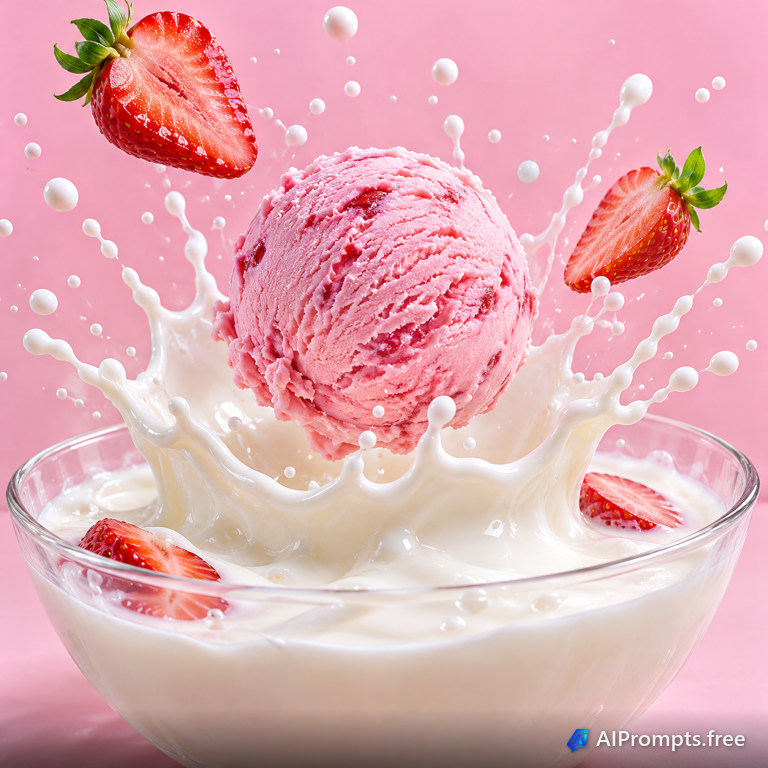
A playful high-speed splash for dessert ads and packaging.
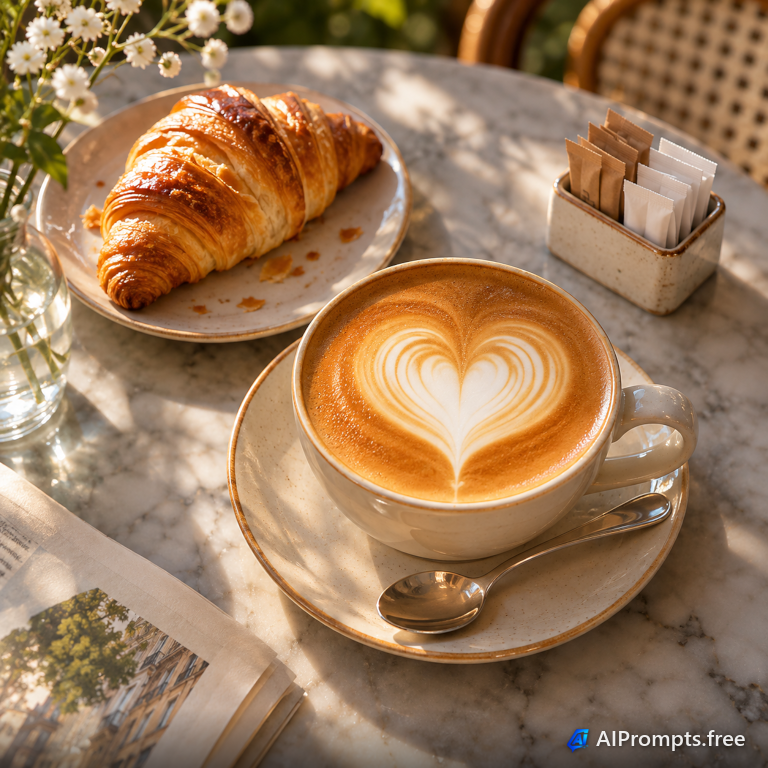
A top-down coffee shot for cafe feeds and menu boards.
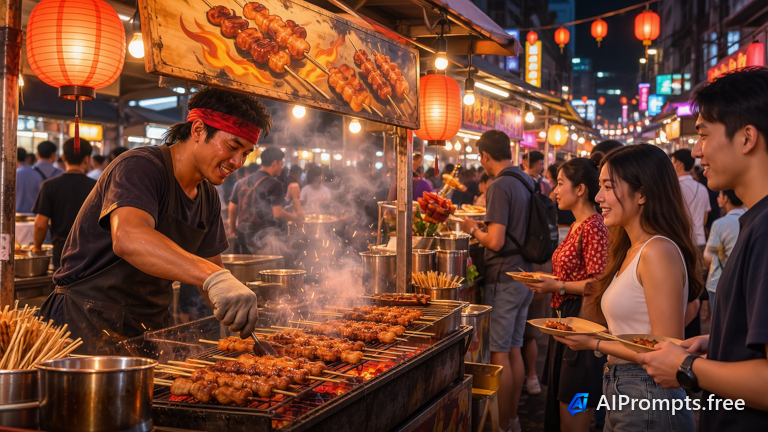
Smoke, neon and sizzling food - a travel-magazine street scene.
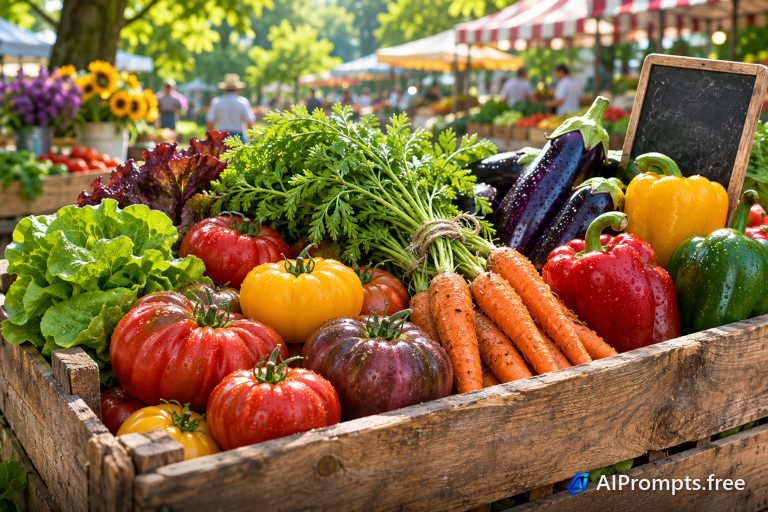
Fresh, colorful vegetables for grocery, health and recipe sites.
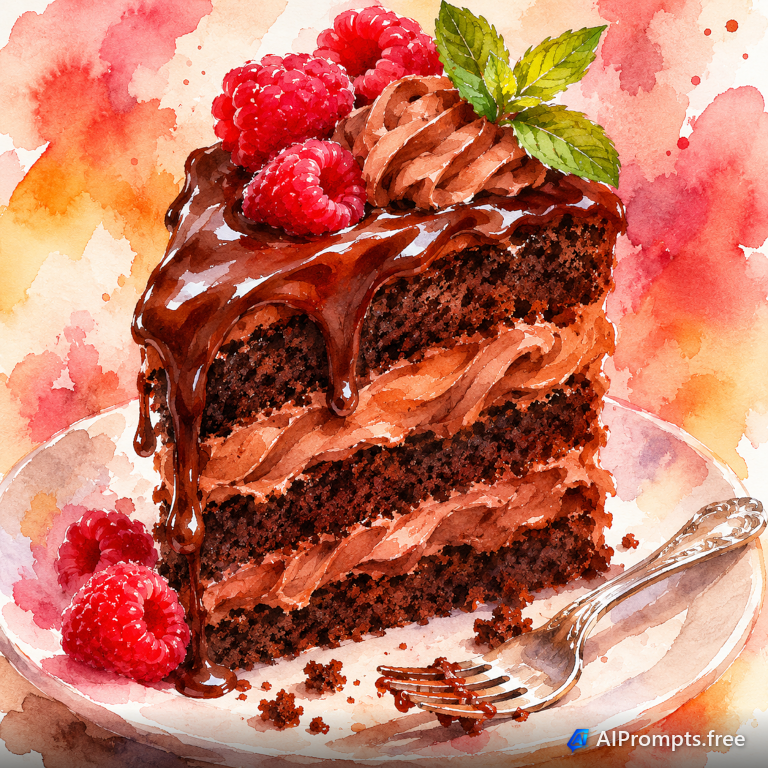
A hand-painted dessert illustration for menus and recipe cards.
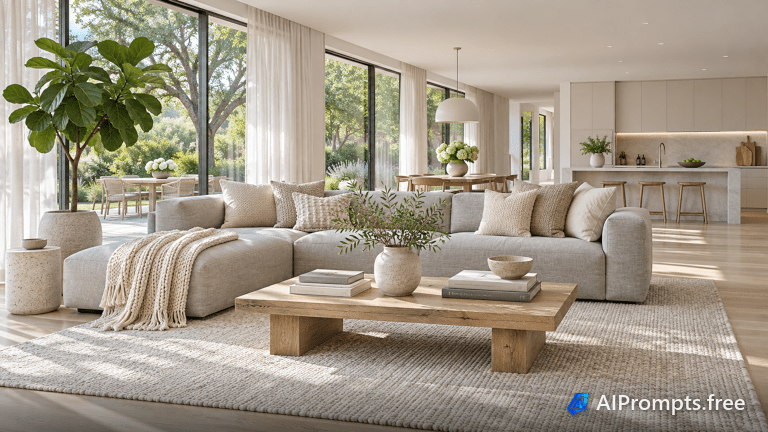
A bright, airy interior for real estate and design inspiration.
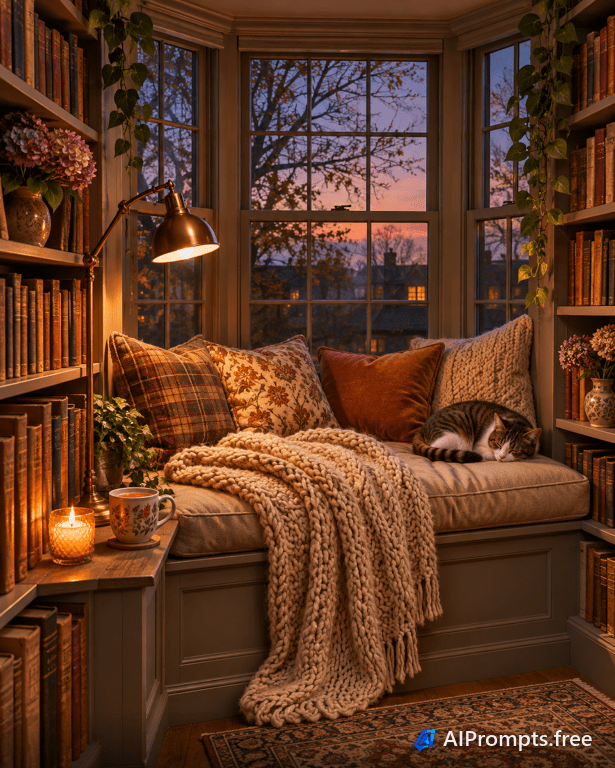
A warm, inviting corner that says stay a while.
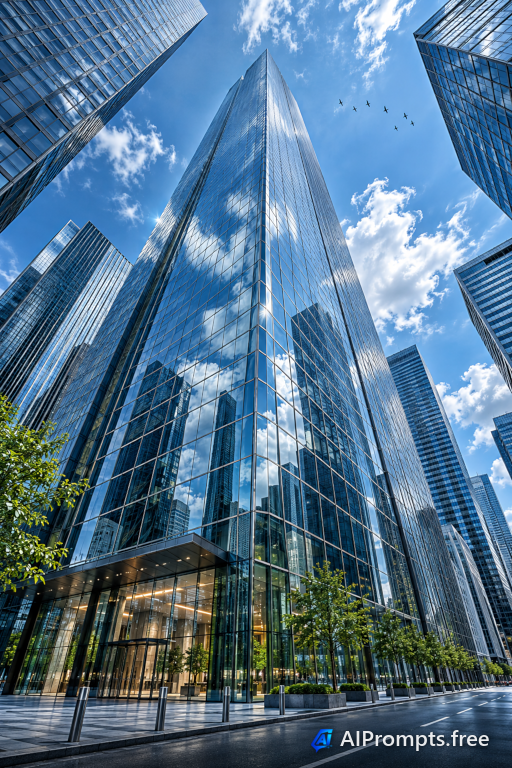
A towering low-angle shot for corporate and finance visuals.
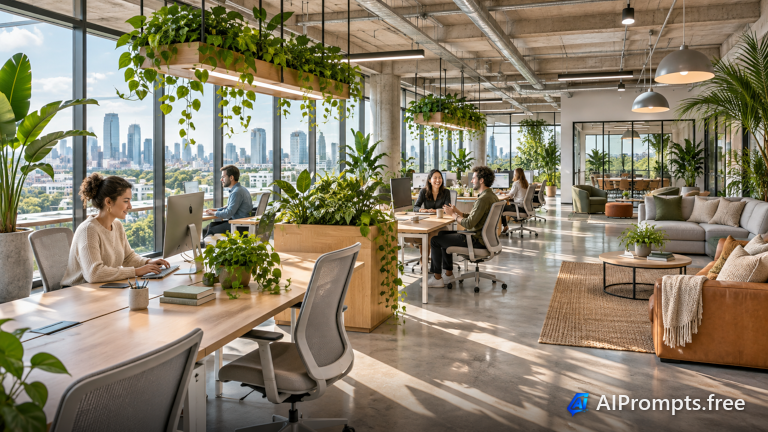
A light-filled workspace for careers pages and company blogs.
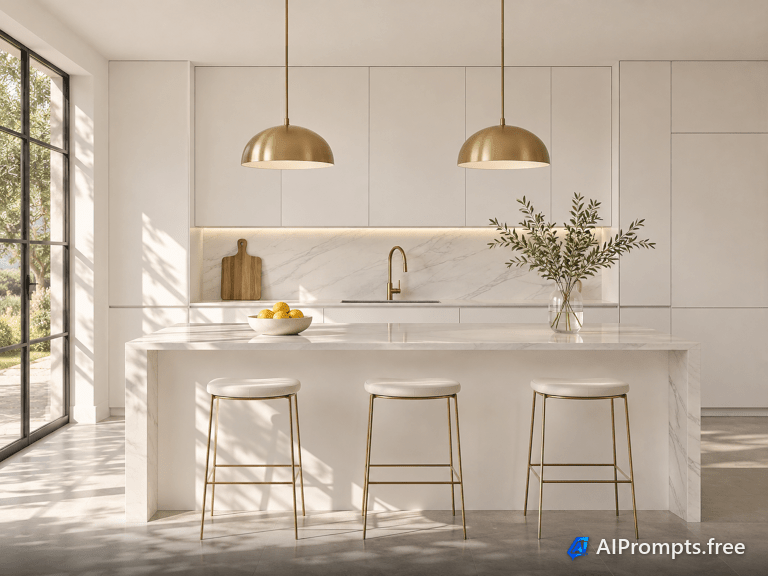
Clean marble and brass for interior design and remodel sites.
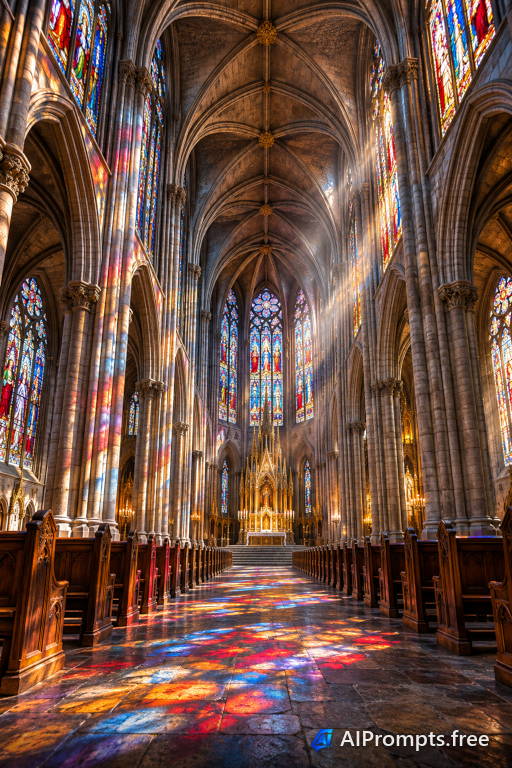
Soaring arches and stained glass in dramatic light.
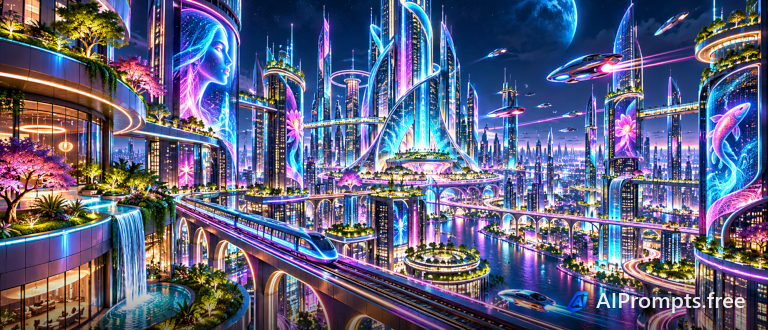
A glowing city of tomorrow for sci-fi and tech themes.
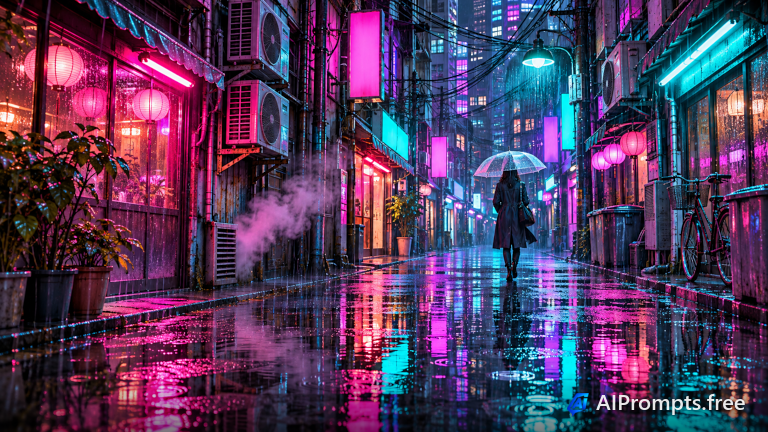
Wet pavement reflecting glowing signs - a cyberpunk mood piece.
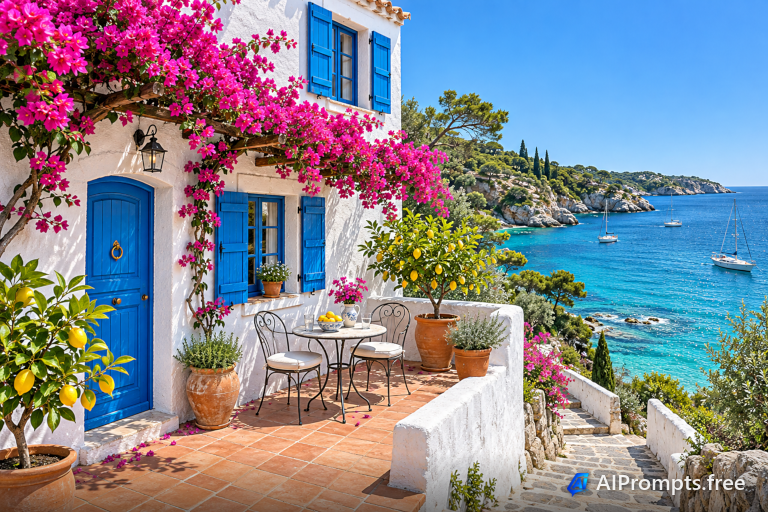
Sun-drenched whitewashed walls and blue shutters by the sea.
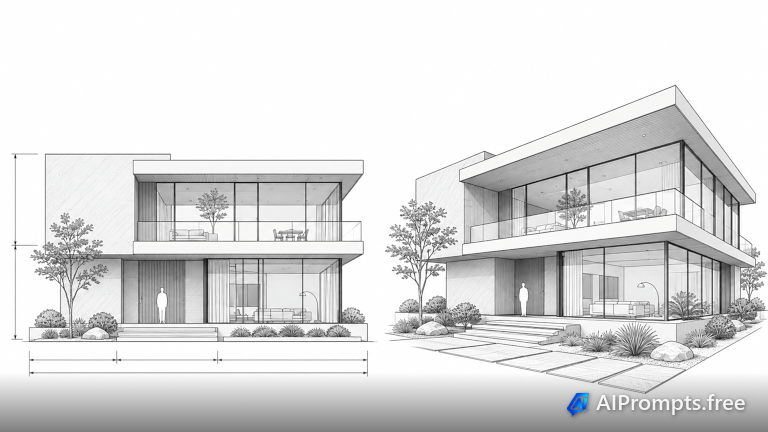
A clean line-drawing look for proposals and presentations.
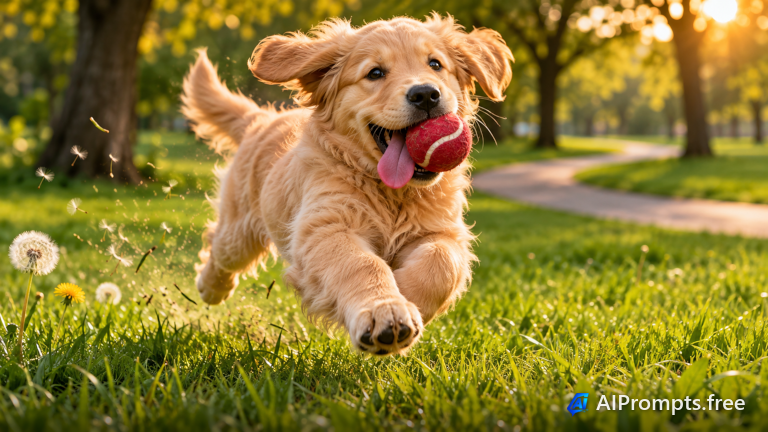
A joyful, sunlit pet moment at the dog's eye level.
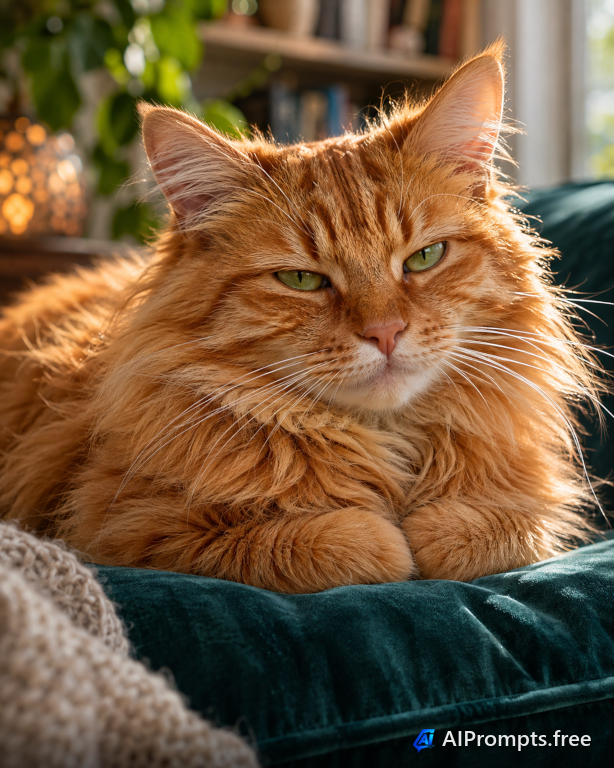
A regal, soft-lit pet portrait worth framing.
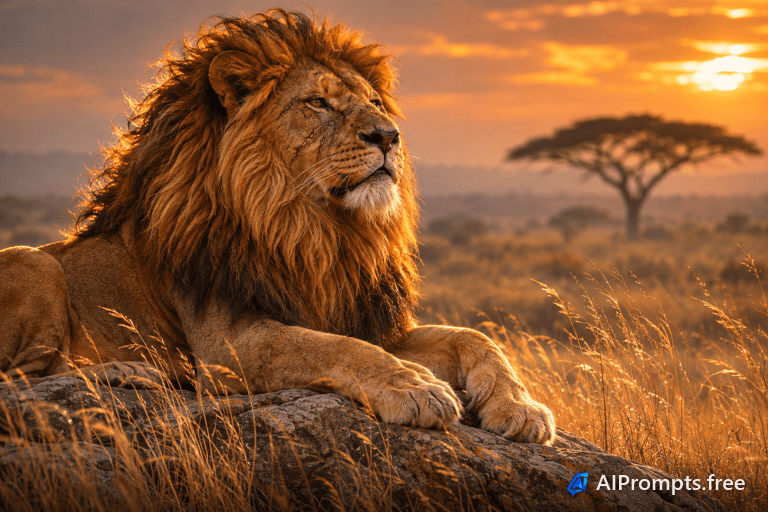
Wildlife-documentary style with a long lens and rim light.
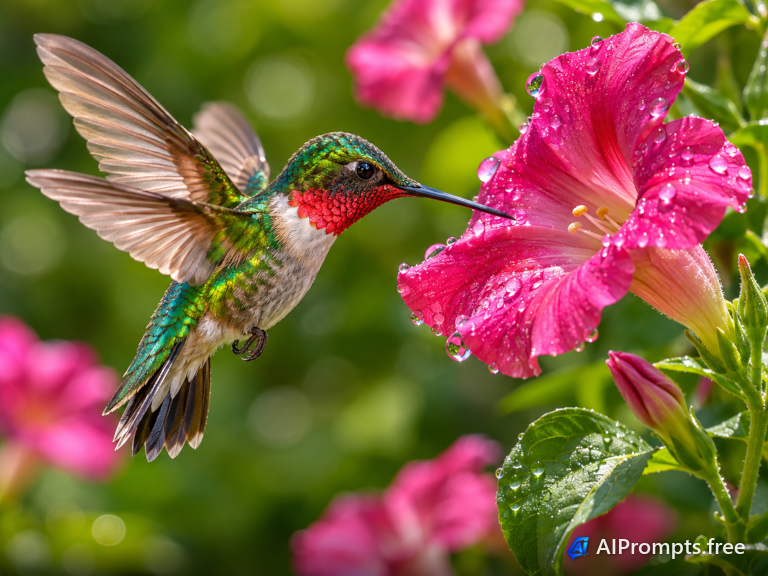
A split-second nature shot with wings frozen in motion.
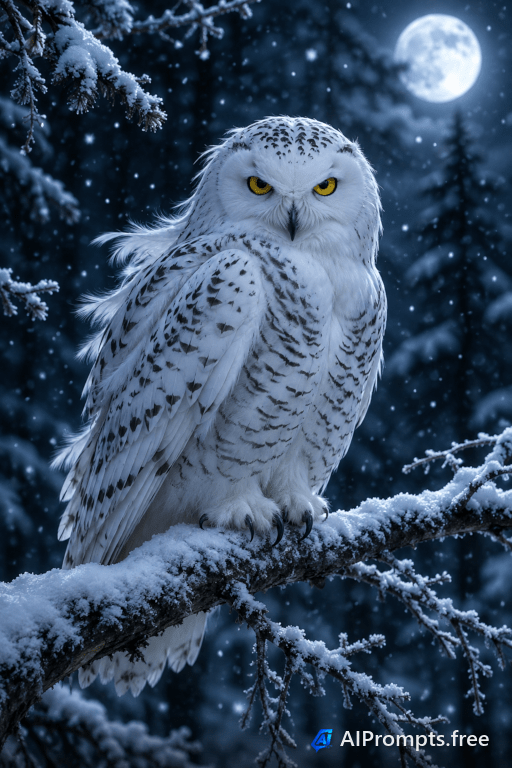
A quiet, moonlit winter scene with falling snow.
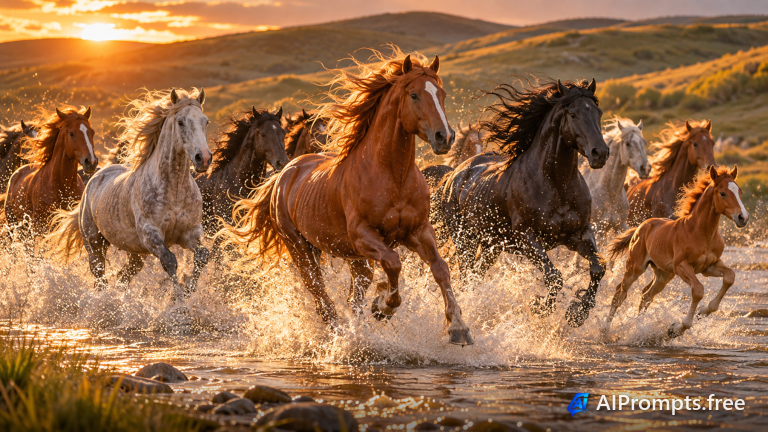
Splashing horses backlit by the setting sun.
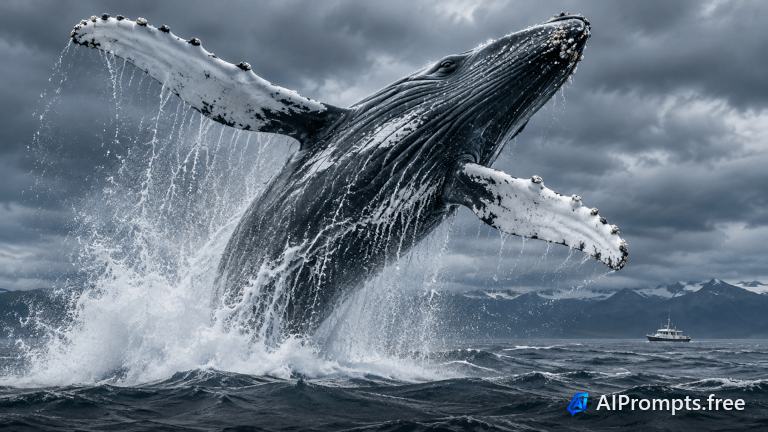
A powerful ocean moment for nature and conservation content.
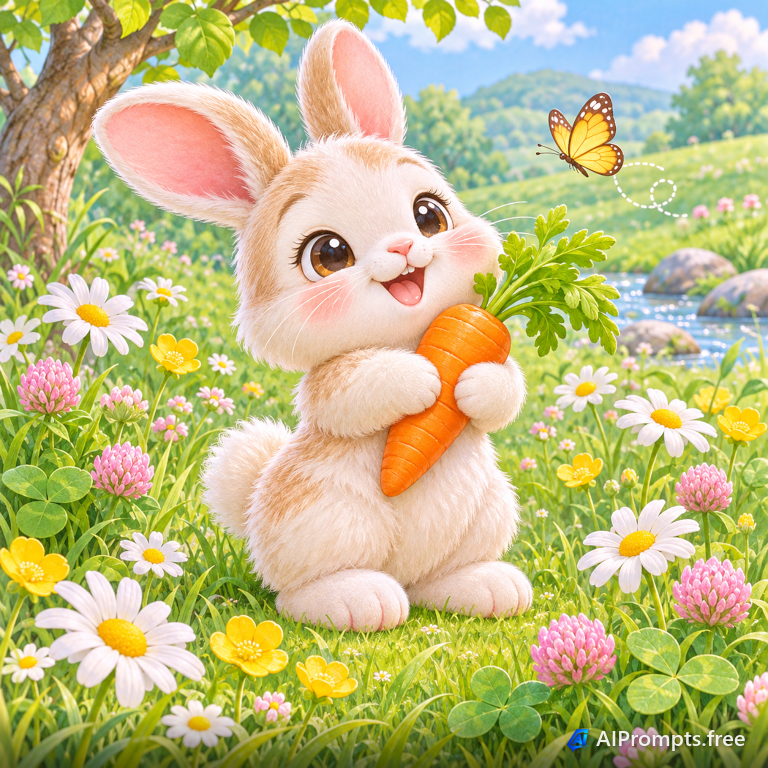
A sweet pastel drawing for kids' products and stickers.
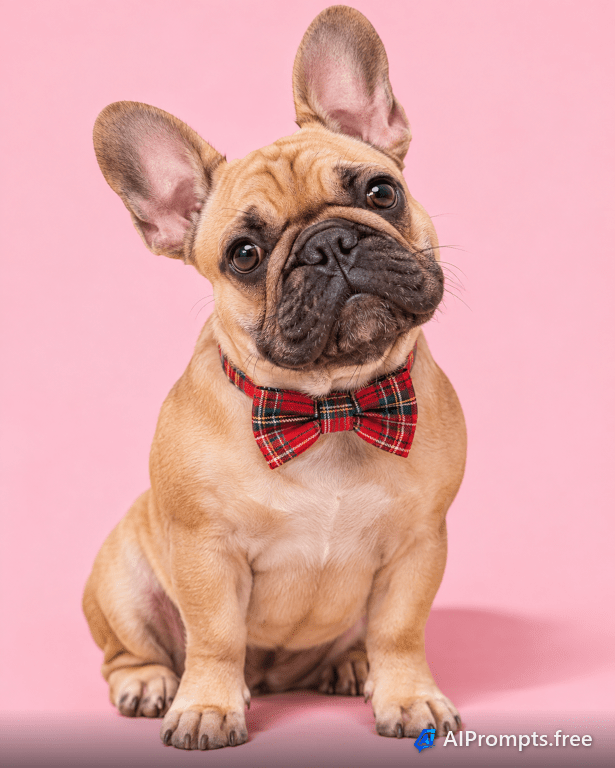
A fun, bright studio pet photo with personality.
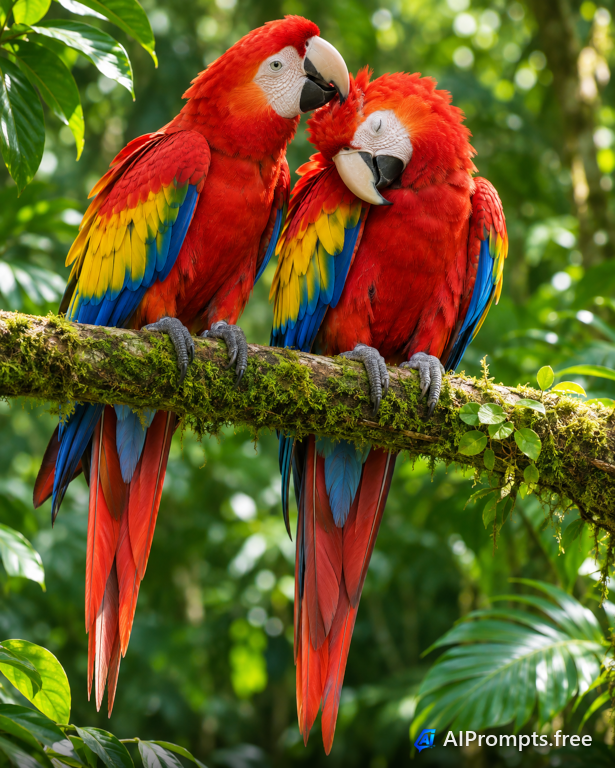
Two brilliant parrots side by side - pure color.
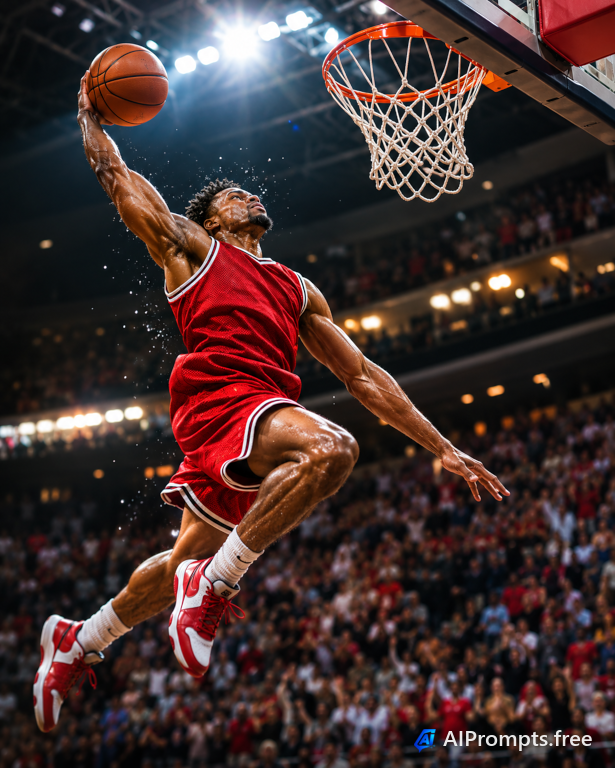
A player frozen mid-dunk under arena lights for sports posters.
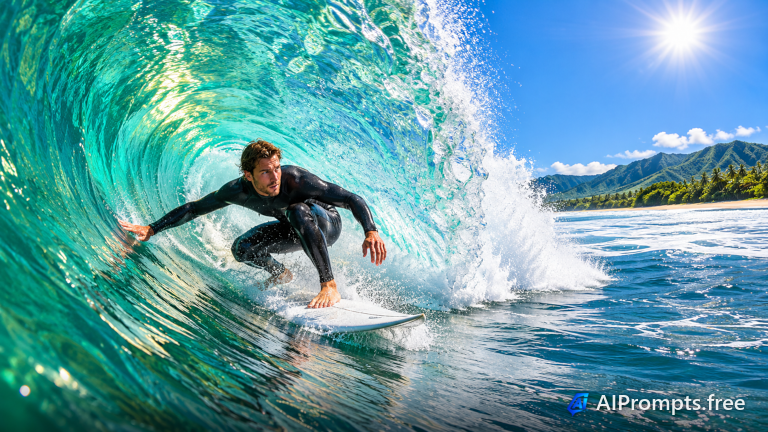
A surfer tucked inside a glassy turquoise wave.
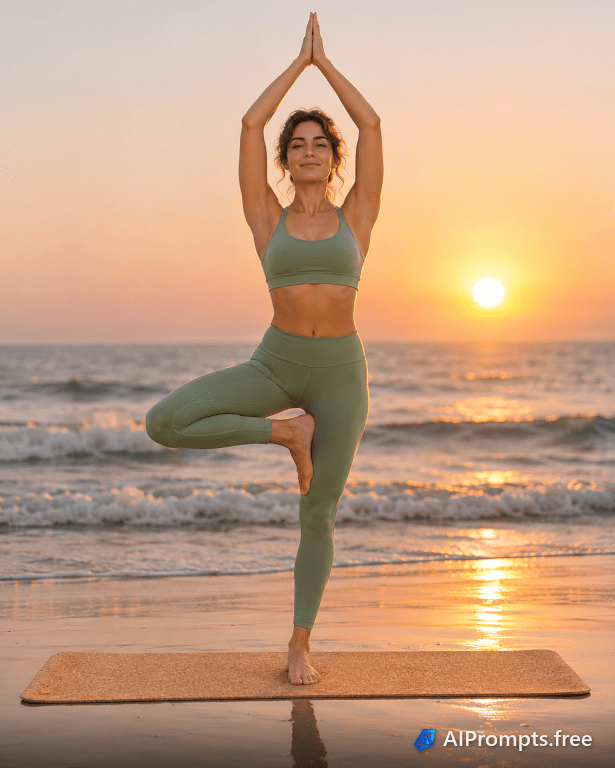
A peaceful yoga pose on the sand at sunrise for wellness brands.
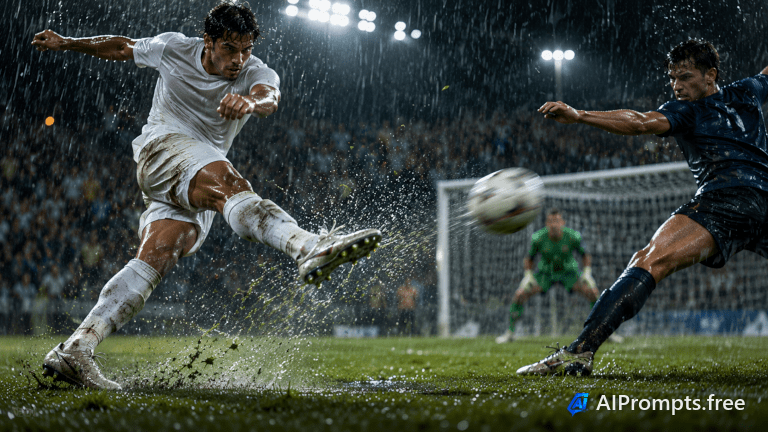
A player striking the ball in a night match.
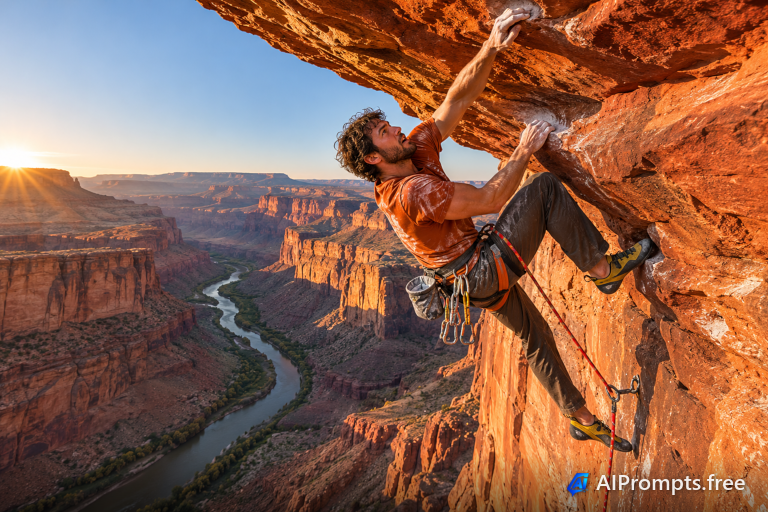
A climber reaching across a sandstone overhang high above a canyon.
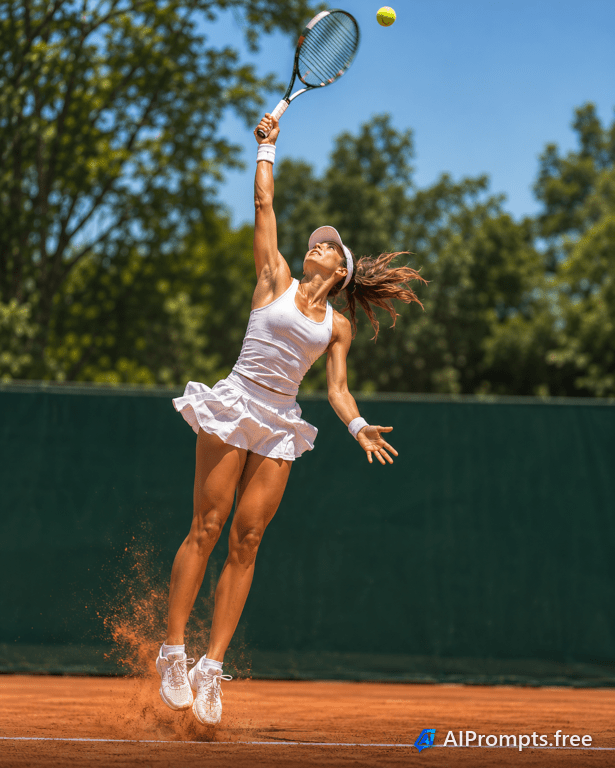
A player mid-serve with clay dust in the air.
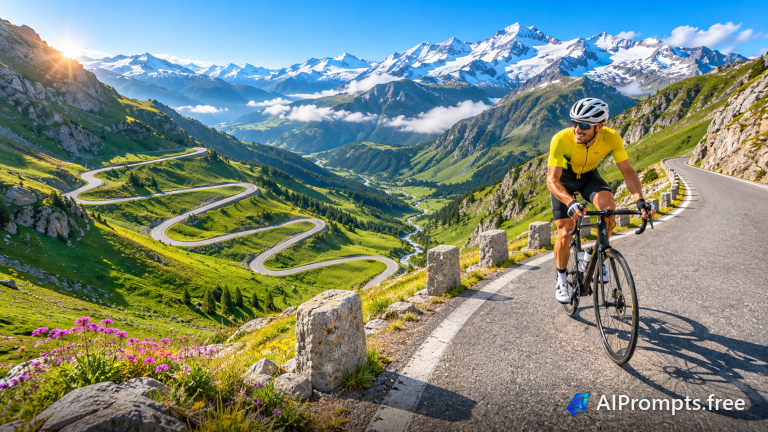
A road cyclist climbing hairpin switchbacks in the Alps.
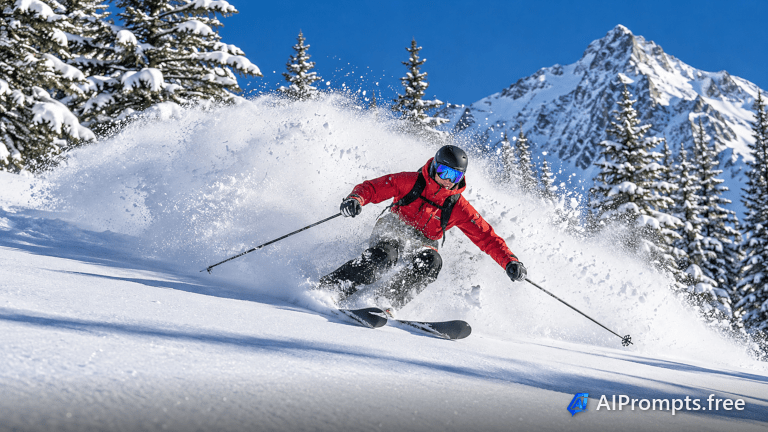
A freeride skier carving through deep powder under blue sky.
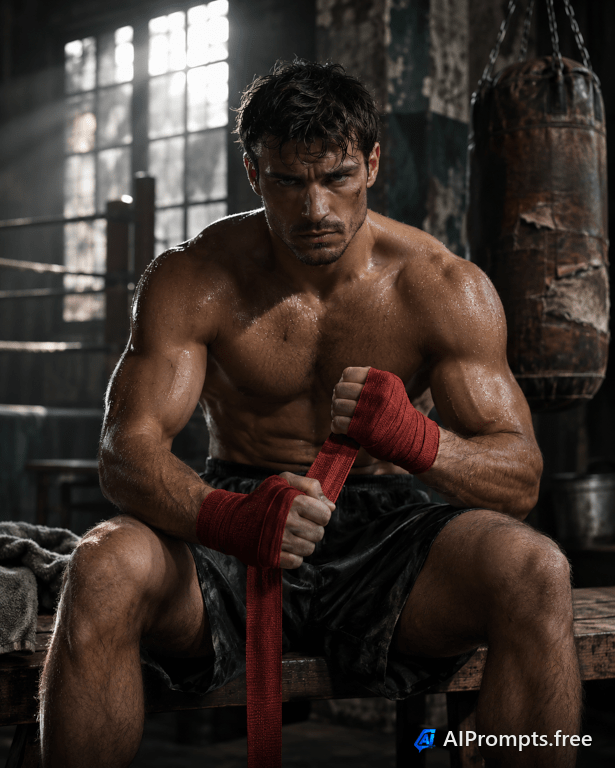
A gritty, moody gym portrait of a boxer getting ready.
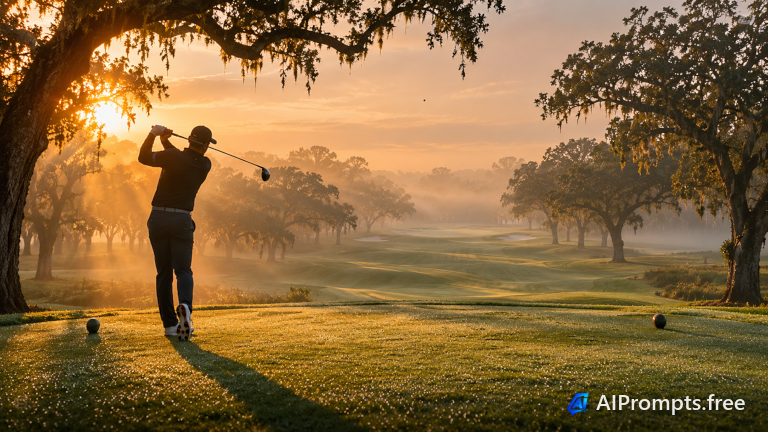
A silhouetted golfer finishing a swing on a misty fairway.
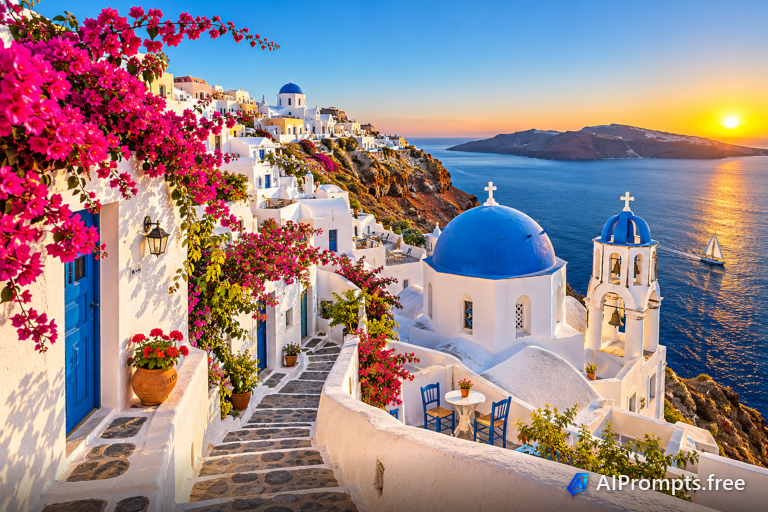
Whitewashed cliff-top village with blue domes over the sea.
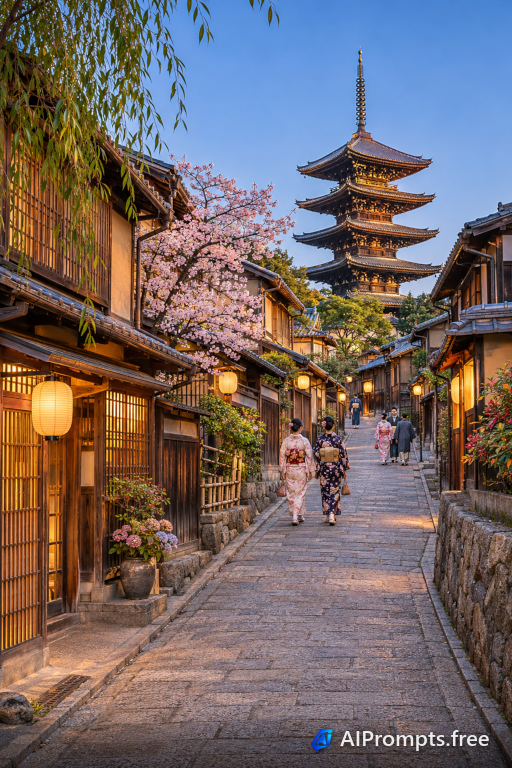
A lantern-lit stone street climbing to a pagoda at dusk.
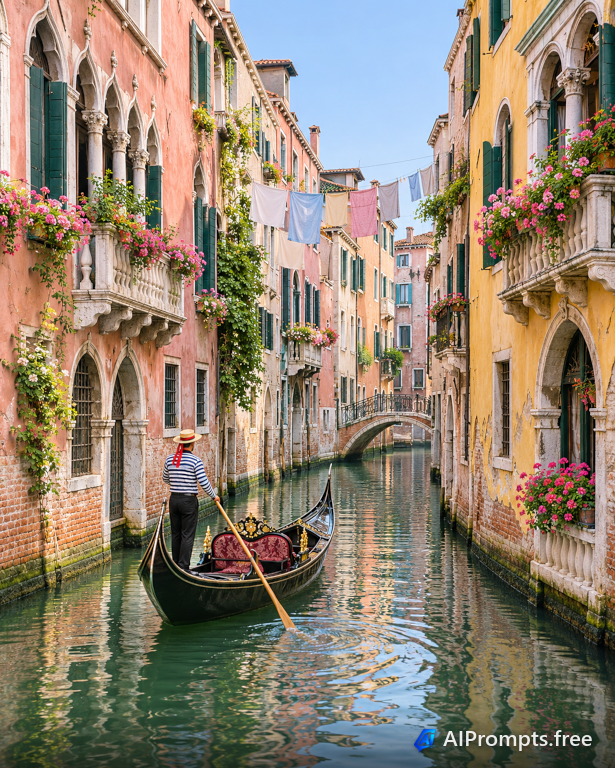
A gondola gliding down a quiet Venetian canal in morning light.
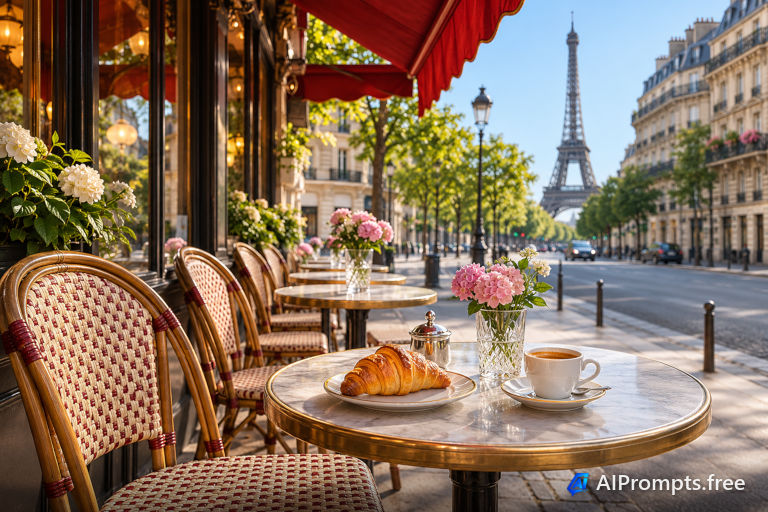
A sidewalk cafe with the Eiffel Tower in the distance.
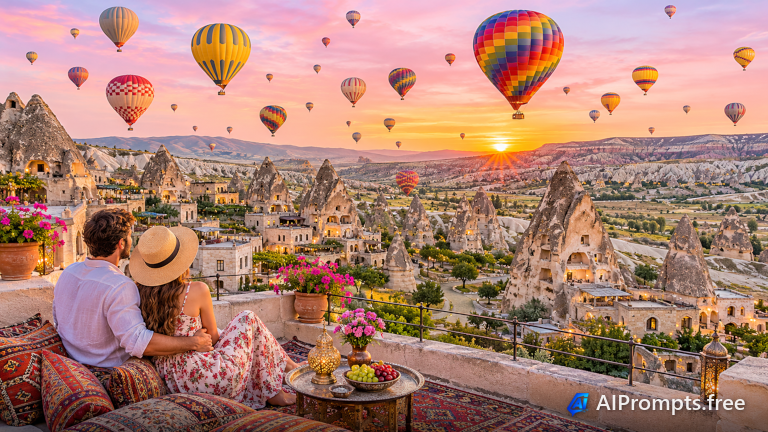
Dozens of balloons drifting over rock valleys at dawn.
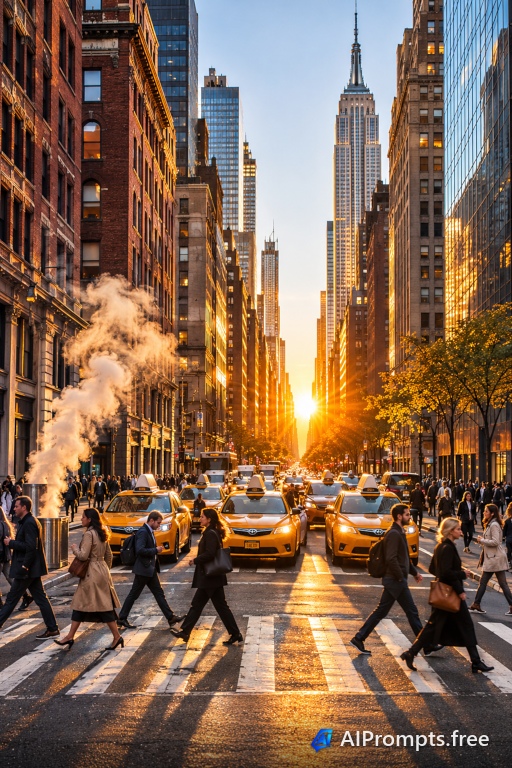
A busy New York avenue with yellow taxis and steam at golden hour.
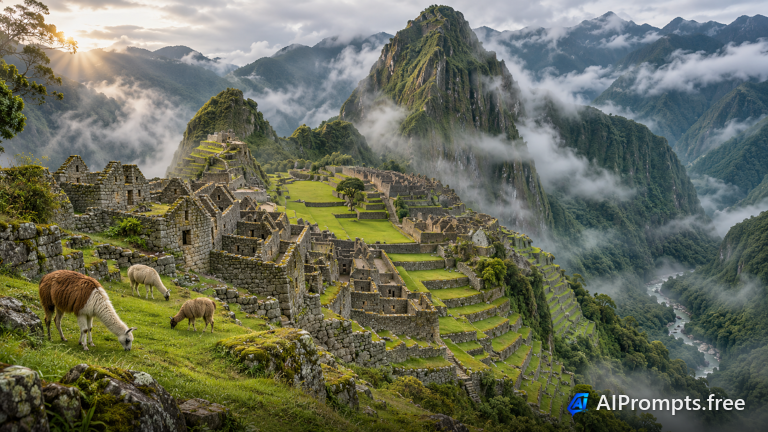
Terraced stone ruins on a green mountain ridge wrapped in cloud.
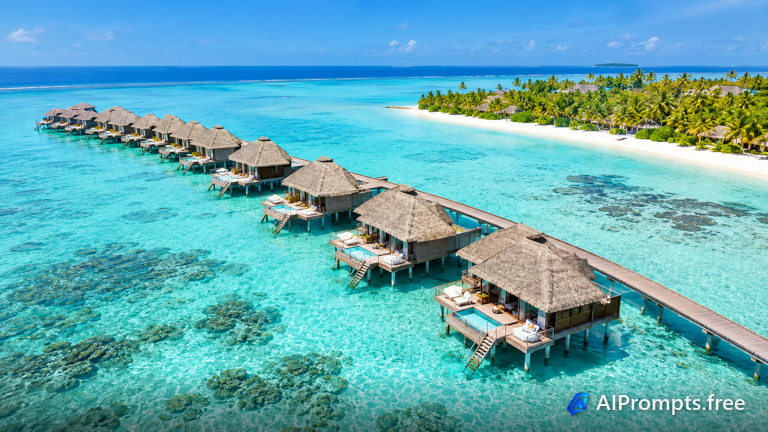
Thatched villas on stilts over a turquoise lagoon, seen from above.
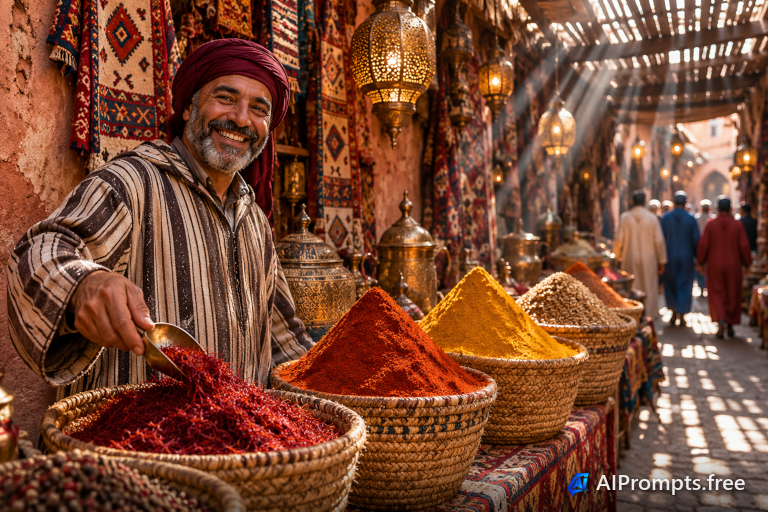
A colorful market alley with spice pyramids and brass lanterns.
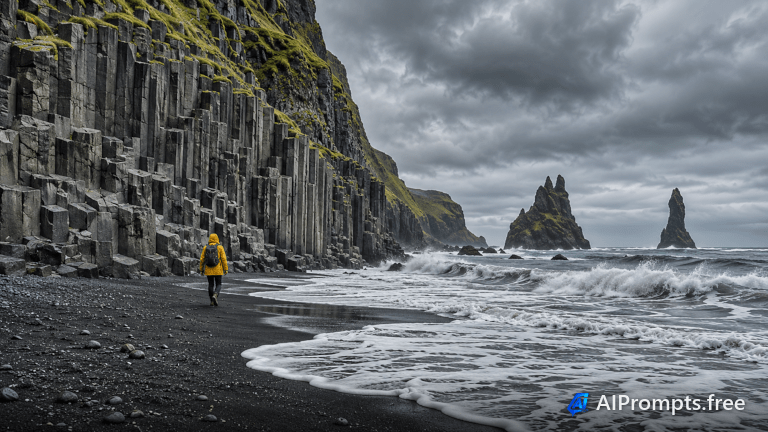
Basalt columns and black sand beneath a moody northern sky.
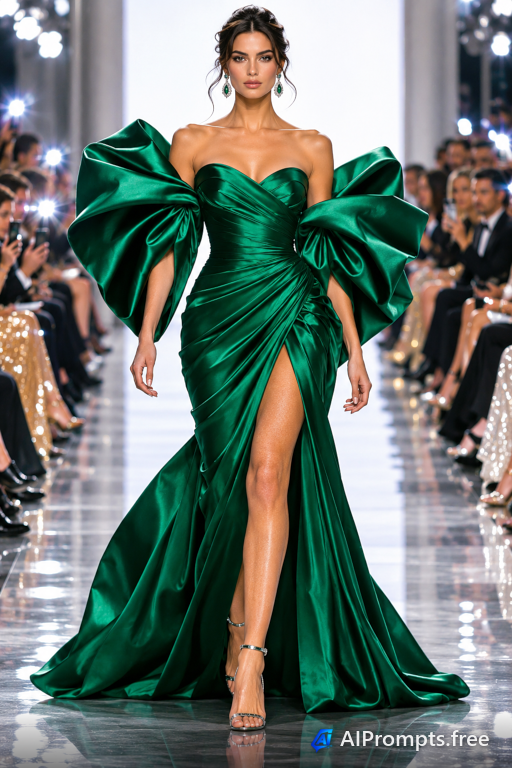
A model walking an avant-garde gown down a fashion-week runway.
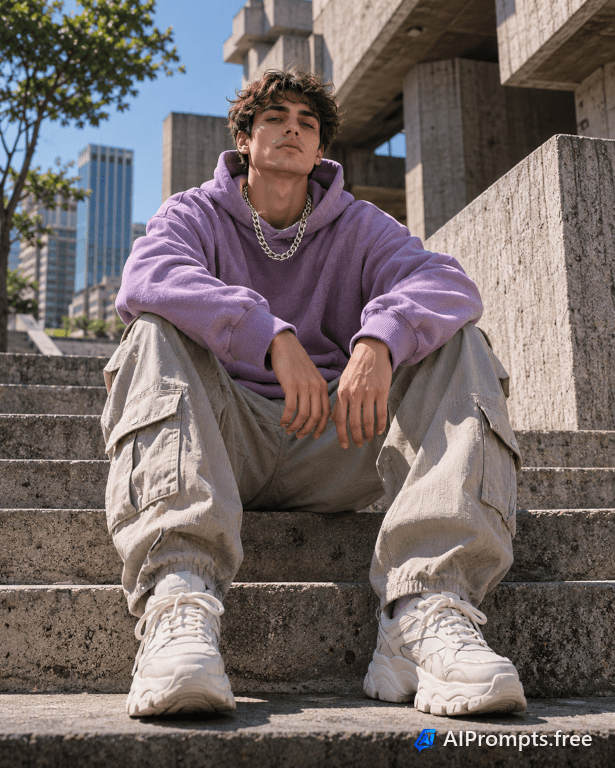
A bold urban streetwear look shot from a low angle.
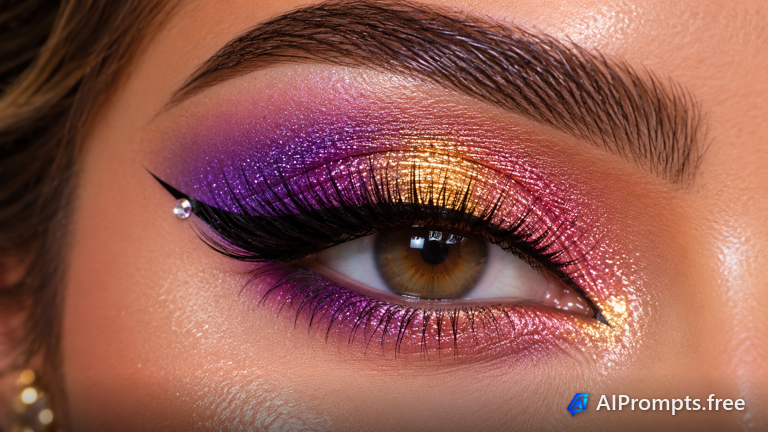
An extreme close-up of bold makeup for beauty brands and tutorials.
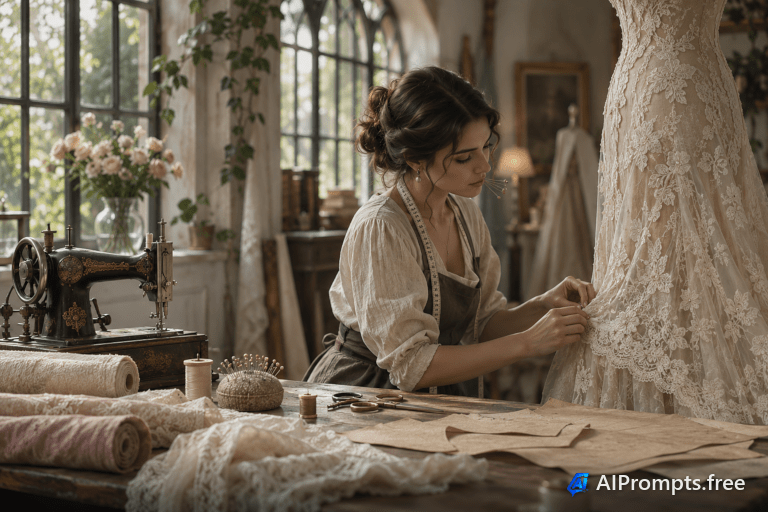
A seamstress pinning a gown in a sunlit fashion workshop.
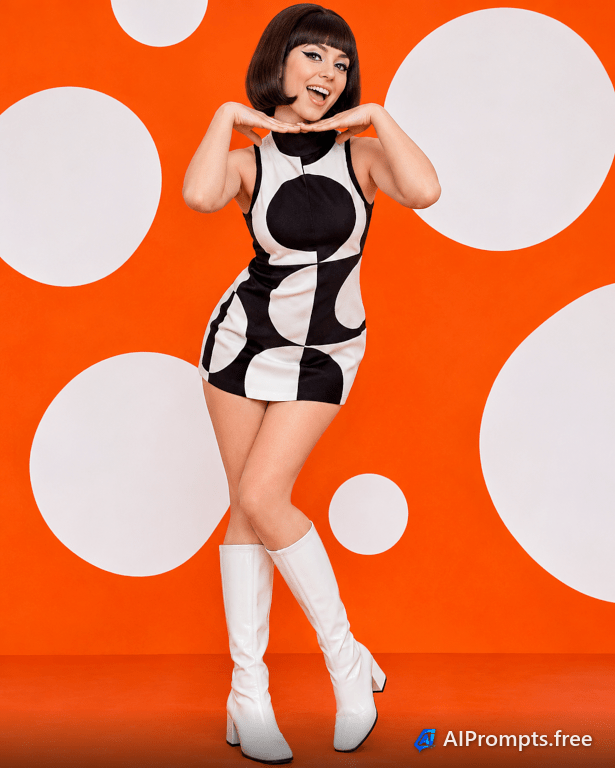
A retro mod look with a graphic mini dress and bold eyeliner.
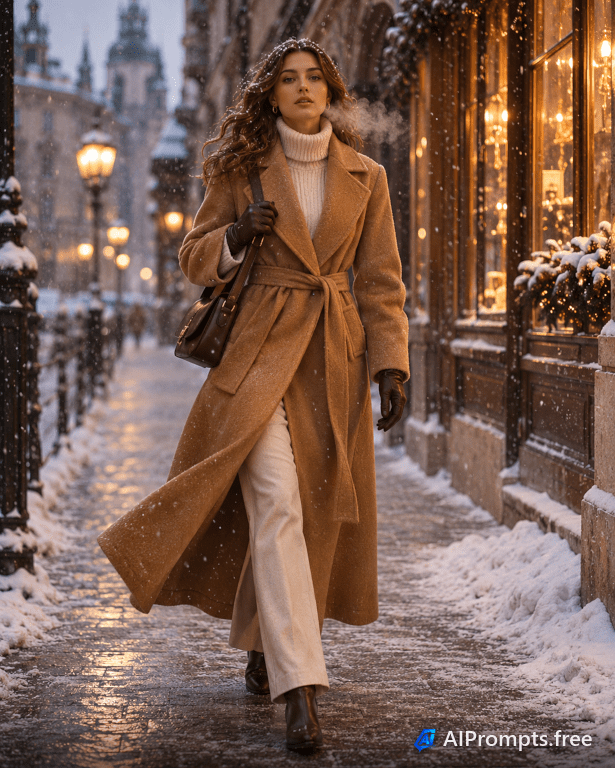
A model in a camel coat walking a snowy city street.
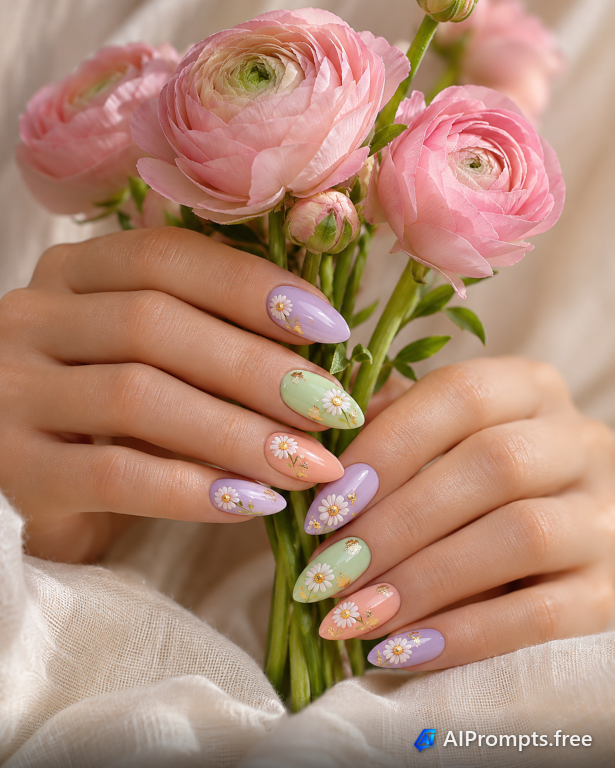
Manicured hands with pastel nail art holding fresh flowers.
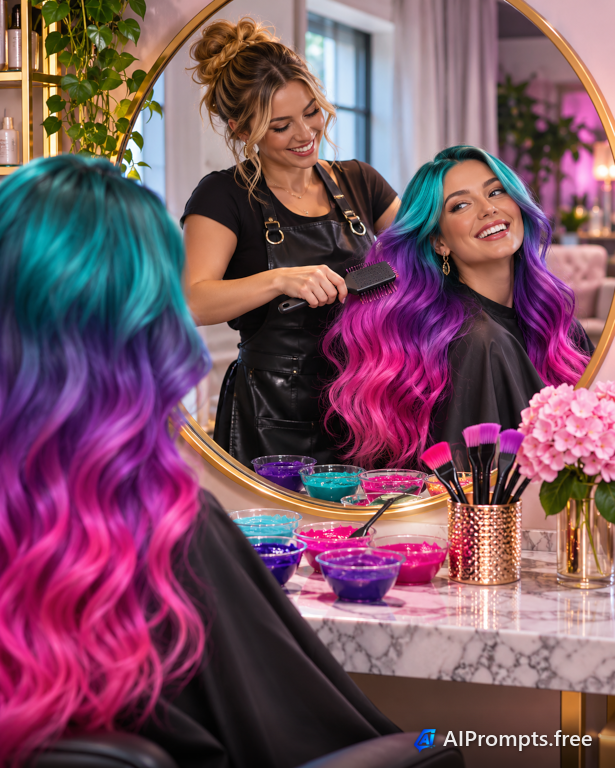
A stylist finishing a vibrant hair color in a modern salon.
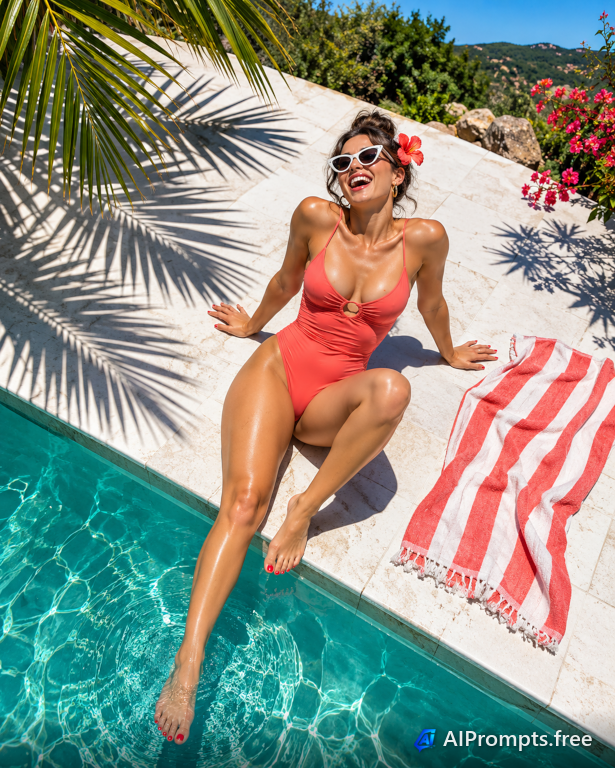
A bright summer editorial with bold shadows by the pool.
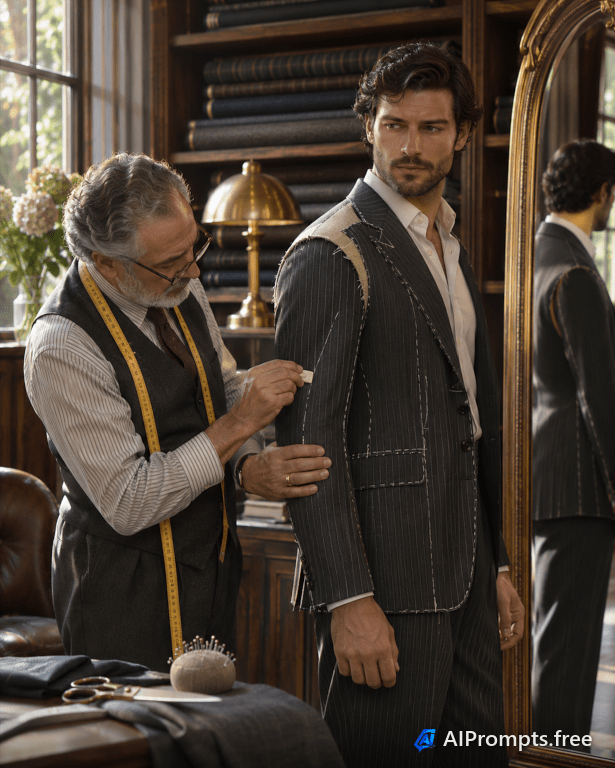
A gentleman being measured for a bespoke suit.

Colorful liquids in lab flasks for science and education visuals.
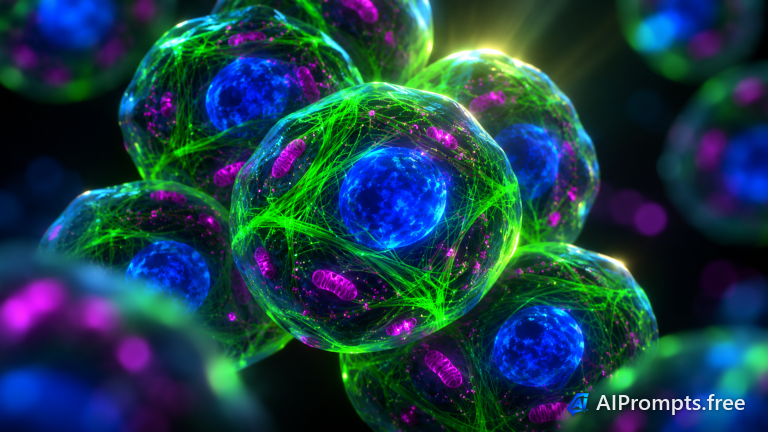
A glowing microscopic view of cells for biology lessons.

A luminous 3D DNA strand for science, health and biotech.
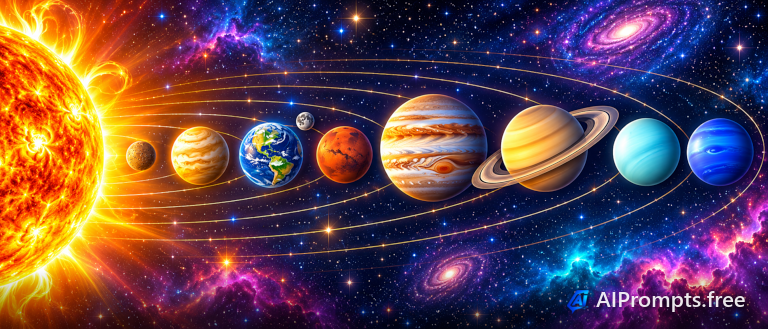
A colorful classroom-style view of the planets orbiting the sun.
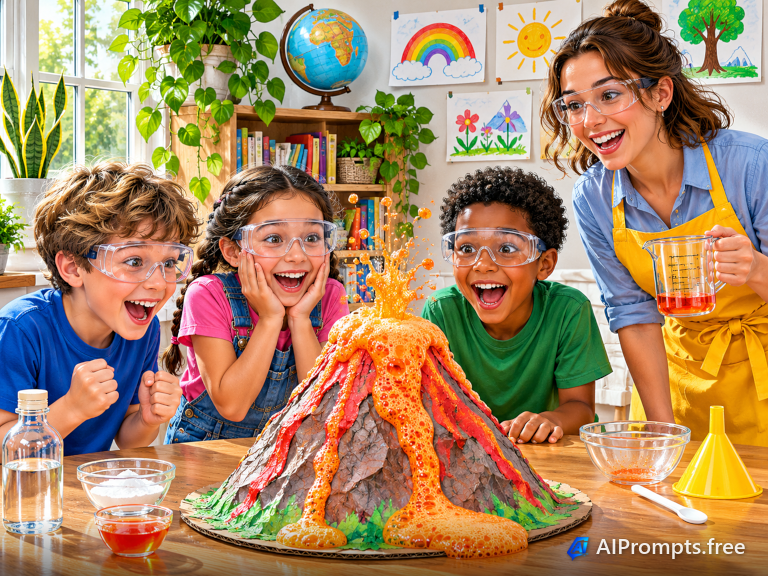
Kids watching a baking-soda volcano erupt in a friendly illustration.
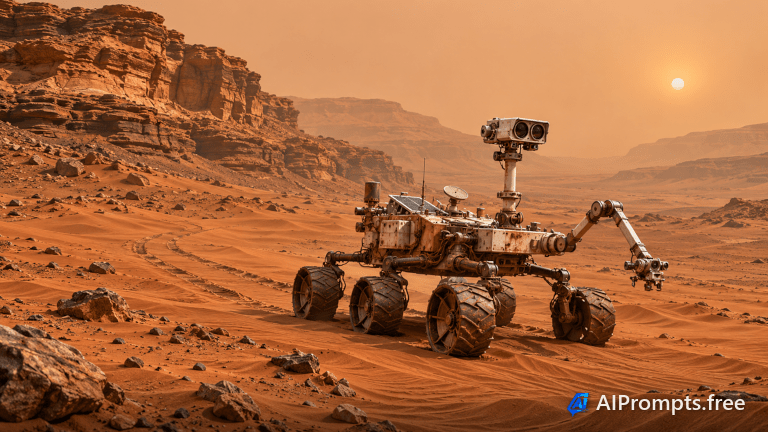
A six-wheeled rover exploring the red dunes of Mars.
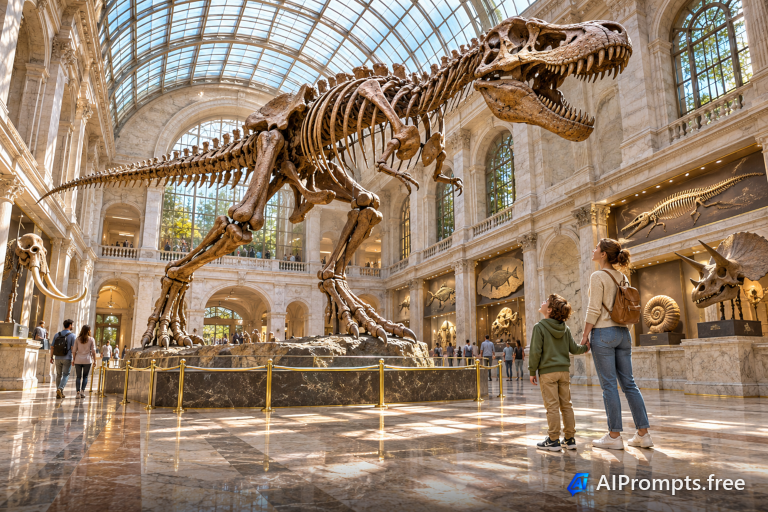
A towering dinosaur skeleton in a grand museum hall.

A human brain made of glowing neural connections.

A detailed old-style botanical study of a flowering plant.
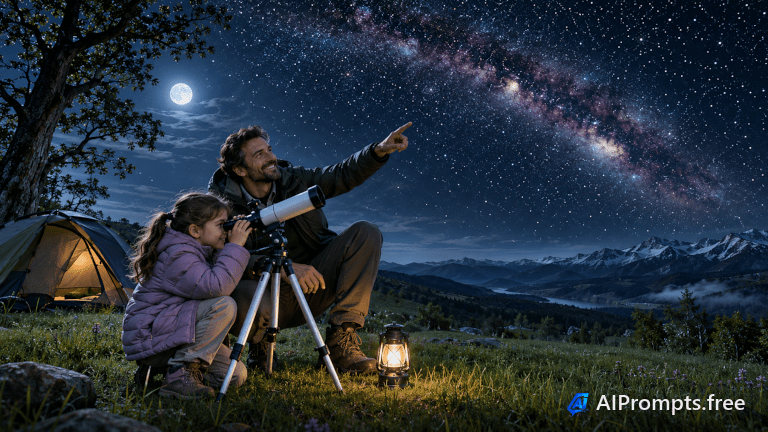
A young stargazer looking through a telescope under the Milky Way.
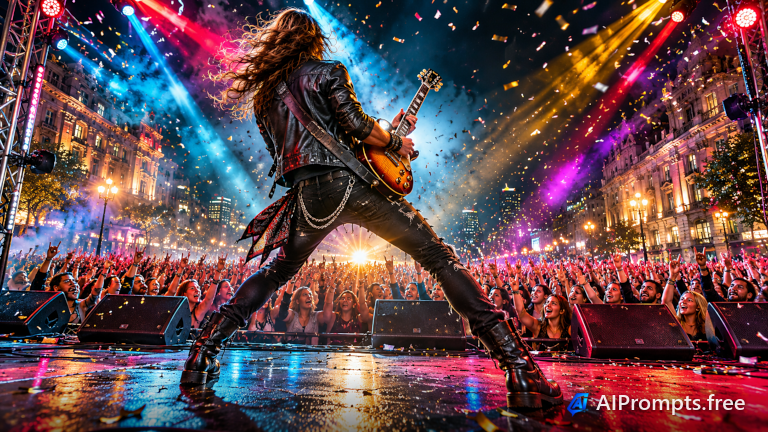
A guitarist on stage facing a sea of raised hands.
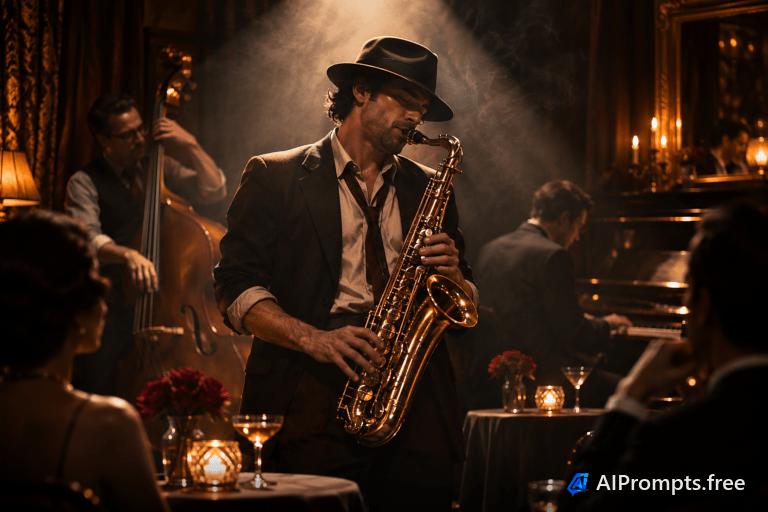
A saxophonist playing in a smoky, intimate jazz club.
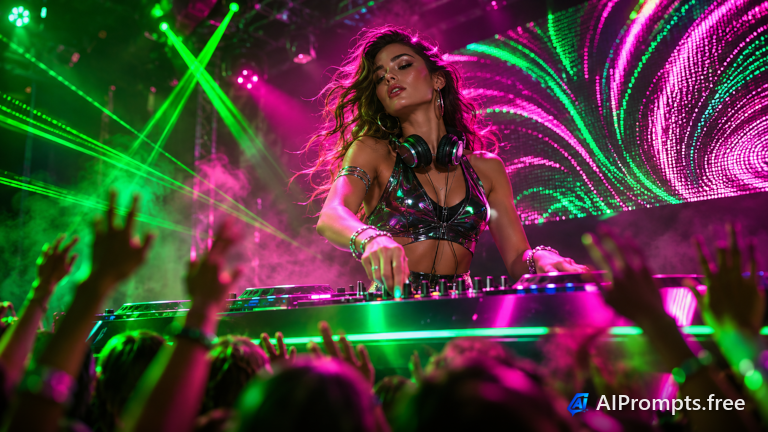
A DJ at the decks with lasers and a dancing crowd.
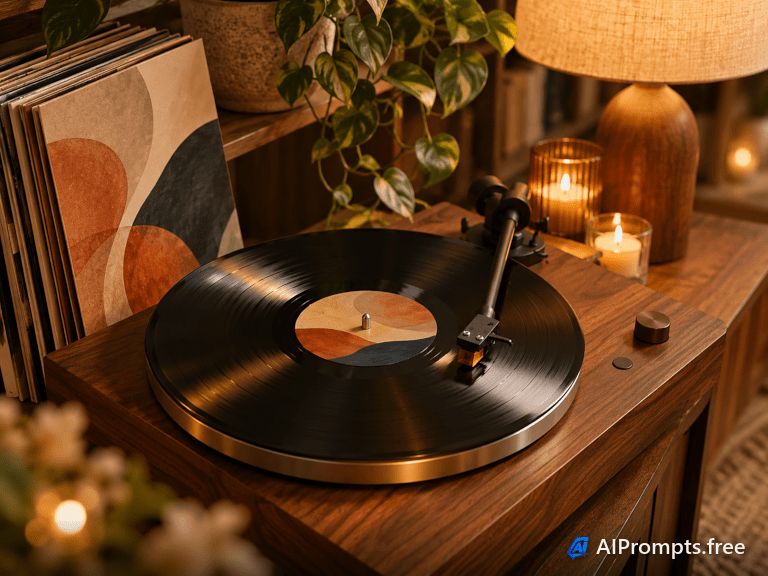
A turntable spinning a record in a cozy listening corner.
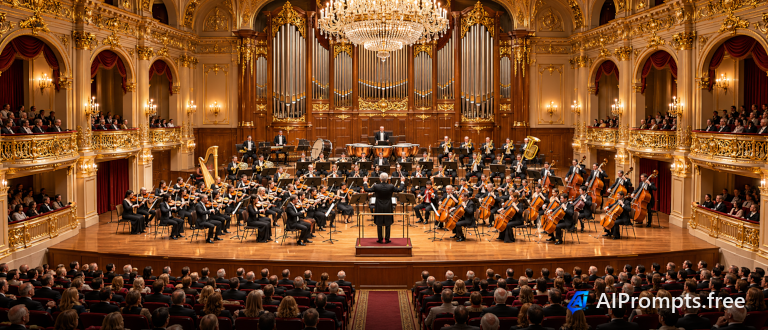
A full orchestra performing in a grand, gilded hall.
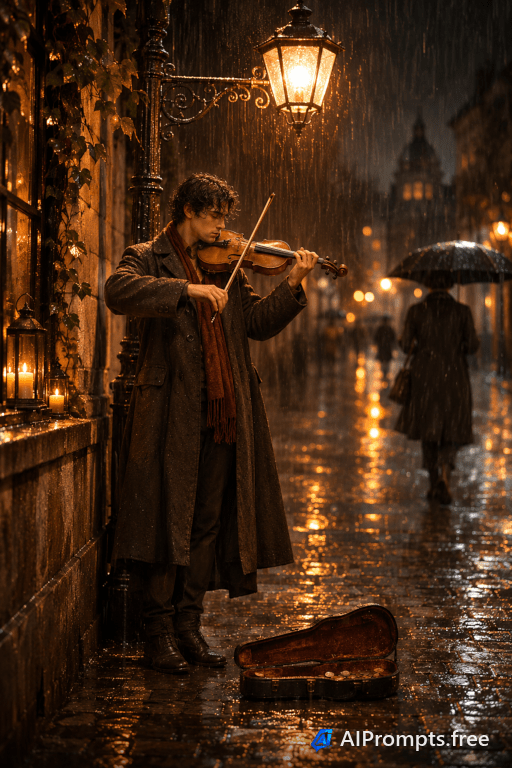
A busker playing violin under a streetlight on a rainy night.
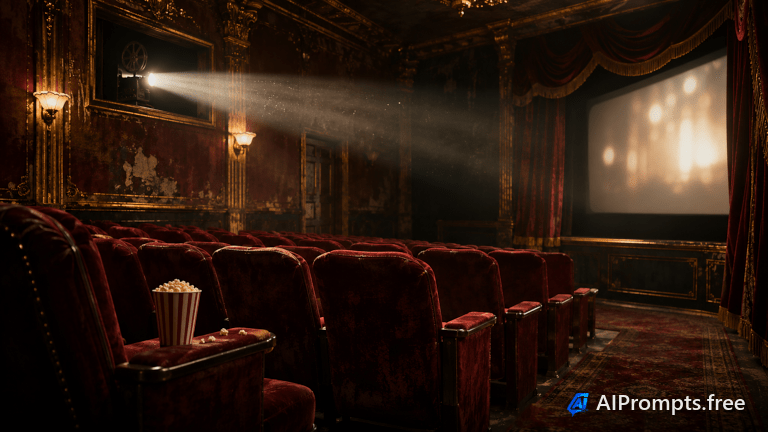
Red velvet seats, popcorn and a glowing projector beam.
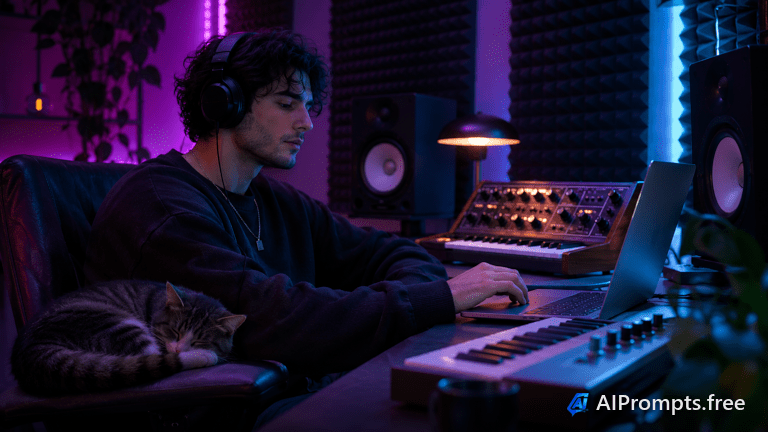
A home producer surrounded by synths and soft LED light.
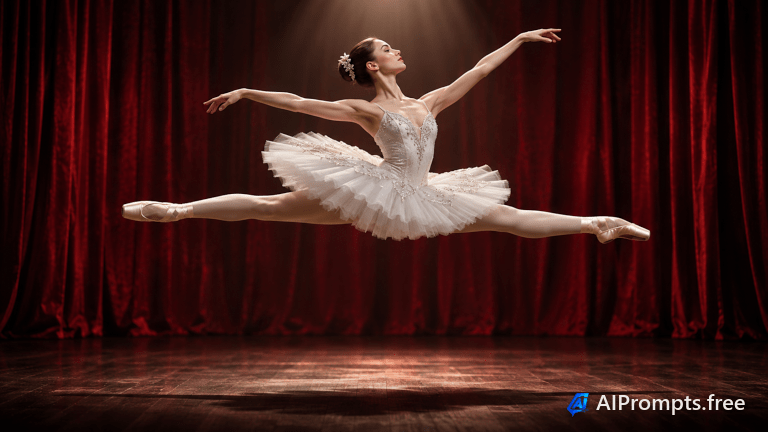
A ballerina frozen mid-leap in a single spotlight.
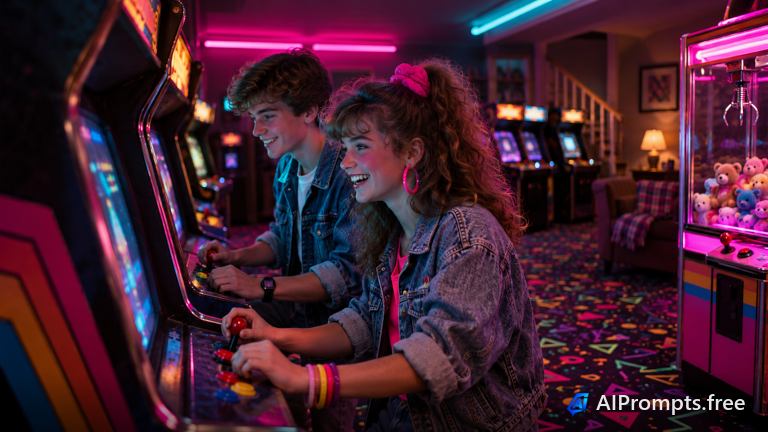
A neon-lit 1980s arcade full of glowing cabinets.
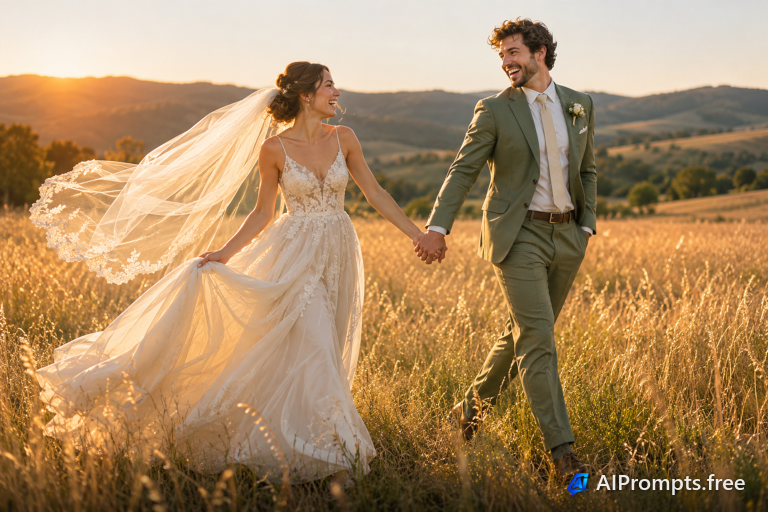
A newlywed couple walking hand in hand through tall grass at sunset.
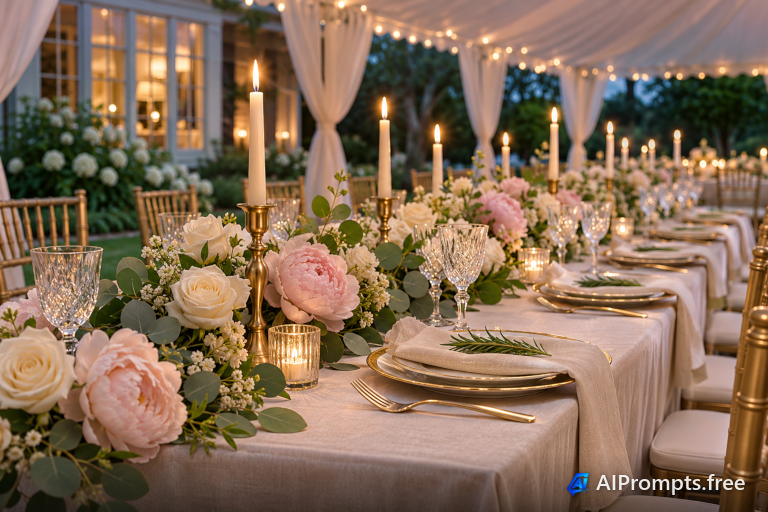
An elegant long table with candles and flowers for a reception.
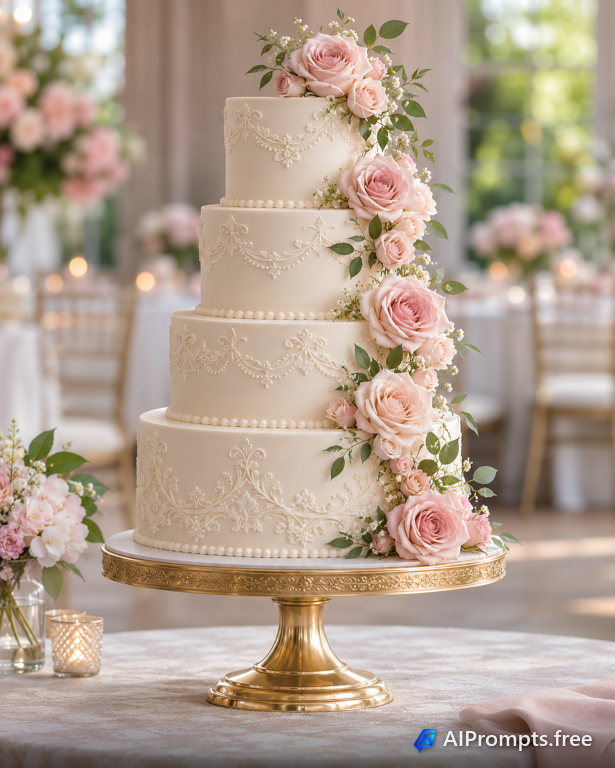
A white four-tier cake decorated with sugar flowers.
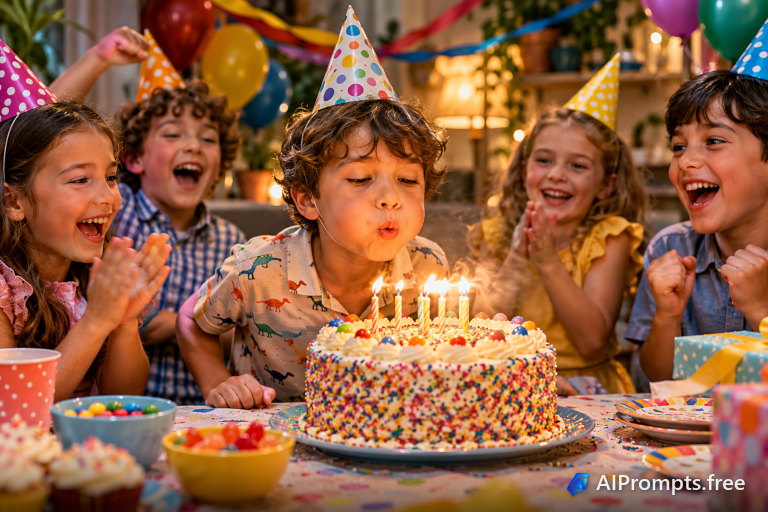
A child blowing out candles surrounded by friends and balloons.
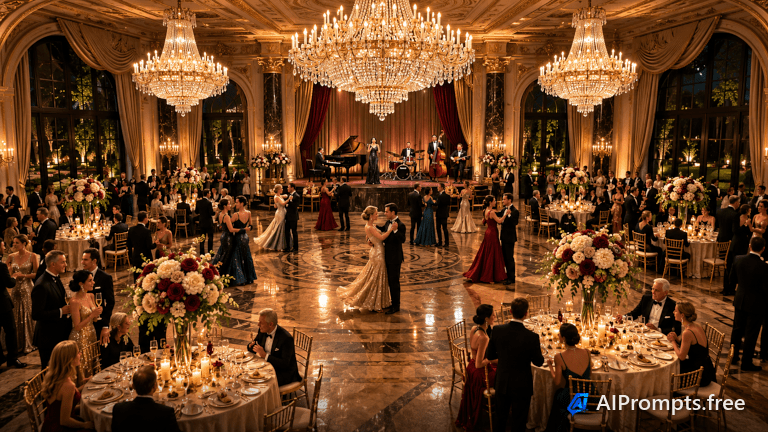
A glittering black-tie gala under crystal chandeliers.

Graduates throwing their caps into a bright blue sky.
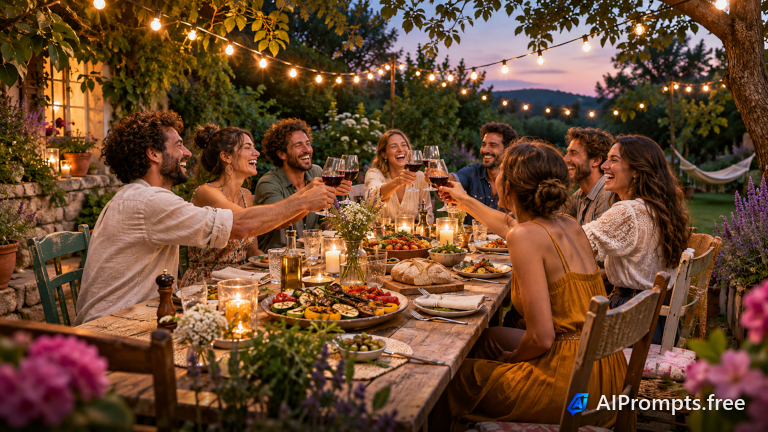
A long outdoor dinner under string lights with friends.
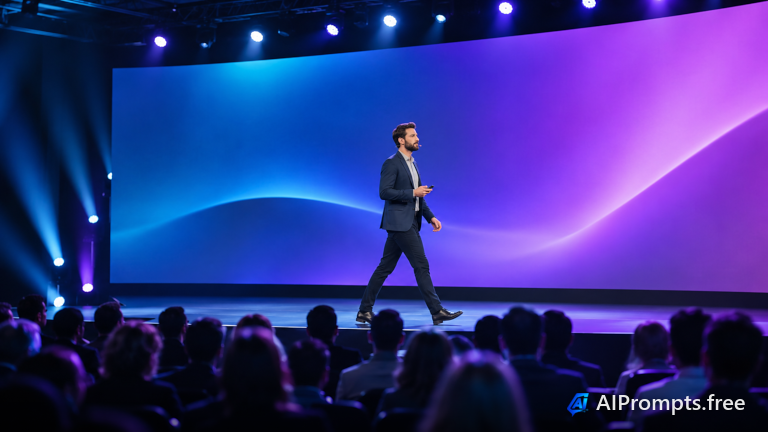
A speaker on a big stage in front of a packed audience.
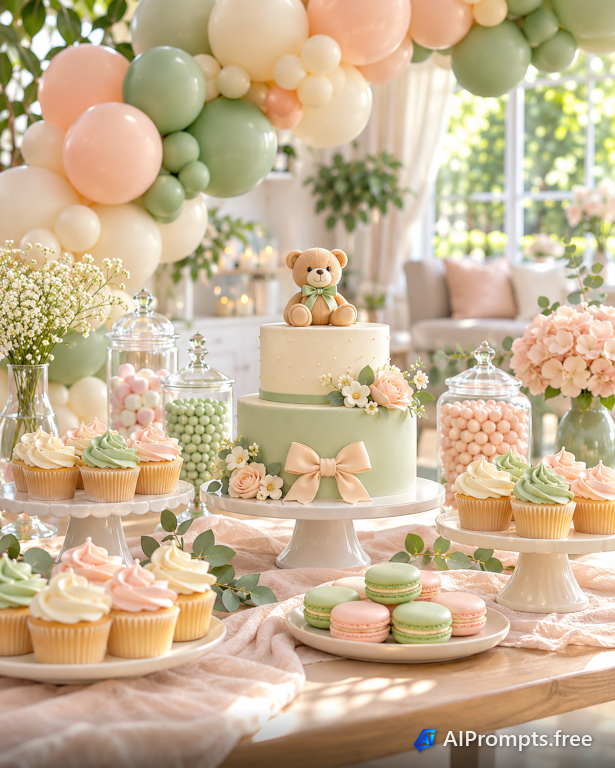
A pastel dessert table with balloons and treats.
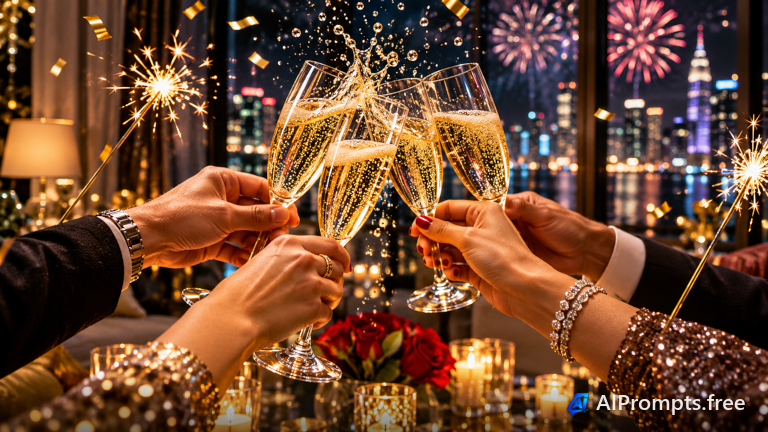
Champagne glasses clinking with sparklers and city fireworks.
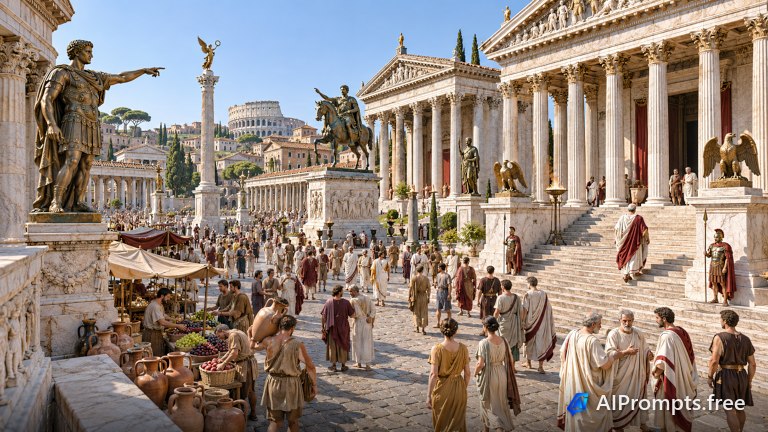
A bustling reconstruction of a Roman forum at its height.
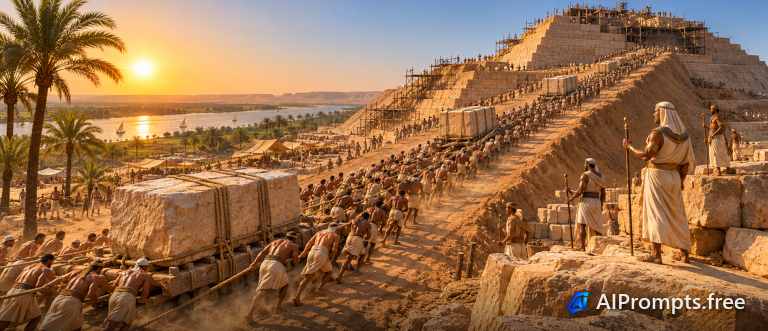
Workers raising an Egyptian pyramid along the Nile.
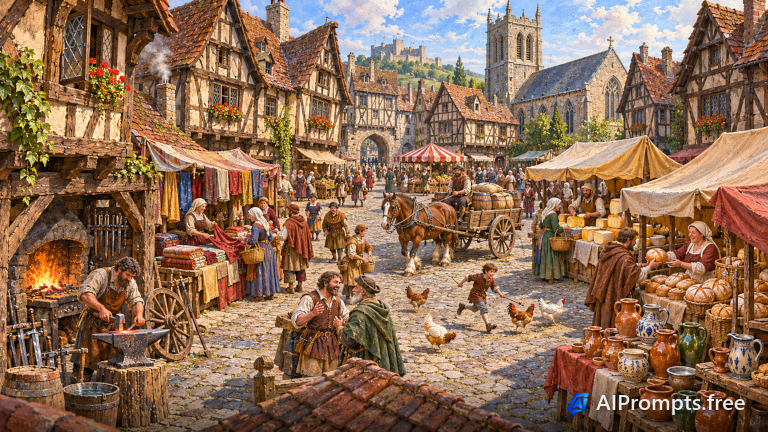
A lively medieval town market beneath timber-framed houses.
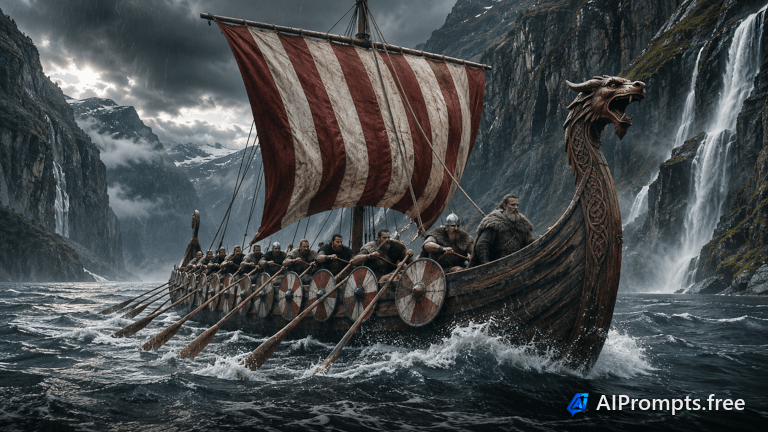
A longship with a striped sail rowing through a stormy fjord.
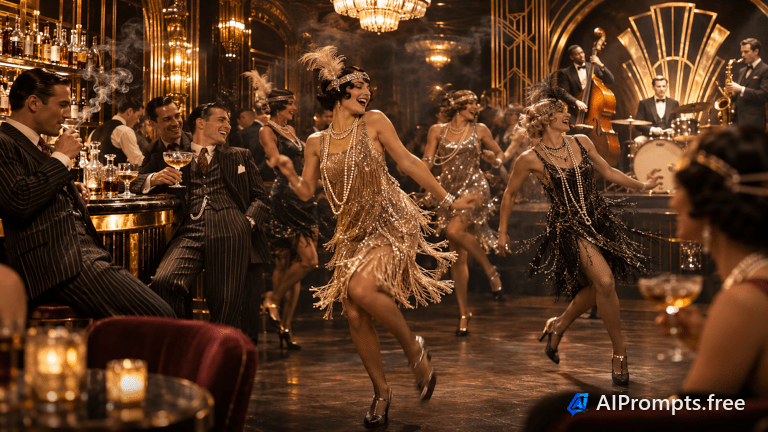
A 1920s speakeasy with flappers, jazz and art deco glamour.
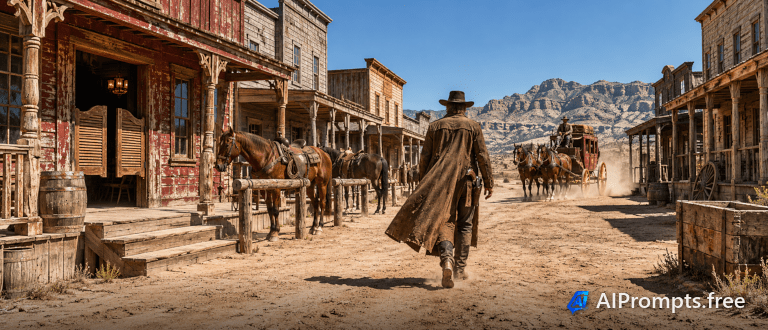
A dusty frontier town with a saloon and horses at high noon.
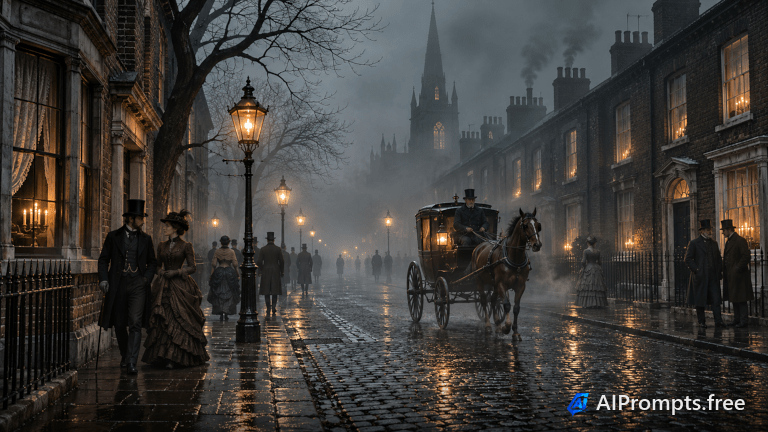
A gaslit cobbled street with horse-drawn carriages in the fog.
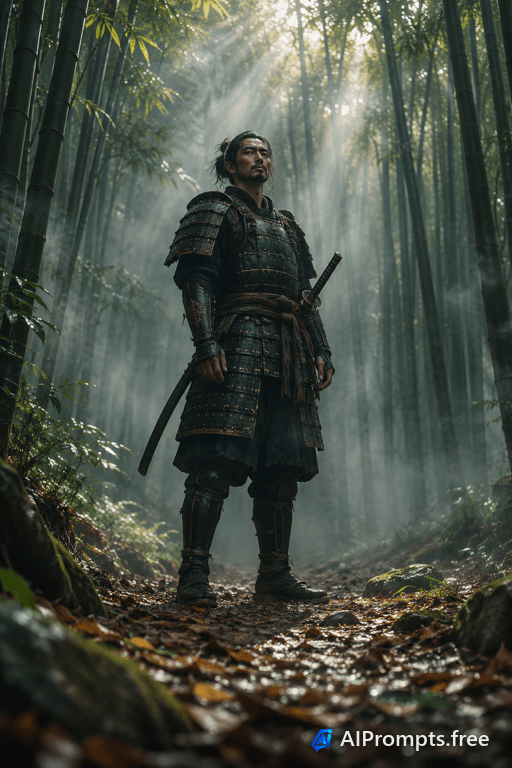
A lone samurai standing in a misty bamboo grove.
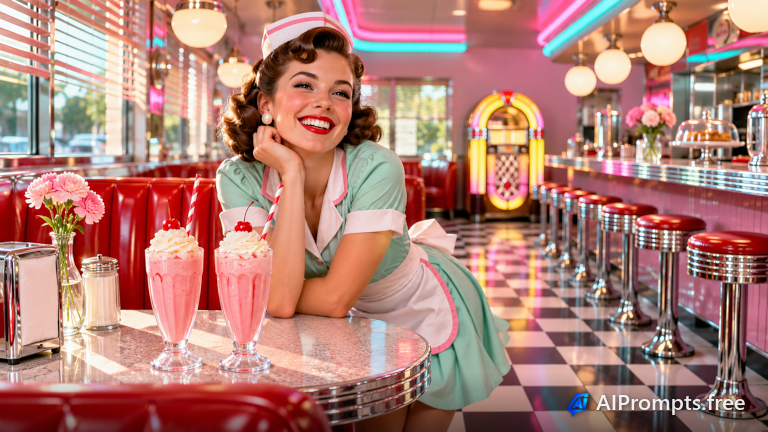
A chrome-and-neon diner with a jukebox and milkshakes.
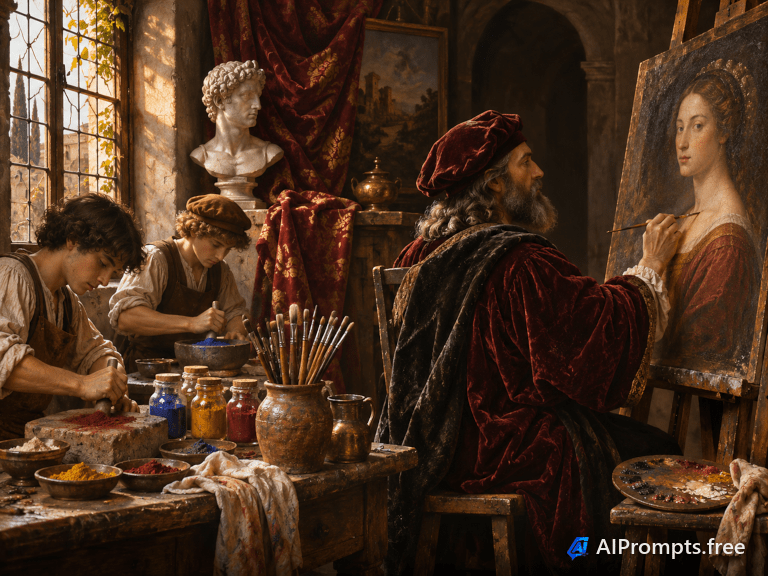
A master painter at work in a candlelit Renaissance studio.
New to image prompts? The Prompt Wizard asks one thing at a time - skip any step you like. Want a head start? Open Templates and pick one of 380. Know what you want? Go straight to Advanced.
Describe your subject - "a golden retriever puppy" beats "a dog" - then choose style, mood, lighting, camera and aspect ratio. The prompt preview updates live, and every choice carries over when you switch modes.
Hit Copy and paste into ChatGPT, Grok, Midjourney, DALL-E, or any image model. Or use Run to open the prompt in your tool directly.
Prefer to browse pre-made prompts? View the image prompt library.
Start by describing what you want to see...